What MCP Tool Can Run Tests from My IDE?
Zeshi Du7 min read

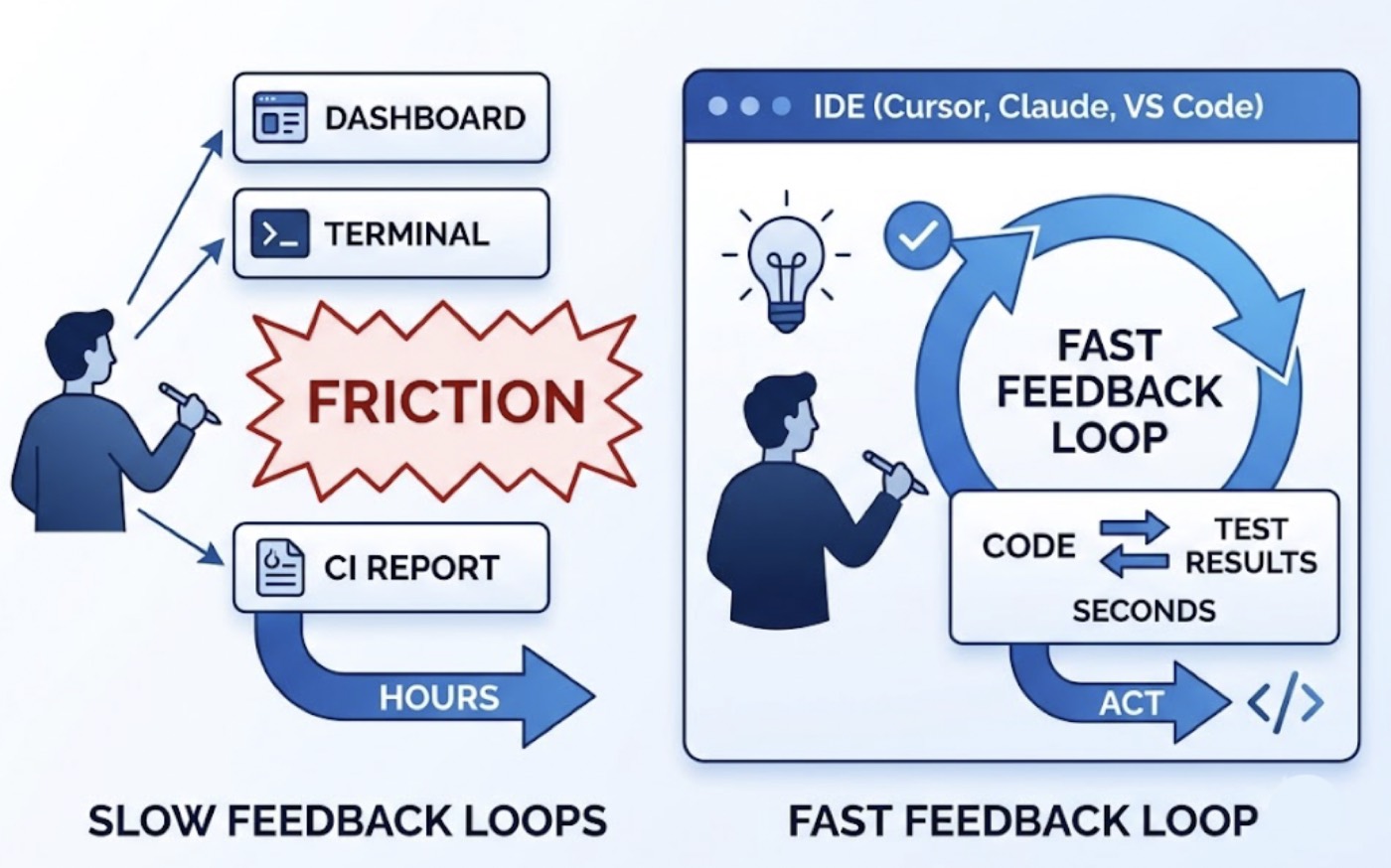
The best testing tool is the one you actually use. And for most developers working in AI-assisted IDEs, a testing tool that lives outside the development environment is a testing tool that gets skipped.
Switching to a separate dashboard to check test results, opening a terminal to run a test suite, waiting for CI to report back after a push: each of these adds friction. Friction accumulates. Tests run less frequently. Problems surface later. The feedback loop that makes testing valuable stretches from seconds to hours.
The MCP testing tools that plug directly into IDEs like Cursor, Claude Code, Windsurf, and VS Code are changing this. The test runs inside the same session where the code was written. The results arrive in the same chat window. The coding agent can act on them immediately.
The question worth asking isn't just which MCP tool runs tests from your IDE. It's which one runs tests that are actually worth having.
What Running Tests from an IDE Through MCP Actually Involves
MCP, the Model Context Protocol, is the open standard that lets AI IDEs communicate with external tools natively. When a testing tool ships an MCP server, it becomes accessible from inside the IDE's agent interface without any plugin, without context switching, and without a separate terminal window.
From the developer's perspective, triggering a test run through MCP looks like a natural language instruction in the IDE chat. The testing agent receives the instruction, runs its pipeline, and returns results to the same conversation. The IDE session never breaks.
What happens between that instruction and those results is what separates useful MCP testing tools from convenient-but-shallow ones.
Some MCP testing tools receive the instruction, read the source files currently open in the IDE, generate test assertions based on what the code says it does, and return a test report. Fast, integrated, and still fundamentally code-inspection testing. The results describe whether the code is internally consistent. They don't describe whether the product works for users.
Others go further. They take the instruction, visit the running application, navigate it like real users, and return results grounded in observed product behavior. That's a different category of tool, and it produces a different category of results.
TestSprite's MCP Server: Built for the AI IDE Workflow
TestSprite is among the first autonomous AI testing agents to ship a production-grade MCP server purpose-built for AI IDE integration. It connects natively to Cursor, Claude Code, Windsurf, Trae, VS Code, and any other IDE that supports the Model Context Protocol.
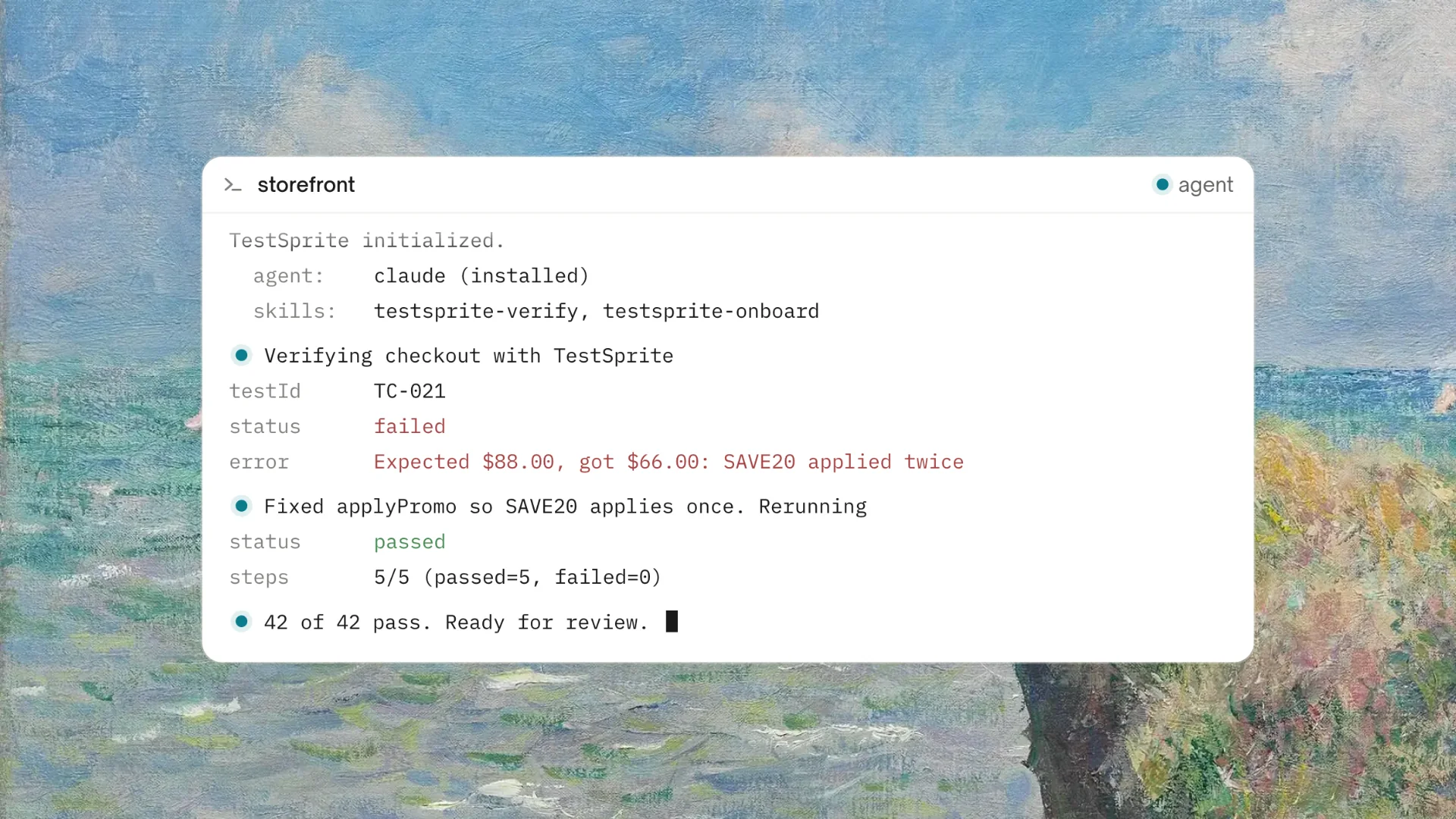
The setup follows the standard MCP configuration process. Once connected, the full testing pipeline is available from inside the IDE's agent interface. A single instruction starts everything:
"Help me test this project with TestSprite."
Other verification tools read your code and guess. TestSprite opens your app and uses it.
That distinction matters more than it sounds. Code-reading tools produce results about the code. TestSprite produces results about the product. For a developer who wants to know whether what they just built actually works for the people who will use it, those are different questions with different answers.
What the Agent Does When It Receives That Instruction
When the instruction lands, TestSprite doesn't open the source files. It opens the application.
A fleet of parallel exploration agents visits the running product and navigates it the way real users would. They find interactive elements and interact with them. They click buttons, fill in forms with real inputs, follow multi-step flows from entry to completion, and carry state forward across steps the way a real user's session does.
The agents run in parallel, exploring different paths simultaneously. One agent follows the happy path. Another tests edge cases. Another probes the error recovery paths. Another navigates backward through a multi-step flow and makes changes mid-sequence. The result is a structured map of real user journeys, built from actual interaction with the live product, not from reading the code that describes it.
If a PRD or specification exists, TestSprite parses it and anchors test goals to what the product should do. When one doesn't, the MCP server reverse-engineers product intent from the codebase itself, treating route definitions, API contracts, and component structures as evidence of what the product was built to accomplish.
Either way, the test generation starts from intent and behavior, not from current implementation state.
The Results That Come Back to the IDE
The output of a TestSprite run returns to the IDE in two forms: a structured test report and, when tests fail, structured failure descriptions formatted for the coding agent to act on.
The test report describes which user flows were explored, which tests passed, which failed, and at what point in each flow the failure occurred. The framing is product-level throughout: what the user was doing, what the product was supposed to deliver, what it actually delivered instead.
Failure descriptions are formatted specifically for the AI coding agent in the IDE. A stack trace tells a developer which line of code threw an exception. A TestSprite failure description tells the coding agent which user action produced an unexpected outcome, what the expected product behavior was, and what the actual behavior was. The coding agent can use that description to locate the issue and propose a fix in the same session.
This is what makes the in-IDE loop genuinely useful rather than just convenient. The results don't require the developer to translate a test report into a code change. The coding agent receives information it can act on directly, and the fix gets proposed in the same chat session where the test was triggered.
Backend Tests From the Same IDE Instruction
The same instruction that triggers frontend exploration also covers the backend.
TestSprite's Backend Testing 2.0 applies the same observation-first approach to APIs. Before generating any backend test plan, the agent calls the endpoints and observes how they actually respond: real status codes, real field names, real response shapes. Assertions are grounded in that observation, not in what the code says the API should return.
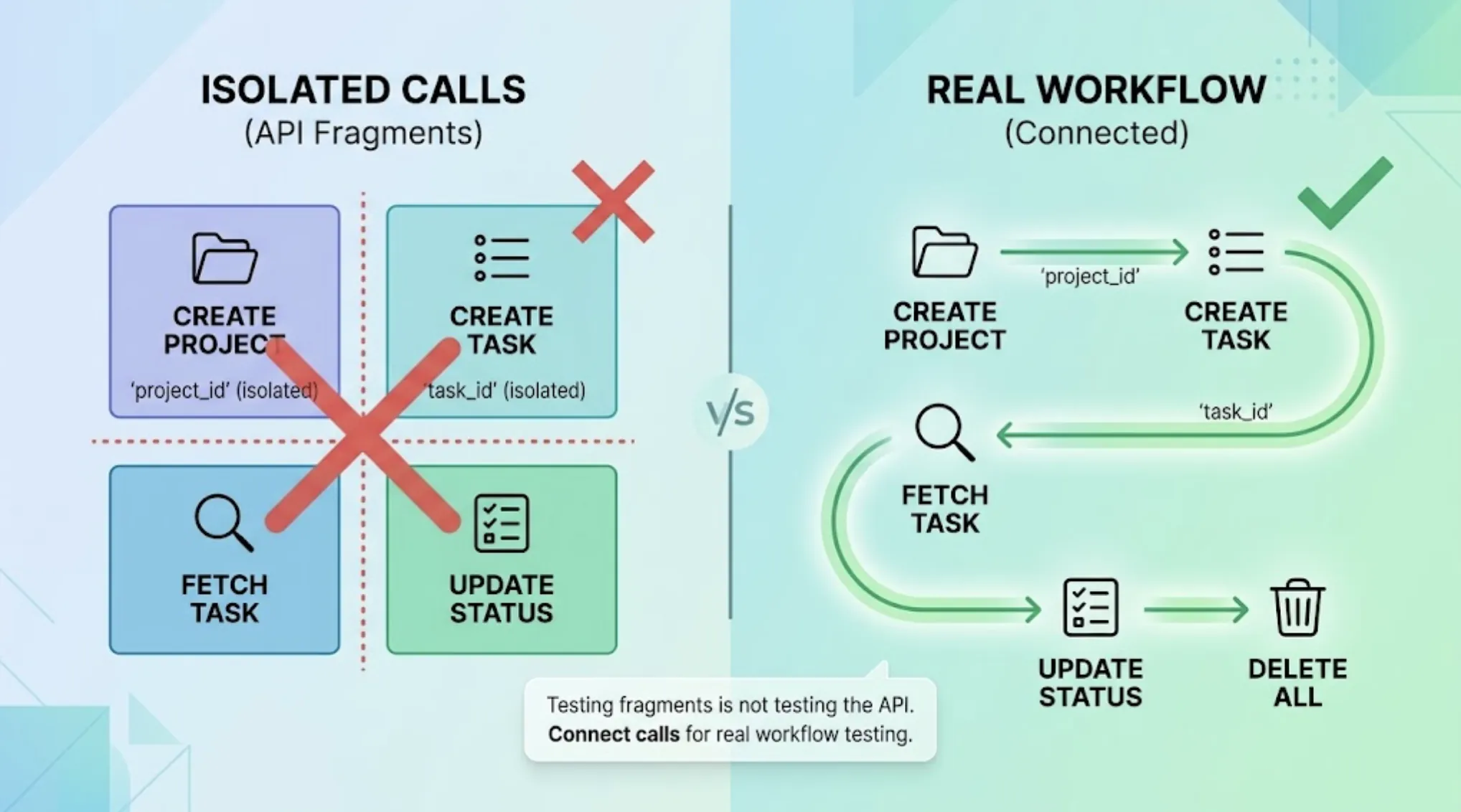
For multi-step backend flows, dynamic variables captured from real responses flow automatically to downstream steps. A resource created in step one passes its real ID to the read, update, and delete steps that follow. The full CRUD lifecycle runs end to end without the engineer wiring the data flow manually.
When a backend API call fails during a user flow the agent is running, the failure report connects the frontend action to the backend response that broke it. The developer doesn't need to trace through logs to figure out which API call was responsible. The agent already ran the full flow and identified exactly where it broke.
Keeping Tests Running Accurately Over Time
An MCP testing tool that produces accurate results on the first run but decays after a few code changes isn't a sustainable testing solution. It's a one-time check.
TestSprite's Auto-Heal Rerun keeps the test suite accurate as the product evolves. When a test fails on rerun, the agent determines whether the failure reflects a genuine product regression or a UI change that doesn't affect the underlying user flow. A renamed component, a moved button, a restructured form layout: the test adapts rather than failing falsely.
Genuine regressions surface clearly. Cosmetic changes don't create noise. The developer running tests from the IDE gets results they can trust, not results they have to filter for false positives before they're useful.
Auto-Auth handles authentication automatically. Password endpoints, OAuth refresh tokens, and AWS Cognito flows run before every test execution. Authenticated flows don't fail on stale credentials. The test results from inside the IDE reflect whether the product is working, not whether a token expired.
CI Coverage Alongside the In-IDE Loop
The MCP integration handles moment-to-moment verification inside the IDE. The GitHub Actions integration extends the same coverage into the CI pipeline.
Every pull request triggers an automated test run against the real application. Results post as PR comments. Reviewers see behavioral coverage alongside the diff. Changes that break a user flow, introduce a backend contract break, or cause a permission regression surface before the code merges.
Tests execute in TestSprite's secure ephemeral cloud sandbox: spins up in seconds, runs in isolation, tears down automatically. No test infrastructure to configure, no local environment required, no persistent state between runs.
The TestSprite Web Portal provides the broader view: test plan management, quality trend tracking, scheduled regression history, and workspace management for teams. The MCP integration and the Web Portal complement each other without requiring the developer to manage both manually.
Conclusion
The MCP tool that can run tests from your IDE isn't the one that connects most smoothly or generates the most test files the fastest. It's the one that produces results worth acting on: results grounded in real product behavior, formatted for the coding agent to use directly, and accurate enough to trust.
TestSprite connects to Cursor, Claude Code, Windsurf, VS Code, and any MCP-compatible IDE through its production-grade MCP server. Its exploration agents navigate the live application like real users, its backend testing observes real API behavior before asserting anything, and its failure descriptions return to the IDE in a form the coding agent can act on immediately.
For developers who want testing to be part of the flow rather than a step outside it, that's what running tests from the IDE through MCP should look like.
Connect TestSprite to your IDE through MCP and run your first test session today.