Changelog

3.0.0
Major ReleaseEngine Update

TestSprite 3.0: Frontend Fleet, Backend Rebuild, Feature Map & Fixtures

Testing Engine

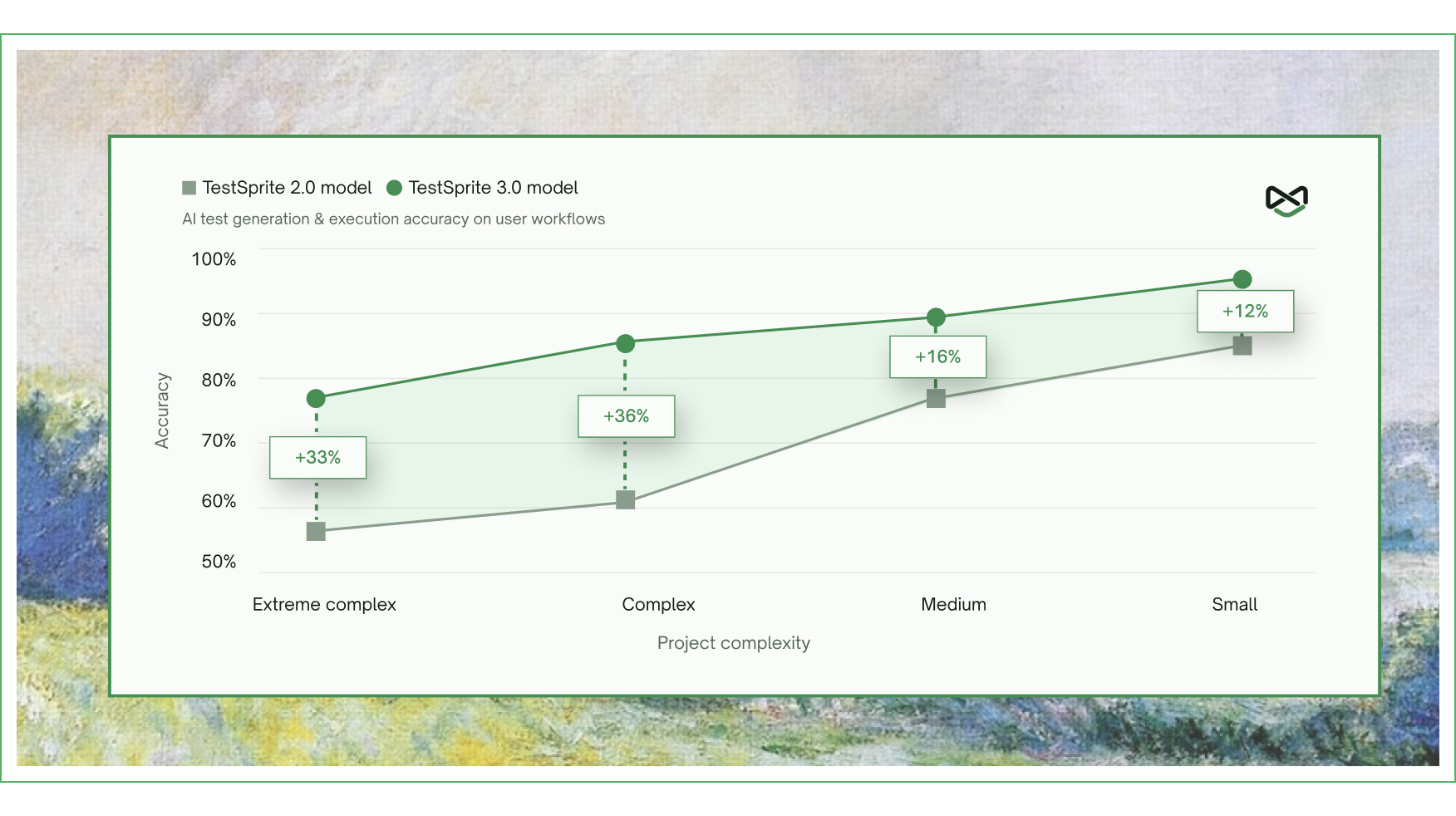
Significantly improved accuracy and reliability of generated tests across every level of project complexity. Accuracy jumped nearly 40% on the hardest projects, with consistent results across multiple runs of the same generation.
Launched the Editable Feature Map — upload your PRD or product spec, and TestSprite auto-extracts a full feature map of your app, covering every flow, dependency, and edge case. The map is fully editable and serves as the ground truth driving test generation downstream.

Launched File Uploads & Fixtures — upload your own files once at the project level (CSVs, JSON, PDFs, images) and TestSprite automatically wires them into both frontend and backend tests at runtime. Bring real data to your tests without scripting around it.

Frontend Testing

Launched the parallel exploration fleet — TestSprite now dispatches a fleet of AI agents into your live app to explore it concurrently, clicking through every flow like real users before a single test is written. Tests are generated from what the agents actually find, not from inferring intent from source code.

Tests now auto-heal when your UI drifts, keeping suites green through real product change.

Backend Testing

Rebuilt the backend testing engine from the ground up. Added support for multi-dependency integration tests across complex API chains. Introduced Dynamic Variables for cross-test resource reuse and Auto Cleanup that wipes test-created resources after every run. Added Auto-Auth and Smart Rerun for stable nightly regression.
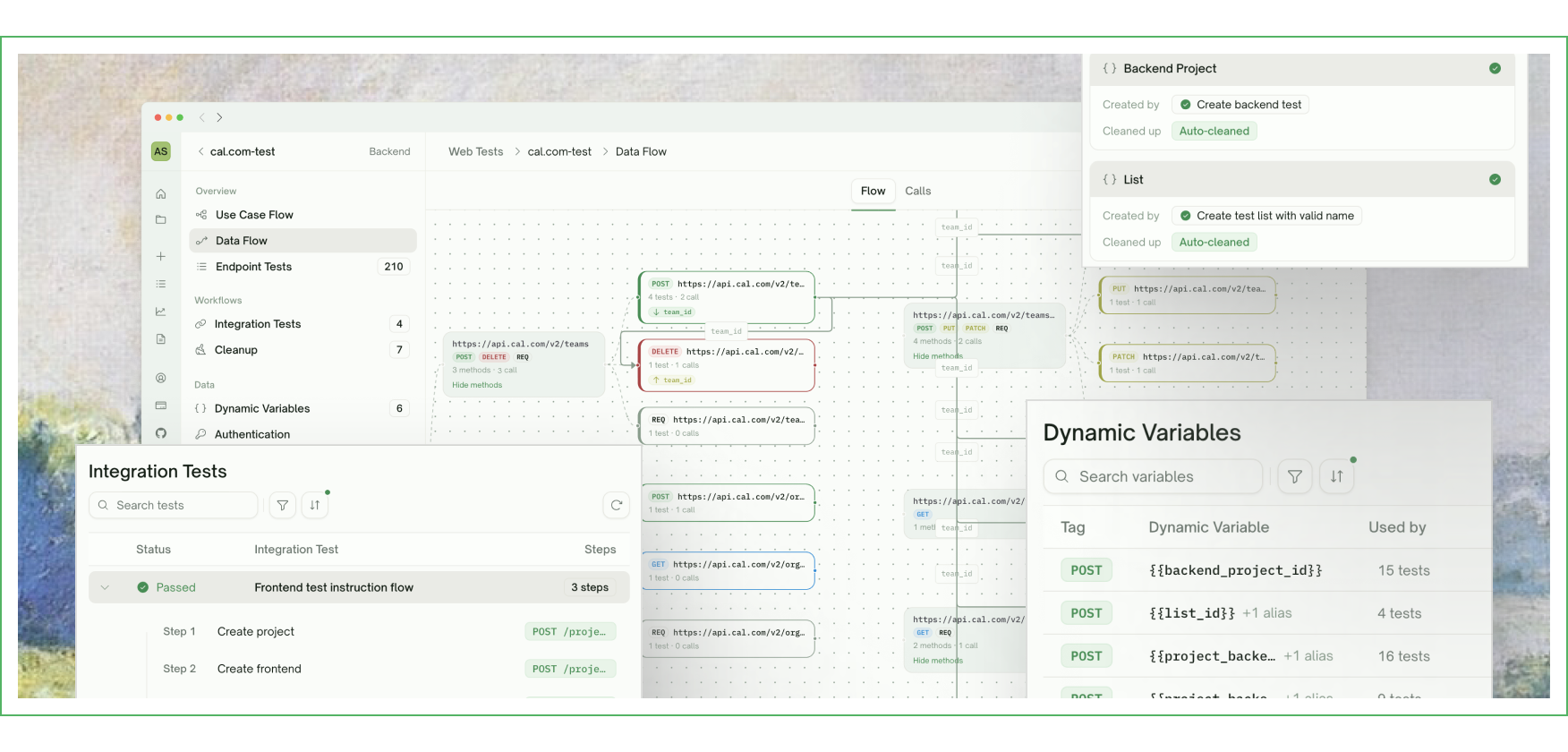
Launched a new Data Flow view that traces every API invocation under different input scenarios — making debugging agent-generated tests feel like debugging your own code.

Web Portal

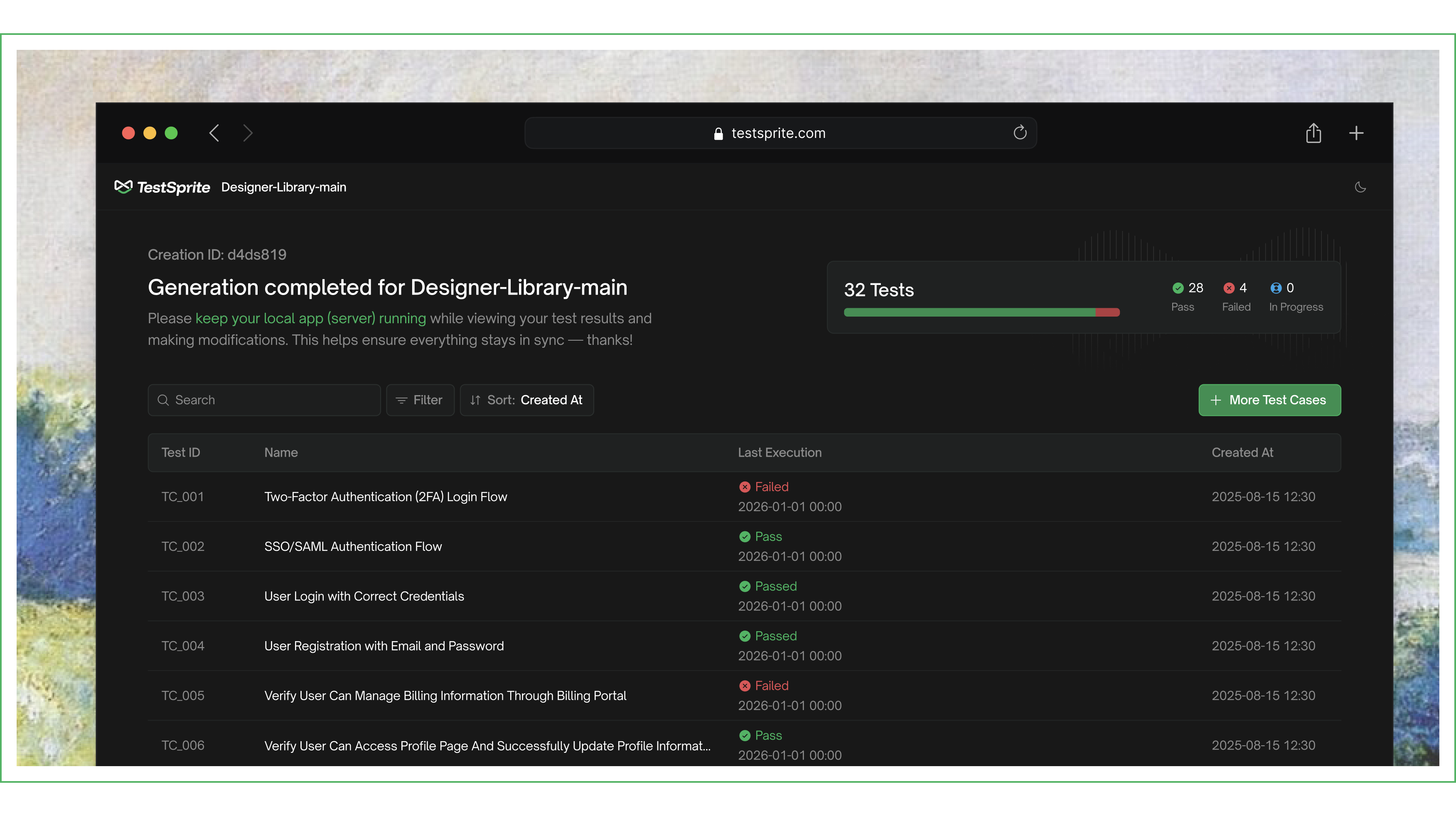
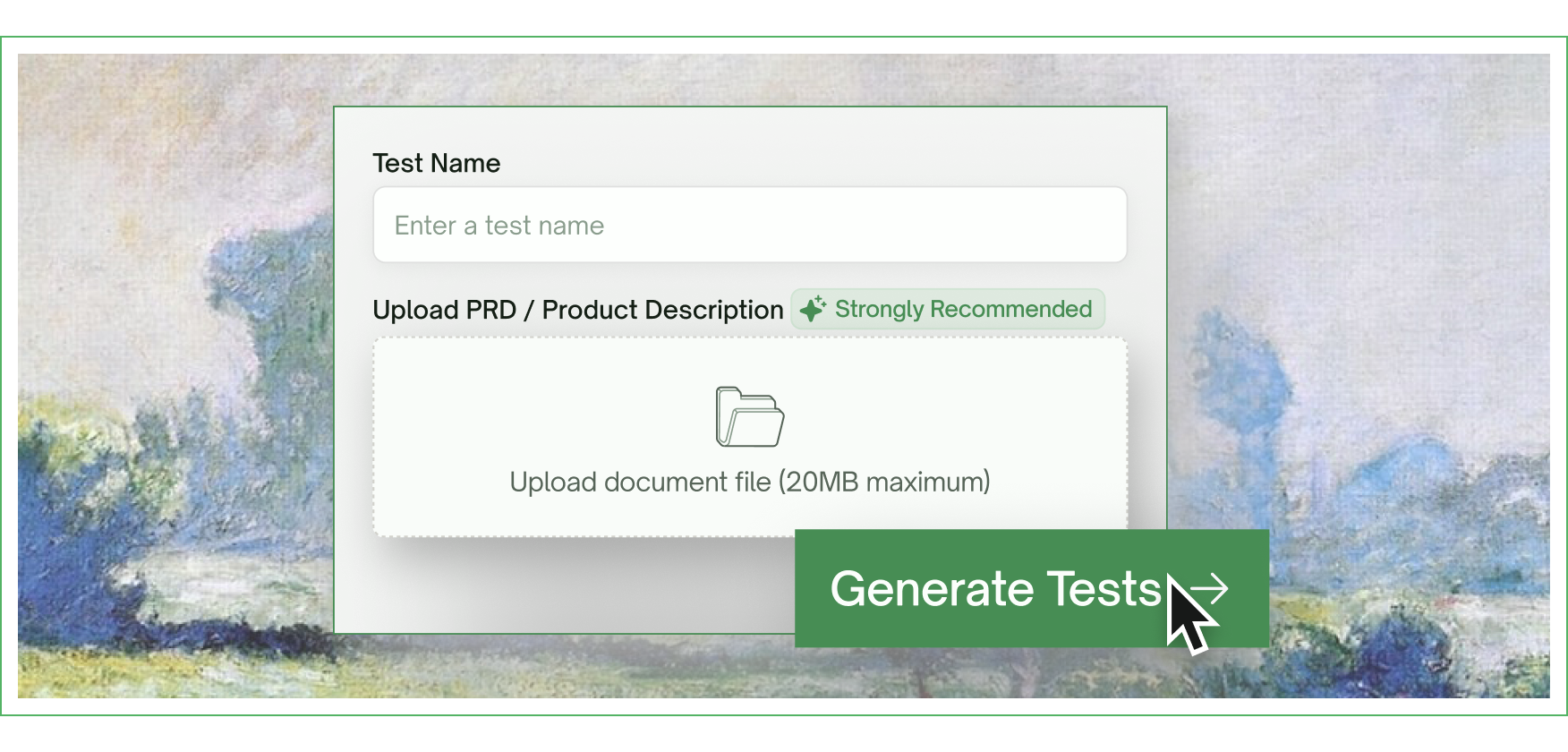
Updated the test creation flow to support PRD upload alongside URLs and API endpoints. Added a new Files & Fixtures section at the project level for uploading reusable test data. Redesigned the test result view to surface what broke and how to fix it. Added new visualizations for the Feature Map and Data Flow view.
Coming Soon

A TestSprite CLI for developers using Claude Code, OpenAI Codex, and other AI coding agents is in active development — bringing TestSprite right into your terminal.
2.1.1

Light Mode, Billing Portal & MCP Stability

Web Portal

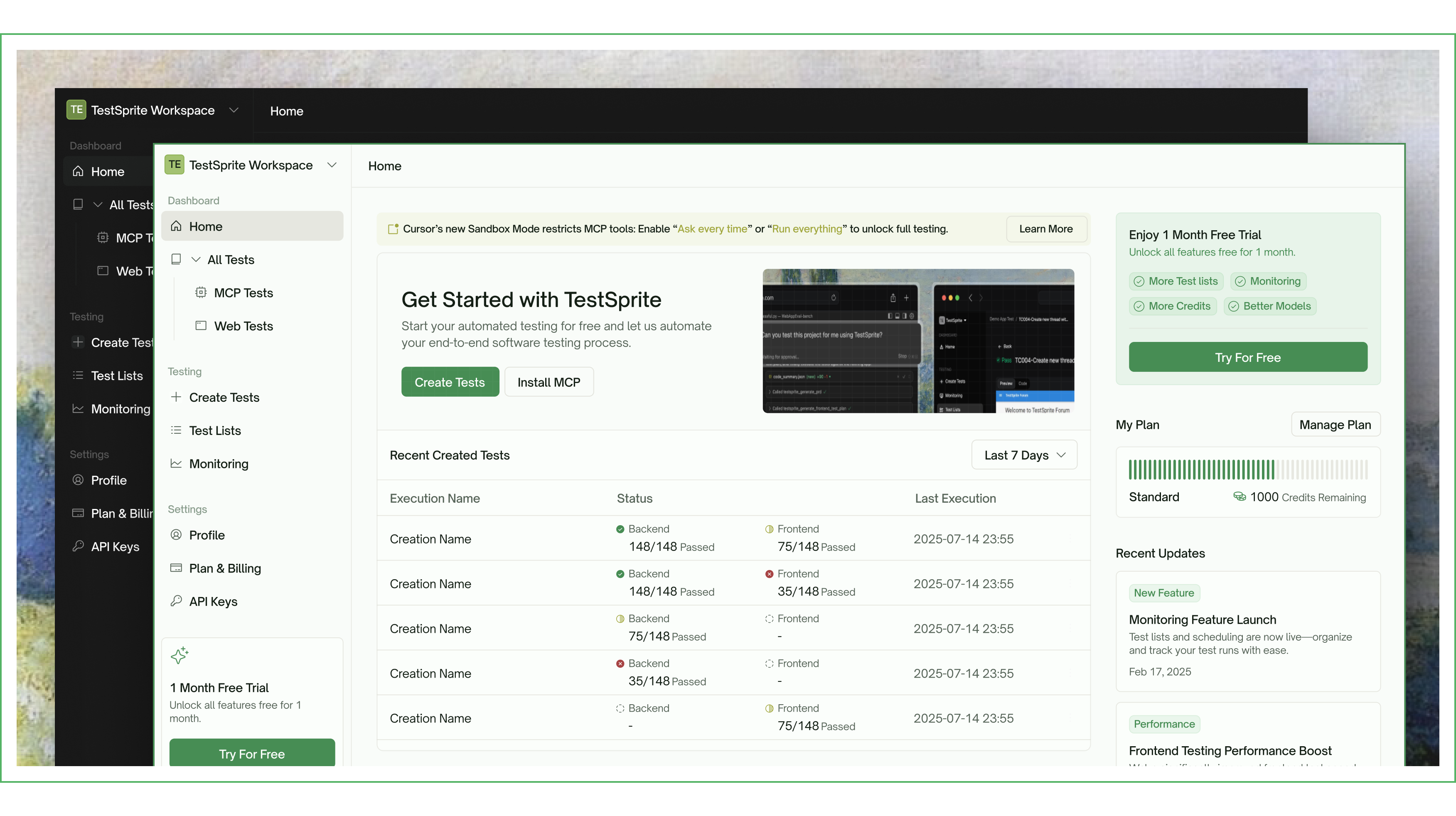
Launched full light mode with automatic color scheme detection. Refreshed icons, status indicators, and dropdown styles across the dashboard. Redesigned the dashboard homepage banner with new branding. Improved page layouts for better readability on large screens. Overhauled side navigation, header bars, overview cards, and data tables for visual consistency.

Redesigned the Create Test modal with a cleaner selection UI and streamlined routing. Updated banner titles and descriptions for MCP and Web Tests pages.

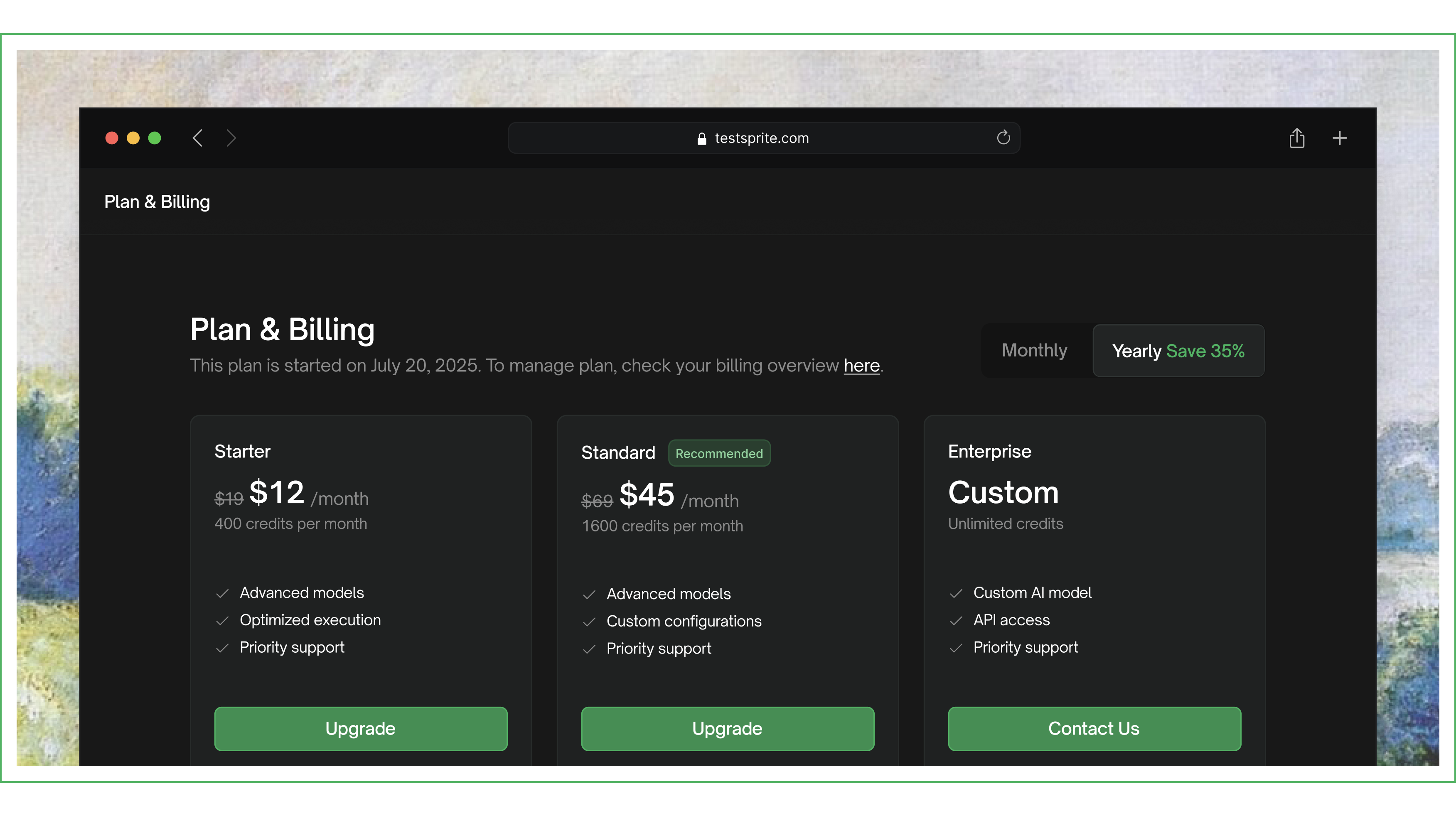
Integrated self-service billing portal for managing subscriptions, invoices, and payment methods.

MCP Plugin

Updated the MCP dashboard with new branding, fonts, and icons. Added a theme toggle dropdown with polished interaction states.

Improved connection stability and execution responsiveness. Streamlined the execution flow by consolidating tools. Added a tool for validating API key and account status.

2.1.0

GitHub Integration & Test Modification Dashboard

Web Portal

Launched the GitHub App settings page with repo configuration management. Added GitHub Action test overview and individual test result pages. Implemented repository config editing, disconnect flow, and unsaved changes warnings.

Added per-test delete with confirmation modal. Replaced the three-dot overflow menu with an explicit Edit button. Simplified delete UX with clearer messaging.

MCP Plugin

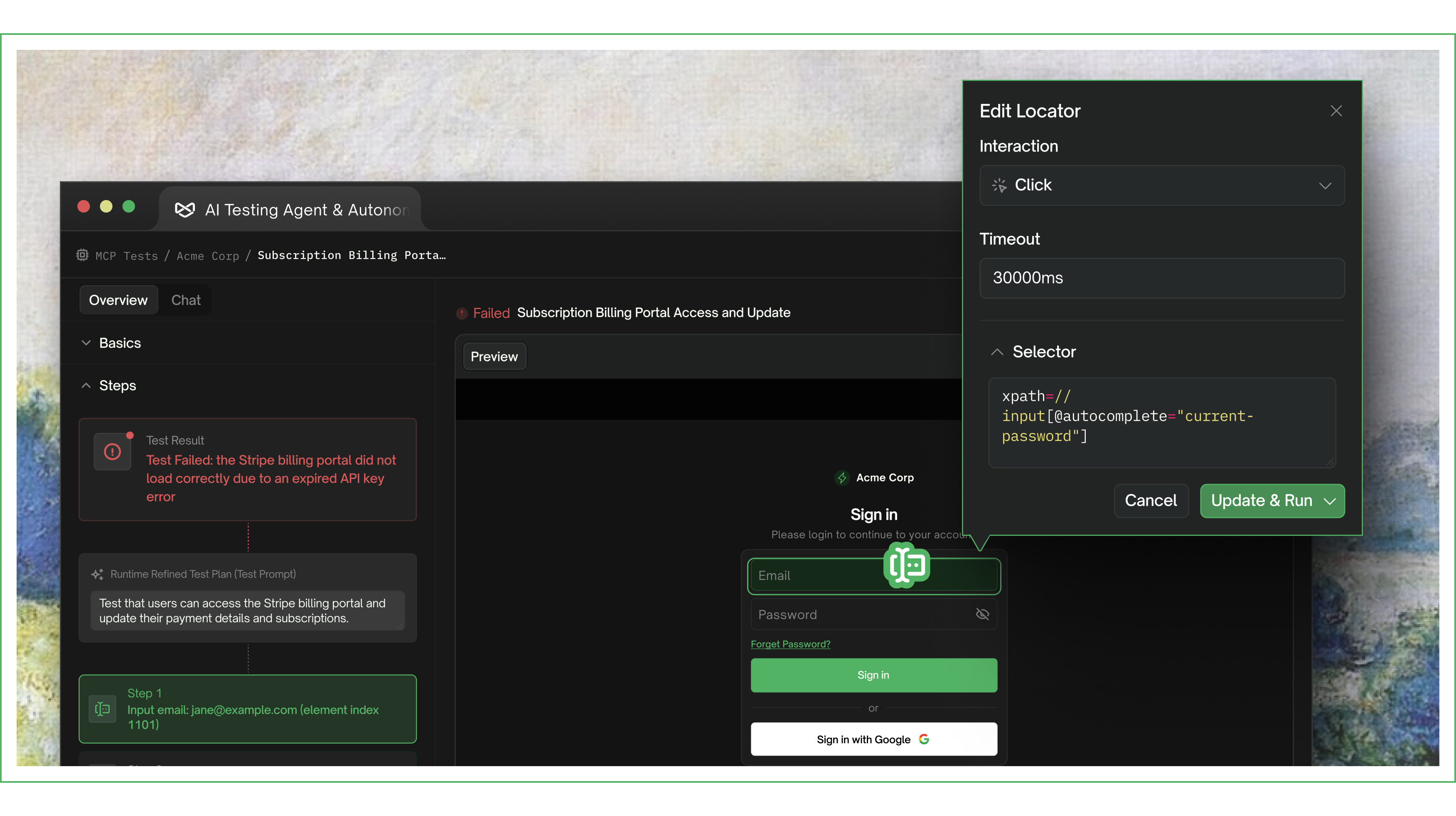
Launched the Test Modification Dashboard — edit test steps, re-run from any step, and view real-time results. Enabled editing of all steps, including previously failed steps. Added an Add More Cases prompt after execution completes. Test case status now persists across sessions.

Improved progress tracking during test execution. Upgraded the code summary engine for more structured and accurate analysis.

2.0.19

Local Execution & MCP Project Deletion

Web Portal

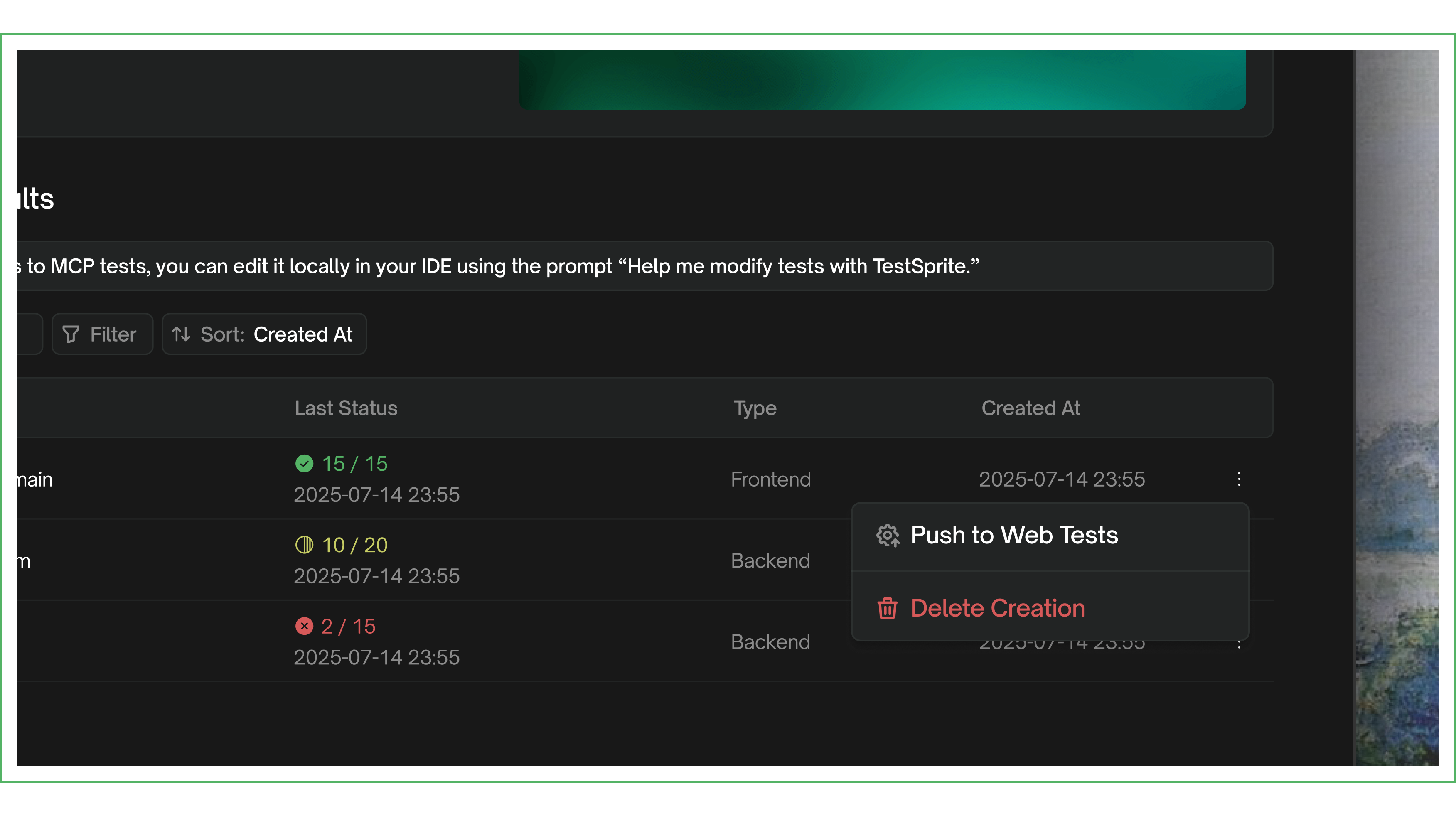
Added the ability to delete MCP projects directly from the web portal dashboard.

MCP Plugin

Introduced a local execution page with a popup window for running test cases. Added real-time result updates in the execution view.

2.0.18

Linux Support & Dashboard Refinements

Web Portal

Visual and design refinements across the dashboard, improving overall polish and consistency.

MCP Plugin

Added Linux platform support, expanding the MCP plugin to all major operating systems.

2.0.17

Yearly Billing & New Brand Identity

Web Portal

Launched yearly billing as the default payment option. Refreshed the payment UI and updated pricing across the platform.

MCP Plugin

Updated to the new TestSprite logo across all surfaces of the MCP plugin.

2.0.13

Full Dashboard Overhaul & MCP Tests Launch

Web Portal

Comprehensive UI overhaul across all dashboard pages — navigation, testing flows, monitoring, settings, billing, and auth. Updated site favicon and logo to new branding. Redesigned payment setup flow.

Launched the MCP Tests section in the web portal dashboard, giving users visibility into MCP-run tests alongside web tests.

MCP Plugin

Added a pathname parameter for targeting specific pages during testing, enabling more precise test scoping.

Introduced the rerun with prompt tool for targeted test re-execution, allowing users to modify and re-run specific test scenarios.

2.0.9

Test Sharing, File Support & Re-run

Web Portal

Built MCP test sharing with shareable URLs and access control. Added frontend file support in the testing flow. Implemented file size validation for document uploads. Improved error handling across testing workflows.

MCP Plugin

Launched frontend test re-run for iterating on test results, allowing users to quickly refine and re-execute tests.

Introduced a redesigned test report with improved structure and readability.

2.0.7

Onboarding Refresh & Re-run Tool

Web Portal

Refreshed the welcome modal and onboarding flow. Added MCP tests to the Recent Created Tests section. Added an empty state placeholder for MCP tests.

MCP Plugin

Added re-run tool for test re-execution, enabling users to quickly retry failed or modified tests.

Refined progress bar behavior and end-of-test messaging. Improved error messages for API key issues to help users resolve authentication problems faster.