Can I Test My Project with an AI Agent Using Natural Language?
Zeshi Du6 min read

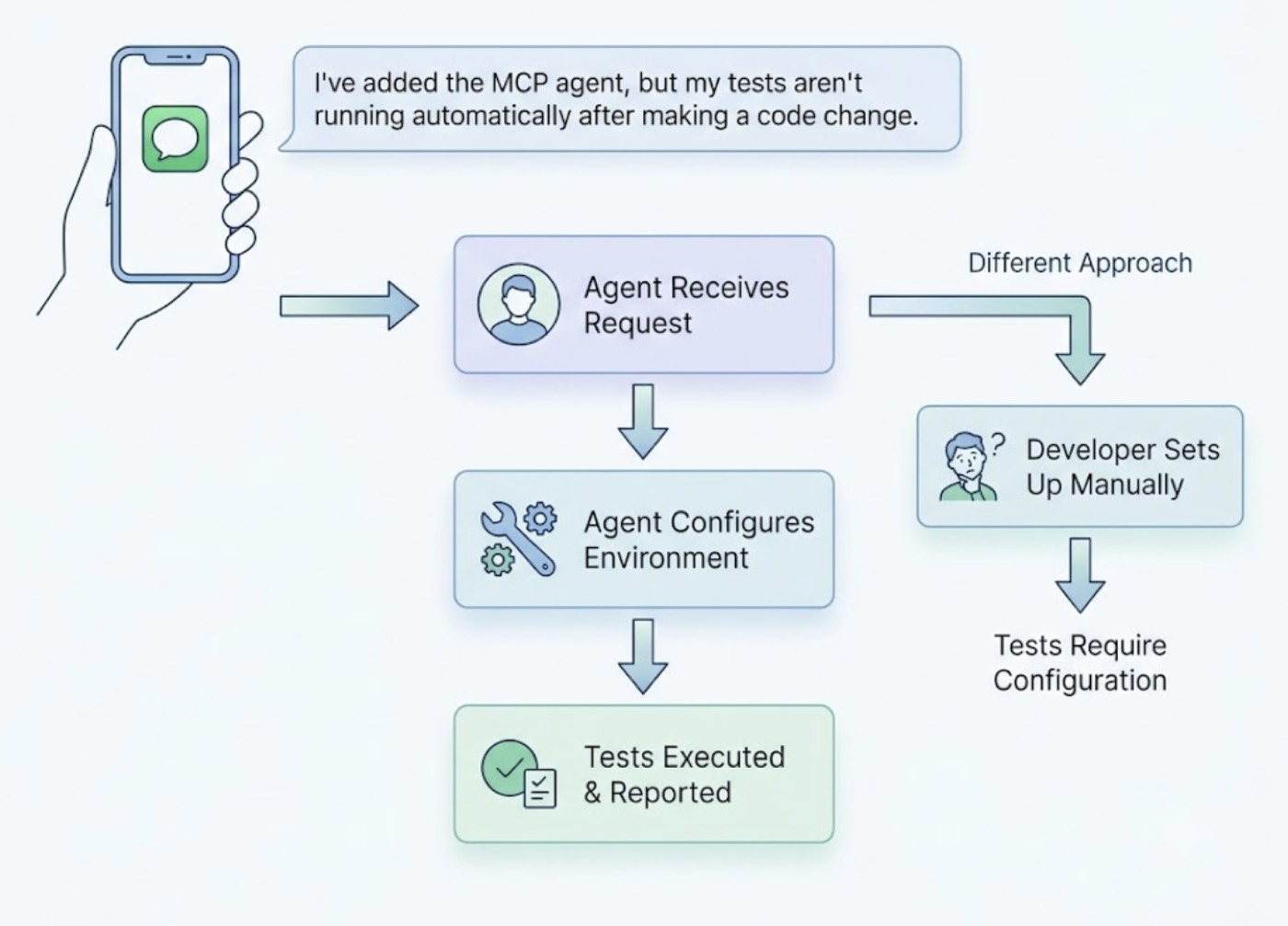
Yes. One sentence is all it takes.
"Help me test this project with TestSprite."
That instruction, typed into the chat interface of Claude Code, Cursor, Windsurf, or any MCP-compatible AI IDE, kicks off a fully autonomous testing pipeline. The developer doesn't configure a test runner, write a test file, or specify which flows to cover. The agent takes it from there.
The more interesting question isn't whether it's possible. It's what actually happens after that sentence goes in, and why it produces something fundamentally different from other tools that also accept natural language inputs.
Natural Language In Doesn't Guarantee Useful Results Out
A lot of testing tools accept natural language. They take a description of what to test, translate it into test code, and run that code against the source files. The interface is conversational. The verification is still code-layer.
The limitation shows up quickly. A developer types "test my checkout flow" and the tool reads the checkout component, identifies the relevant functions, and generates assertions that verify each function returns an expected value. The test passes. The checkout flow has a bug that only appears when a real user fills in a specific combination of inputs and navigates backward before submitting. The bug reaches production.
The natural language interface made the tool easier to use. It didn't change what the tool verified.
Useful results from natural language testing require an agent that takes the instruction and goes and does the thing, not one that translates the instruction into code assertions.
What "Help Me Test This Project" Actually Triggers
When that instruction reaches TestSprite through its MCP server, the response isn't a test file. It's a testing session.
Other verification tools read your code and guess. TestSprite opens your app and uses it.
A fleet of parallel exploration agents visits the running application and navigates it the way real users would. They don't read the source files to figure out what to test. They visit the live product, discover what it does by interacting with it, and build a structured map of real user journeys from that interaction.
They click buttons. They fill in forms with real inputs, not placeholder values. They move through multi-step flows from entry to completion. They try the paths a happy-path user takes and the paths a frustrated or curious user takes. They carry session state forward across steps the same way a real browser session does.
If a PRD exists, TestSprite parses it and anchors the exploration to what the product is supposed to do. If one doesn't, the MCP server reverse-engineers product intent from the codebase itself, using route definitions, API contracts, and component structures as evidence of design intent. The agents explore the product against that intent model, not against the current implementation.
A Scenario: One Sentence, One Session, One Bug Found
A developer finishes a refactor of their SaaS application's settings page using Cursor. The AI has reorganized the form layout, cleaned up some validation logic, and updated how preferences are saved. Everything looks right in the diff.
Before pushing, the developer types a single instruction in the Cursor chat:
"Help me test this project with TestSprite."
The exploration agents navigate to the settings page and begin working through it the way a real user would. They fill in the account name, update the email address, change the notification preferences, and save.
On the first run, they find that saving the form triggers a success message as expected, but the updated email address doesn't persist when the page is refreshed. The save handler correctly writes the other preferences but silently drops the email update because a validation check in the refactored code is discarding the value before it reaches the write function.
The code doesn't error. The UI shows success. Only a user who saves and then checks their profile would notice. Code-layer testing would have passed because the save function ran and the success message appeared.
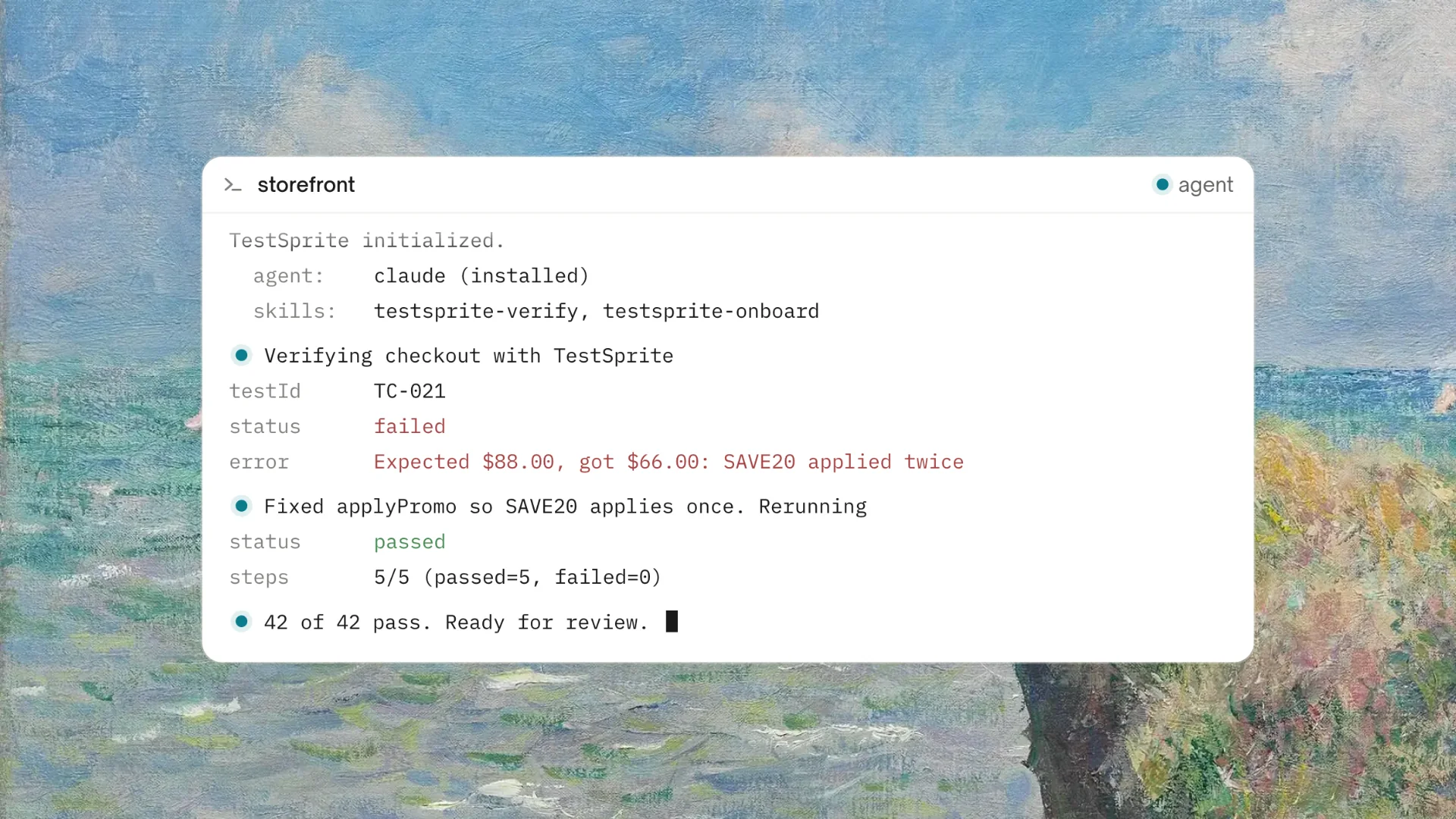
The failure returns to the Cursor chat in structured form: which field was updated, what the expected persistent value was, what the page showed after refresh. The coding agent uses that description to locate the dropped validation and propose the fix in the same session. The developer reviews, applies, and types the instruction again to confirm the fix works.
One sentence triggered the full loop.
From Natural Language to Backend Coverage
The natural language instruction doesn't only cover what's visible on screen. It covers the API layer too.
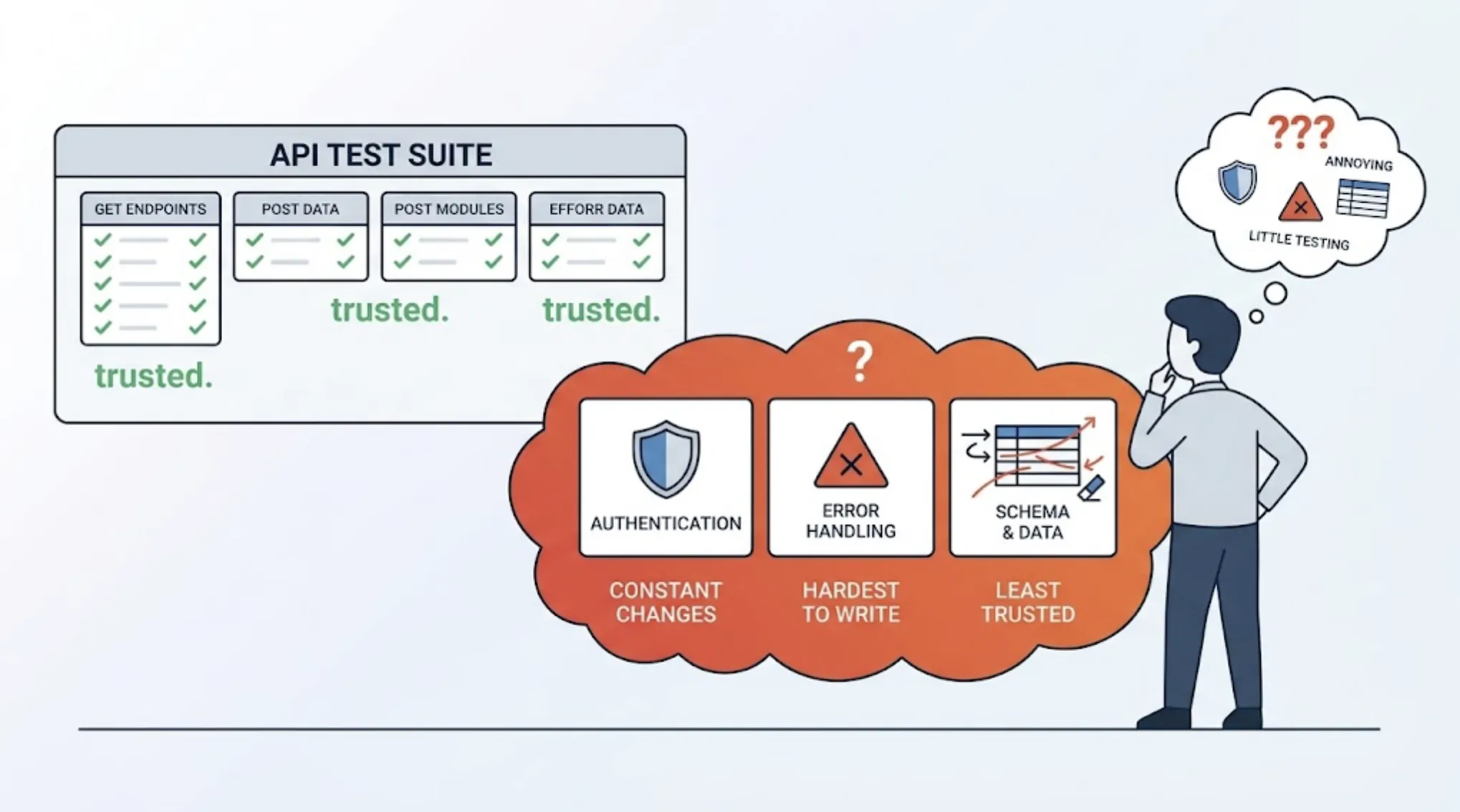
TestSprite's Backend Testing 2.0 extends the same observation-first approach to APIs. Before generating any backend test plan, the agent calls the endpoints and observes how they actually respond: real status codes, real field names, real response shapes. Every assertion is grounded in observed behavior.
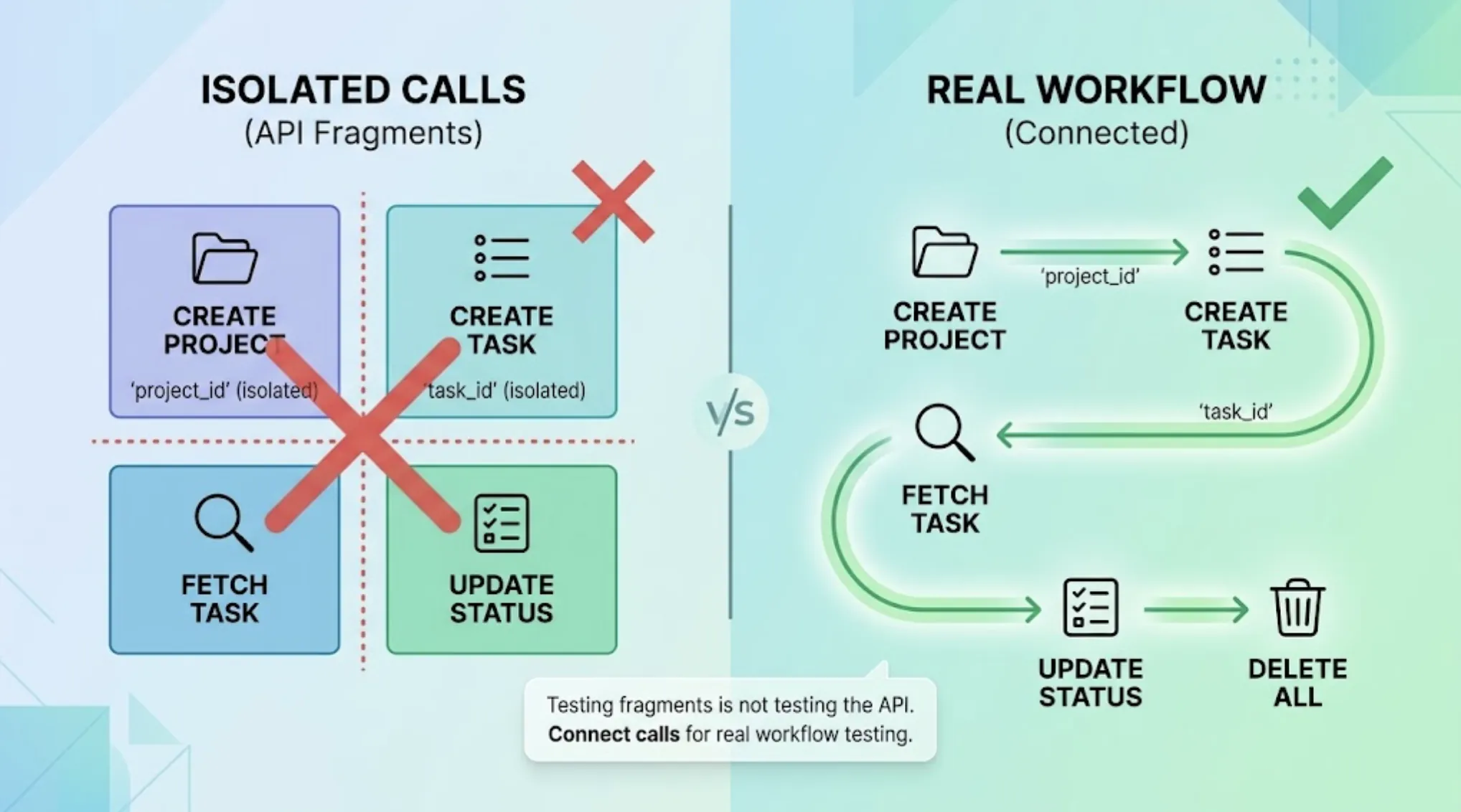
For multi-step backend flows, dynamic variables from real responses, a created resource's ID, a returned session token, pass automatically to downstream steps. The full sequence runs end to end. A backend failure that only appears when two endpoints are called in a specific order surfaces as a concrete finding, not a vague assertion error.
When the natural language instruction covers a flow that depends on authenticated API calls, Auto-Auth handles the authentication layer. Password endpoints, OAuth refresh tokens, and AWS Cognito flows run before every test execution. The agents arrive at authenticated states through the real login flow, the same way real users do.
Results That the Coding Agent Can Use
The output of a natural language test session isn't a test report to read. It's structured information the coding agent can act on.
When tests pass, the developer has confirmation that the flows the agents explored work correctly in the running product. When tests fail, the failure description arrives in the IDE chat formatted for the coding agent: what user action was taken, what the expected outcome was, what the product actually produced. The coding agent uses that to locate the issue and propose the fix in the same session.
This is the closed loop that distinguishes natural language testing at the product layer from natural language testing at the code layer. Code-layer failures require the developer to translate a test report into a code change. Product-layer failures give the coding agent enough context to act directly.
Auto-Heal Rerun handles the cases where a UI change causes a test to fail for structural rather than behavioral reasons. A renamed component, a moved element, a refactored layout: the test adapts rather than failing falsely. The developer receives results worth trusting, not results to filter before they're useful.
For continuous integration, the GitHub Actions integration brings the same pipeline into every pull request. Automated product-layer coverage runs before any code merges. Results post as PR comments.
Conclusion
Testing a project with an AI agent using natural language is possible today, and the experience is meaningfully different from earlier testing approaches. One instruction inside the IDE triggers a testing session that covers the full product surface, runs real user flows against the live application, and returns results structured for the coding agent to act on directly.
The distinction that makes it useful rather than just convenient is what the agent does with the instruction. TestSprite navigates the running product like a real user. It doesn't translate the instruction into code assertions. It runs the flows, observes the outcomes, and reports what it found in product-level terms.
For developers who want verification to be as fast as the AI coding tools that produce the code in the first place, that's what natural language testing with an AI agent should actually deliver.
Test your project with TestSprite using a single instruction inside your AI IDE today.