TestSprite 3.2: GitHub, Slack, Jira & Linear, SSO sign-in, and a live run map
Integrations
Connect GitHub, Slack, Jira, and Linear once per workspace, under Workspace Settings → Connections → Integrations, and each project then picks where its tests run from and where its results go. Only workspace Owners and Admins can connect or disconnect a tool.
Rebuilt the GitHub integration around the CI you already run. A trigger waits for the signal your pipeline sends once a deployment is live, like a check finishing, a workflow run completing, or a deploy bot's comment, then tests that pull request's preview URL or the environment a branch deploys to. Results post back as a comment on the pull request and a TestSprite check. Send Test Event tries a trigger on a real pull request before you save it, and Block PR until tests pass holds the merge until the suite is green.
Launched Slack notifications. Every completed run, whether manual, scheduled, triggered from GitHub, or started from the CLI, posts a summary to the channel each project picks, public or private. Available on every plan.
Launched ticketing for Jira and Linear. File a bug ticket from any failed or blocked test in one click, or have TestSprite file one for every failure in a run. Each ticket carries the probable cause, the error, and a link back to the run. The same failure is never filed twice, and when the test passes again, TestSprite posts a recovery comment on its ticket. Ticketing is included on selected plans.
Sign-in
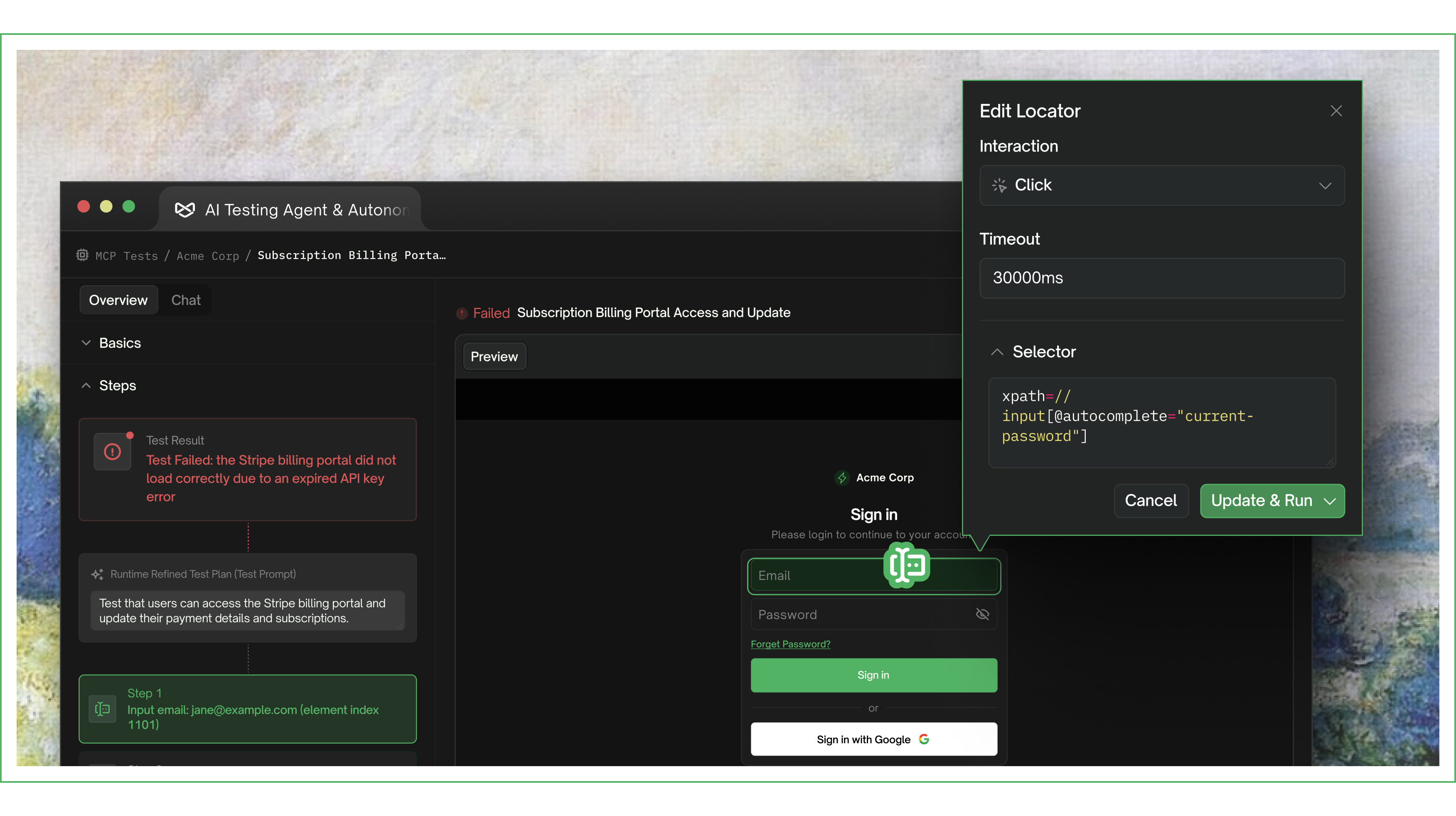
Added SSO sign-in for UI projects, in beta. For apps behind single sign-on like Sign in with Google, or behind a login that blocks automated sign-in, a live browser opens inside TestSprite. You sign in once yourself, and TestSprite keeps the session, so feature exploration and every run start signed in. When the session expires, Log in again opens the browser for a fresh one.
Live runs
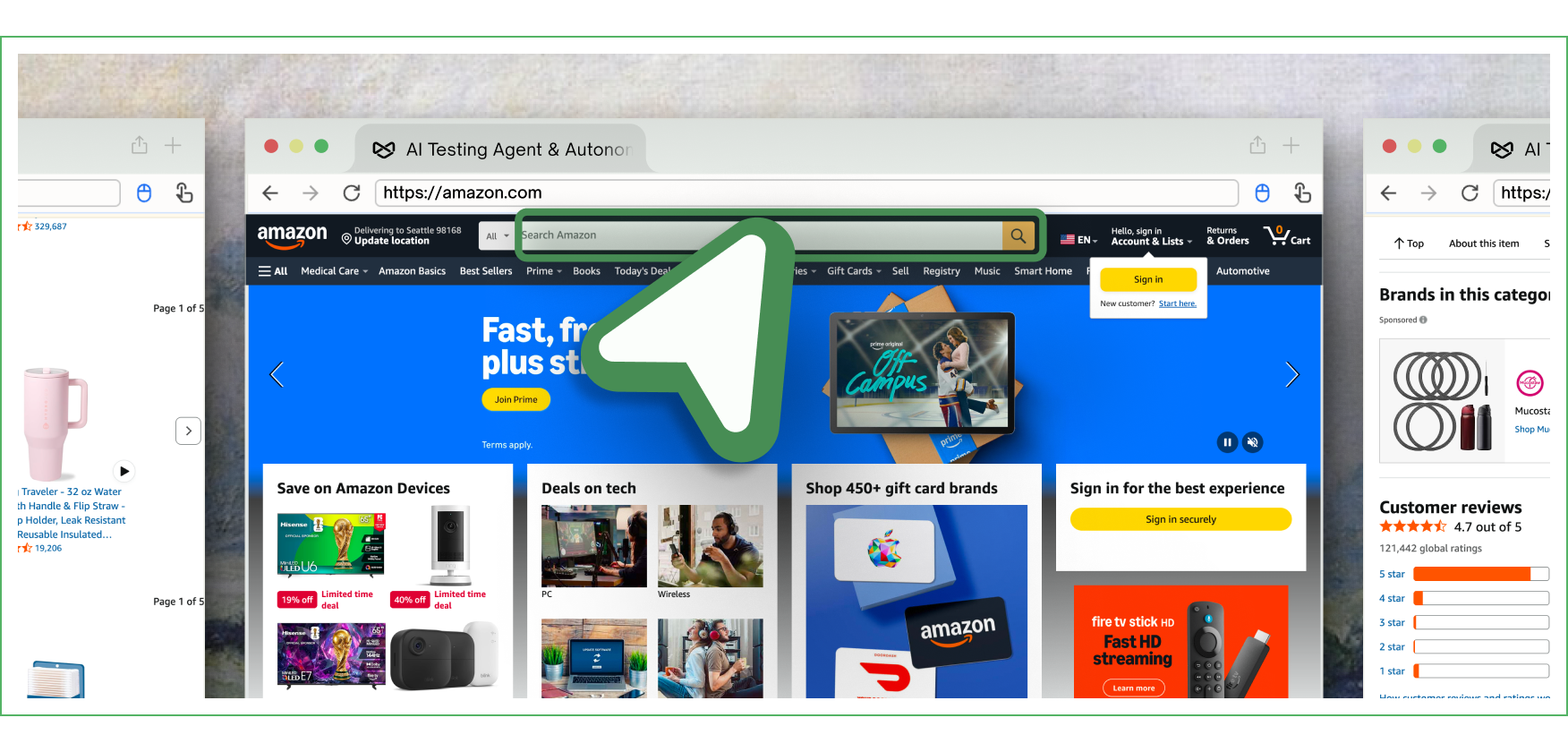
Redesigned the Agent Action View, where a UI run opens. While tests run, each one is drawn on a single map of your app as it moves from page to page. Every page the agents reach stays on the map, with what they did there and where anything broke. When the run finishes, the report and the List View unfold above the map.
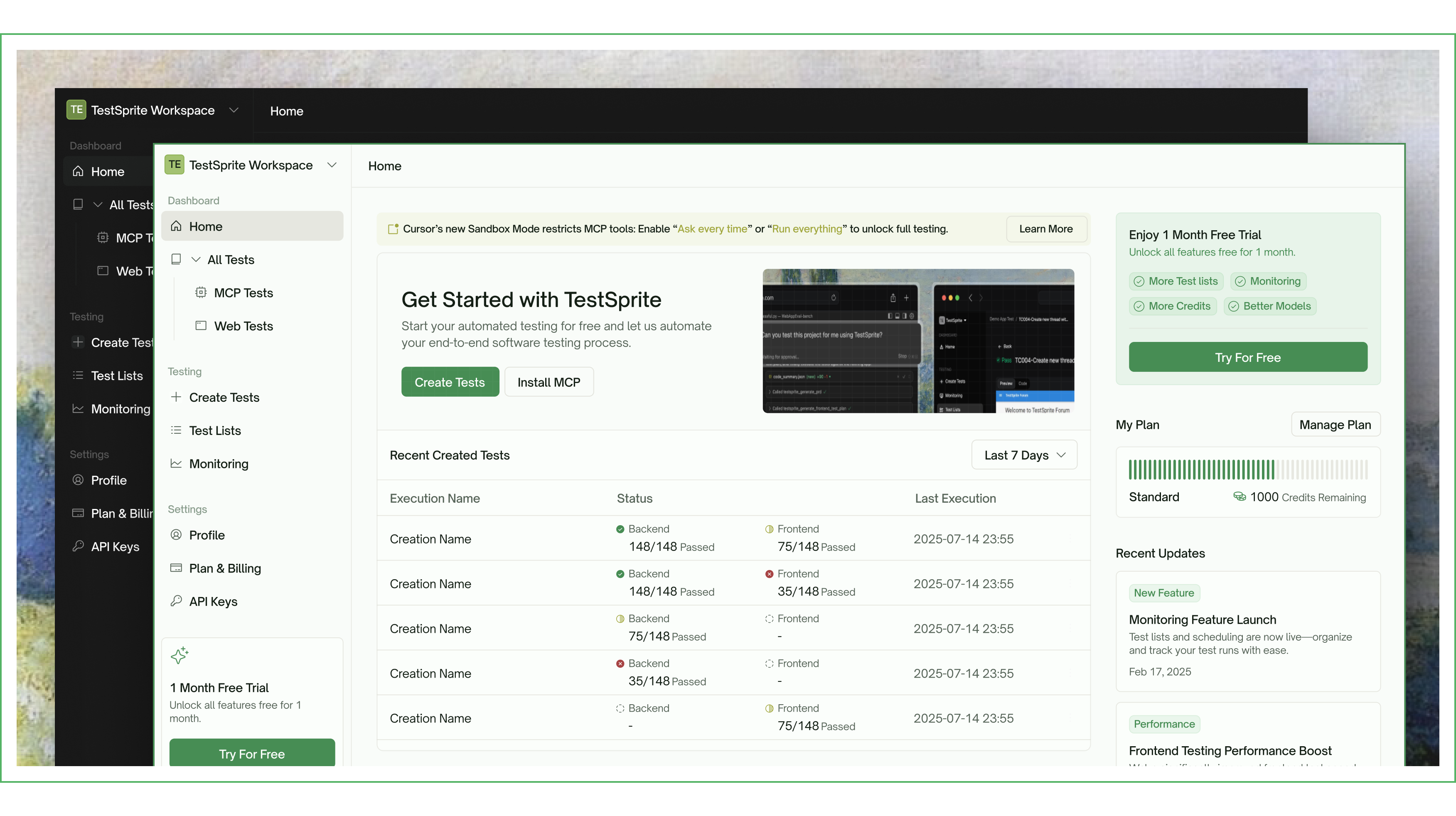
Refreshed the Web Portal's design throughout.