Novidades

3.2.0
IntegrationsWeb Portal

TestSprite 3.2: GitHub, Slack, Jira & Linear, SSO sign-in, and a live run map

Integrations

Connect GitHub, Slack, Jira, and Linear once per workspace, under Workspace Settings → Connections → Integrations, and each project then picks where its tests run from and where its results go. Only workspace Owners and Admins can connect or disconnect a tool.

Rebuilt the GitHub integration around the CI you already run. A trigger waits for the signal your pipeline sends once a deployment is live, like a check finishing, a workflow run completing, or a deploy bot's comment, then tests that pull request's preview URL or the environment a branch deploys to. Results post back as a comment on the pull request and a TestSprite check. Send Test Event tries a trigger on a real pull request before you save it, and Block PR until tests pass holds the merge until the suite is green.

Launched Slack notifications. Every completed run, whether manual, scheduled, triggered from GitHub, or started from the CLI, posts a summary to the channel each project picks, public or private. Available on every plan.

Launched ticketing for Jira and Linear. File a bug ticket from any failed or blocked test in one click, or have TestSprite file one for every failure in a run. Each ticket carries the probable cause, the error, and a link back to the run. The same failure is never filed twice, and when the test passes again, TestSprite posts a recovery comment on its ticket. Ticketing is included on selected plans.

Sign-in

Added SSO sign-in for UI projects, in beta. For apps behind single sign-on like Sign in with Google, or behind a login that blocks automated sign-in, a live browser opens inside TestSprite. You sign in once yourself, and TestSprite keeps the session, so feature exploration and every run start signed in. When the session expires, Log in again opens the browser for a fresh one.

Live runs

Redesigned the Agent Action View, where a UI run opens. While tests run, each one is drawn on a single map of your app as it moves from page to page. Every page the agents reach stays on the map, with what they did there and where anything broke. When the run finishes, the report and the List View unfold above the map.

Refreshed the Web Portal's design throughout.
3.1.0
CollaborationWeb Portal

TestSprite 3.1: Team workspaces, AI Chat, environments, and OTP sign-in

Workspaces

Launched team workspaces. Projects, tests, runs, and API keys now belong to a workspace rather than to one person, and everyone in a workspace can open its projects. Every account keeps its personal workspace, and team workspaces come with paid plans.

Added four workspace roles. Owners manage the plan and the workspace itself; Admins manage people, integrations, and credits; Members create, edit, and run tests; and Viewers open every project, report, and recording without changing anything. Viewer seats are free on every plan.

Invite teammates from Workspace Settings → Members by email, or copy the invitation link and send it yourself. Each invitation is bound to the invited address and expires after seven days.

Added a Share button to every project. It invites someone into the project's workspace with the role you pick and hands you a link that lands them on that project, so a PM, a manager, or a client can follow results as a free Viewer.

API keys are now minted per workspace. A workspace key draws on that workspace's balance, and everything it creates belongs to that workspace, whether it is used from the CLI or the MCP Server. Revoking a key takes effect immediately, and removing a member stops the keys they minted.

Each project's Activity Log records who did what, and when. Filter it by person, time window, or event type to see who changed a test, or what happened right before the pass rate dropped.

AI Chat

Launched AI Chat, a copilot for the Web Portal. Anything you can do by clicking through the dashboard, you can ask for in a sentence, like creating a project from a URL and a PRD, adding test cases for a feature, running a project or a test list, or asking why a test failed. Before it answers that last one, the chat reads the run and the steps the test actually took.

Reading happens right away. Anything that changes a project, like creating, editing, deleting, or running, arrives first as a card that shows exactly what will be done, down to the environment a run will hit, and nothing happens until you approve it. To correct a card, just type the change, and the chat proposes it again with the new values.

Environments

Added environments. Each one holds what differs between deployments, like its URL, the credentials tests sign in with, and your own custom variables, so a project can keep dev, staging, and production side by side and run the same suite against each without touching a test. Tests reference variables as placeholders that resolve from the selected environment right before each run.

Sign-in

Added OTP (one-time password) login for UI projects. For apps that email or text a code at sign-up or login, TestSprite registers a test account with an email address and a phone number it owns, receives the code your app sends, and enters it, so exploration and every run get past the code step on their own.

3.0.0
Major releaseEngine update

TestSprite 3.0: Frontend fleet, backend rebuild, Feature Map & fixtures

Testing engine

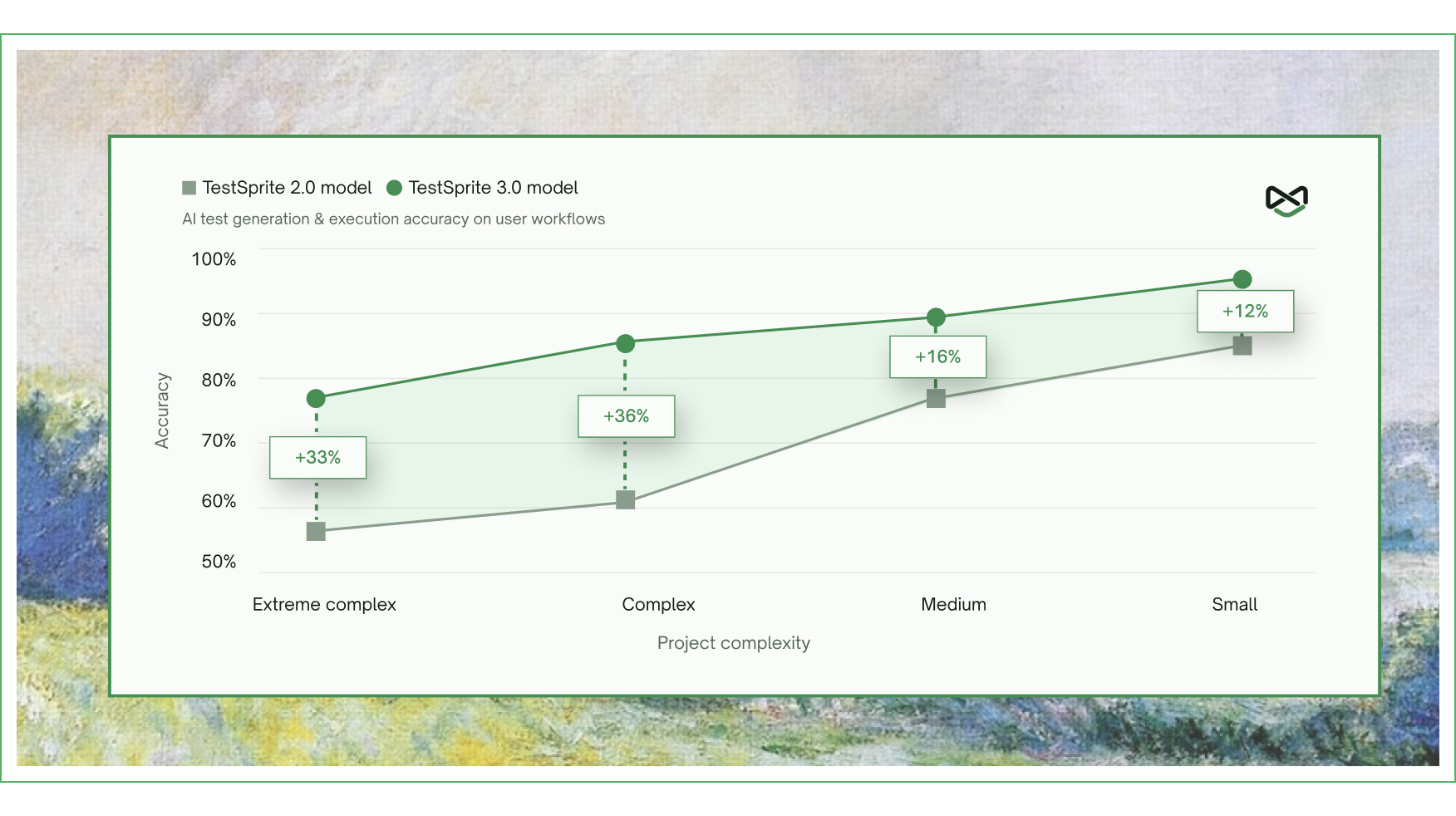
Significantly improved accuracy and reliability of generated tests across every level of project complexity. Accuracy jumped nearly 40% on the hardest projects, with consistent results across multiple runs of the same generation.

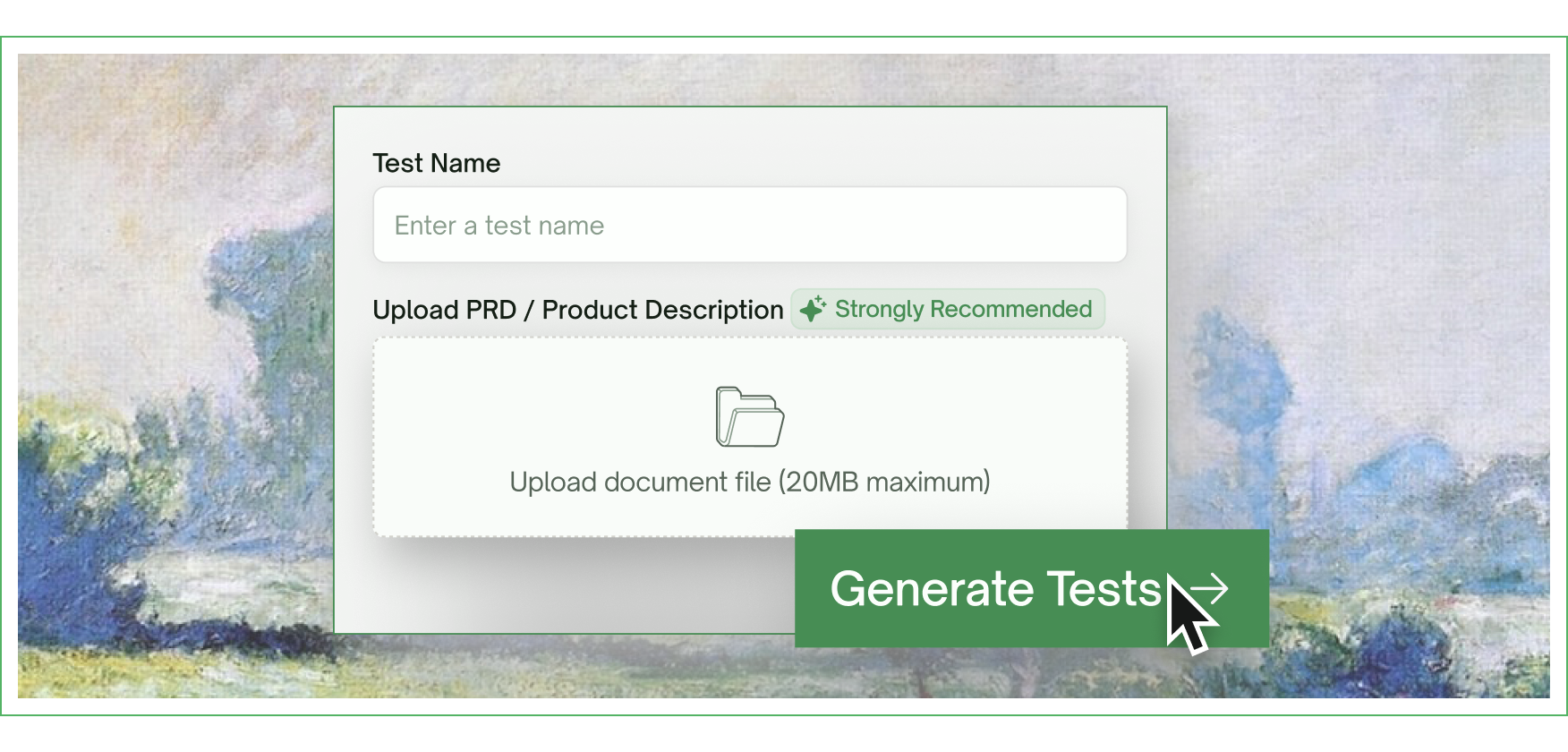
Launched the Editable Feature Map — upload your PRD or product spec, and TestSprite auto-extracts a full feature map of your app, covering every flow, dependency, and edge case. The map is fully editable and serves as the ground truth driving test generation downstream.

Launched File Uploads & Fixtures — upload your own files once at the project level (CSVs, JSON, PDFs, images) and TestSprite automatically wires them into both frontend and backend tests at runtime. Bring real data to your tests without scripting around it.

Frontend testing

Launched the parallel exploration fleet — TestSprite now dispatches a fleet of AI agents into your live app to explore it concurrently, clicking through every flow like real users before a single test is written. Tests are generated from what the agents actually find, not from inferring intent from source code.

Tests now auto-heal when your UI drifts, keeping suites green through real product change.

Backend testing

Rebuilt the backend testing engine from the ground up. Added support for multi-dependency integration tests across complex API chains. Introduced Dynamic Variables for cross-test resource reuse and Auto Cleanup that wipes test-created resources after every run. Added Auto-Auth and Smart Rerun for stable nightly regression.

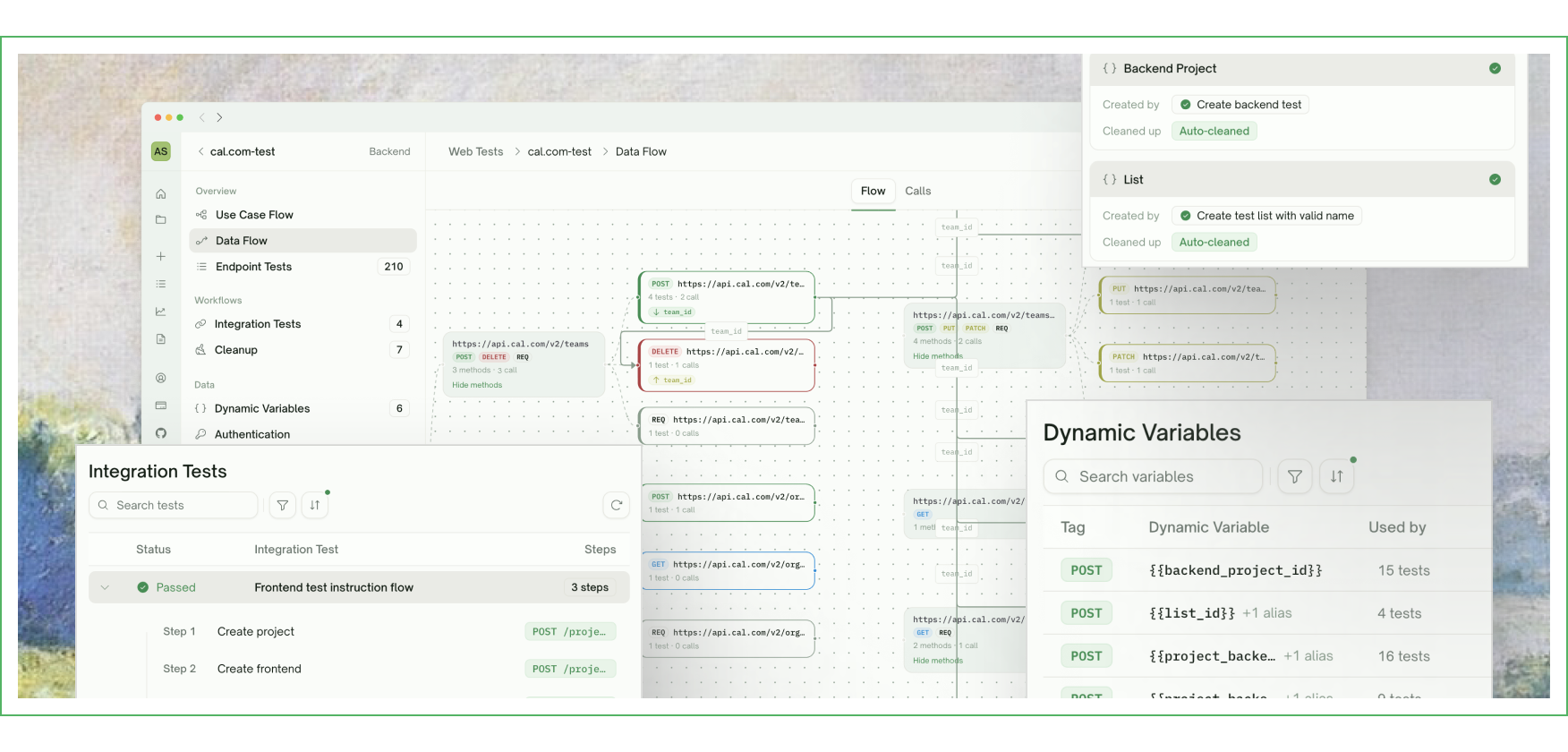
Launched a new Data Flow view that traces every API invocation under different input scenarios — making debugging agent-generated tests feel like debugging your own code.

Web Portal

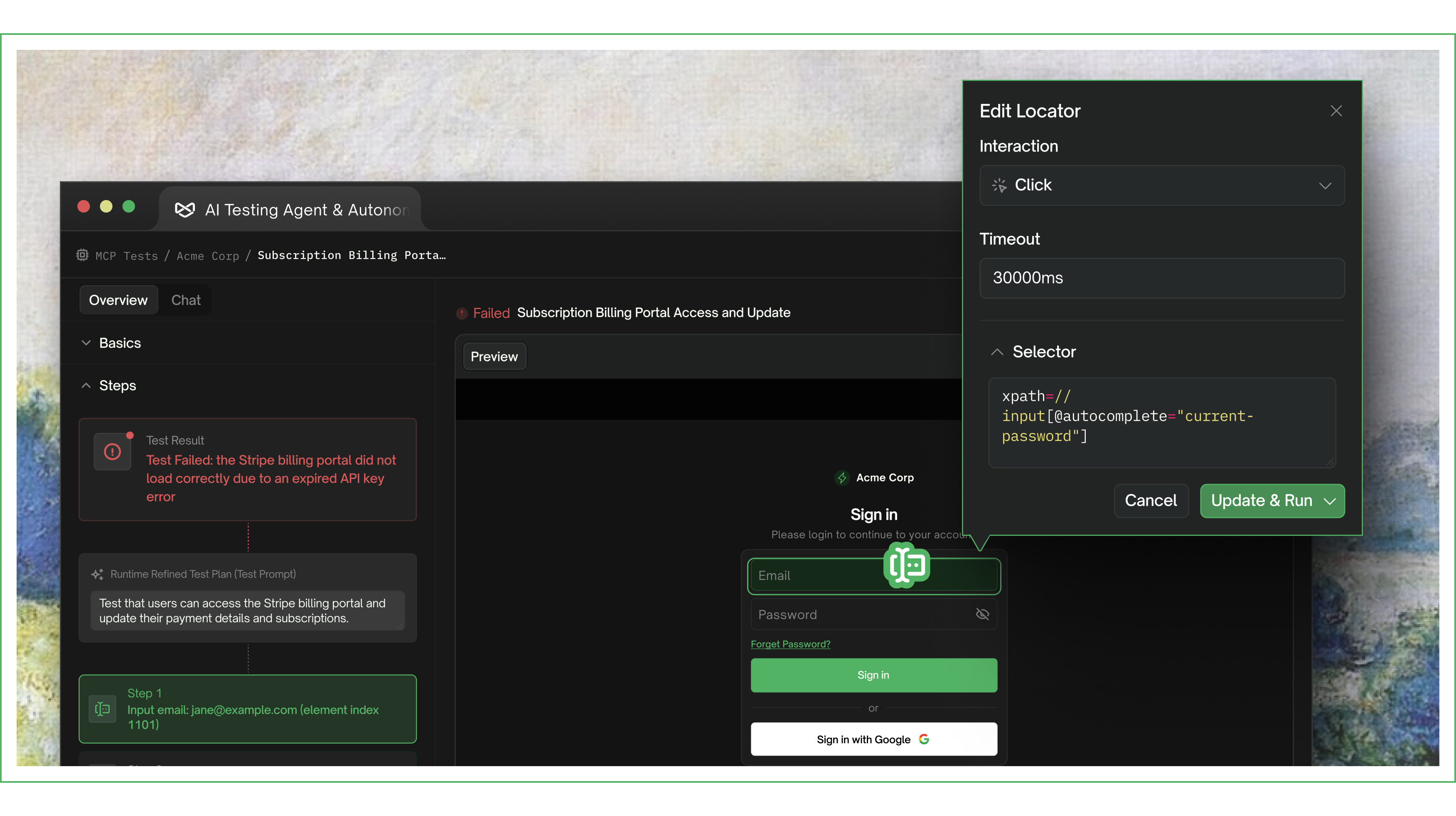
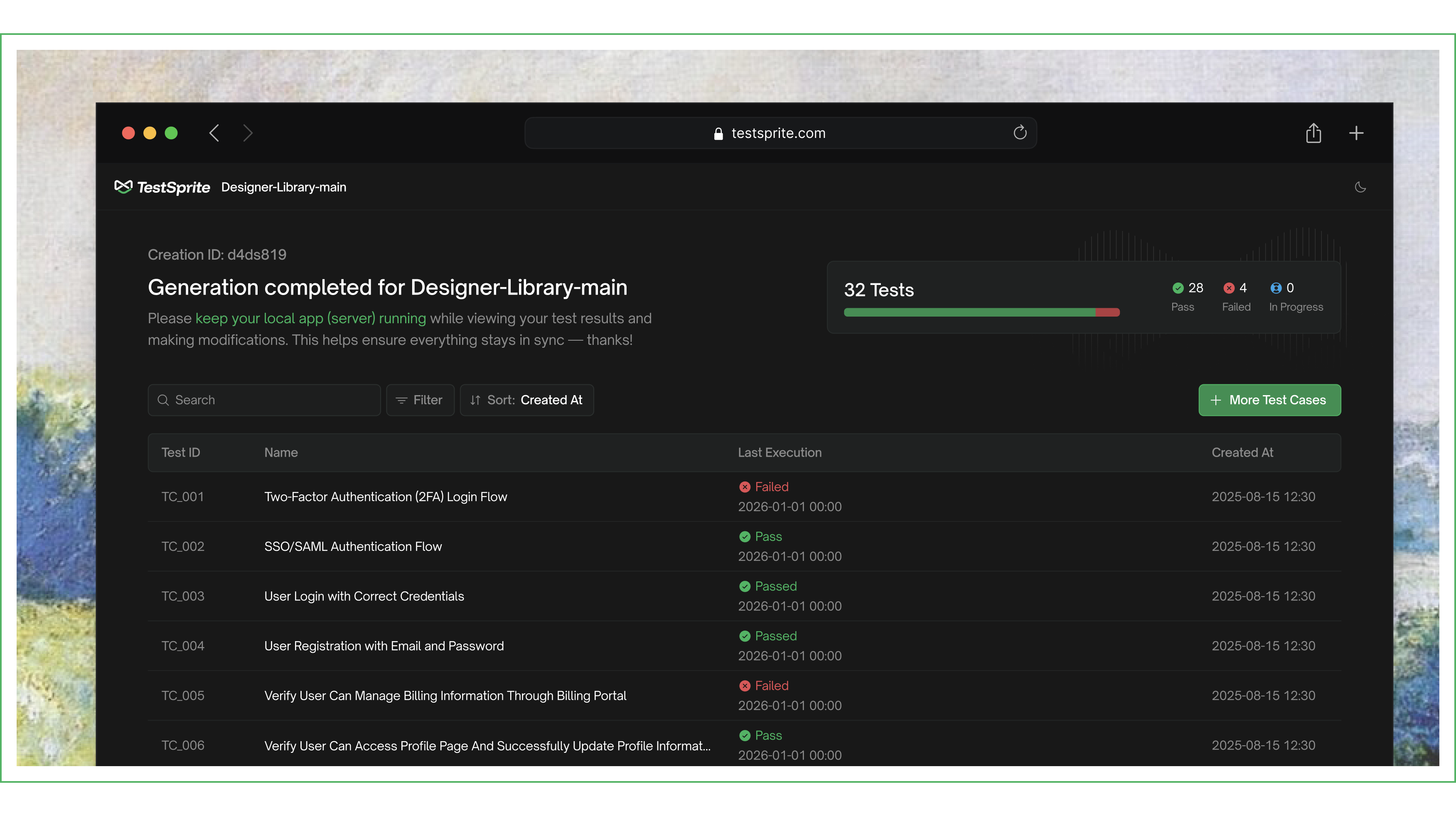
Updated the test creation flow to support PRD upload alongside URLs and API endpoints. Added a new Files & Fixtures section at the project level for uploading reusable test data. Redesigned the test result view to surface what broke and how to fix it. Added new visualizations for the Feature Map and Data Flow view.

Coming soon

A TestSprite CLI for developers using Claude Code, OpenAI Codex, and other AI coding agents is in active development — bringing TestSprite right into your terminal.

2.1.1

Light mode, billing portal & MCP stability

Web Portal

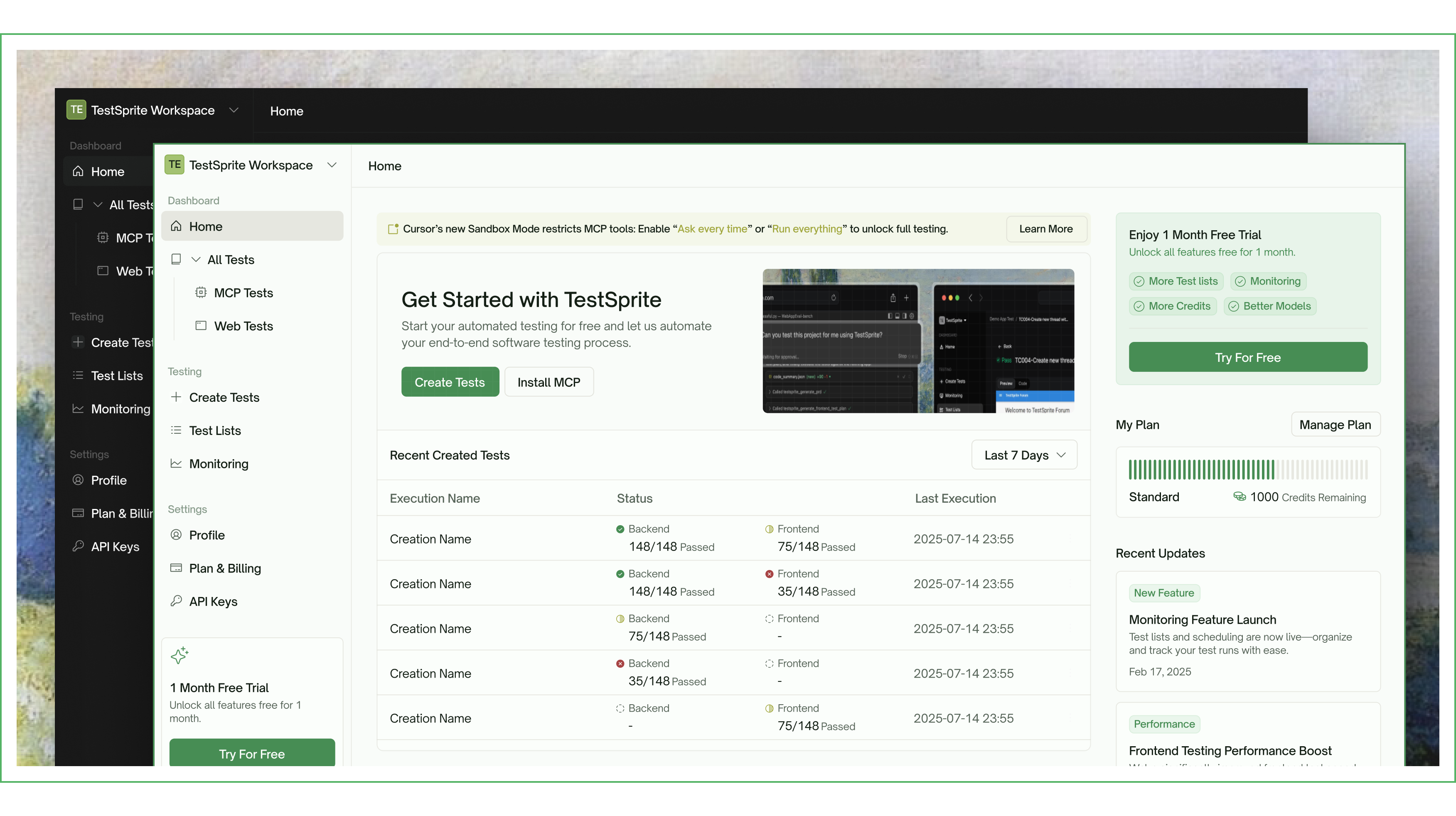
Launched full light mode with automatic color scheme detection. Refreshed icons, status indicators, and dropdown styles across the dashboard. Redesigned the dashboard homepage banner with new branding. Improved page layouts for better readability on large screens. Overhauled side navigation, header bars, overview cards, and data tables for visual consistency.

Redesigned the Create Test modal with a cleaner selection UI and streamlined routing. Updated banner titles and descriptions for MCP and Web Tests pages.

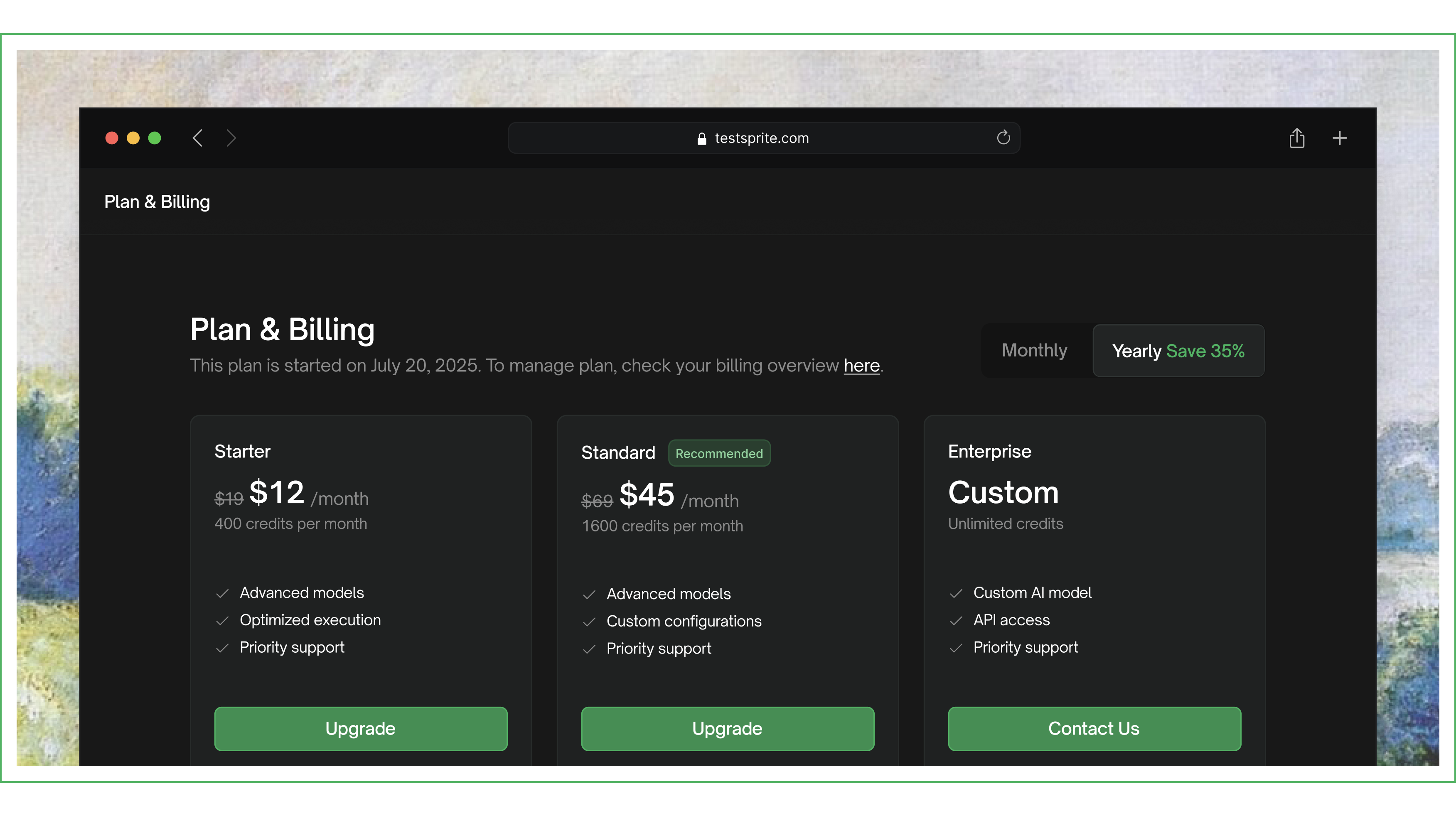
Integrated self-service billing portal for managing subscriptions, invoices, and payment methods.

MCP Plugin

Updated the MCP dashboard with new branding, fonts, and icons. Added a theme toggle dropdown with polished interaction states.

Improved connection stability and execution responsiveness. Streamlined the execution flow by consolidating tools. Added a tool for validating API key and account status.

2.1.0

GitHub integration & Test Modification Dashboard

Web Portal

Launched the GitHub App settings page with repo configuration management. Added GitHub Action test overview and individual test result pages. Implemented repository config editing, disconnect flow, and unsaved changes warnings.

Added per-test delete with confirmation modal. Replaced the three-dot overflow menu with an explicit Edit button. Simplified delete UX with clearer messaging.

MCP Plugin

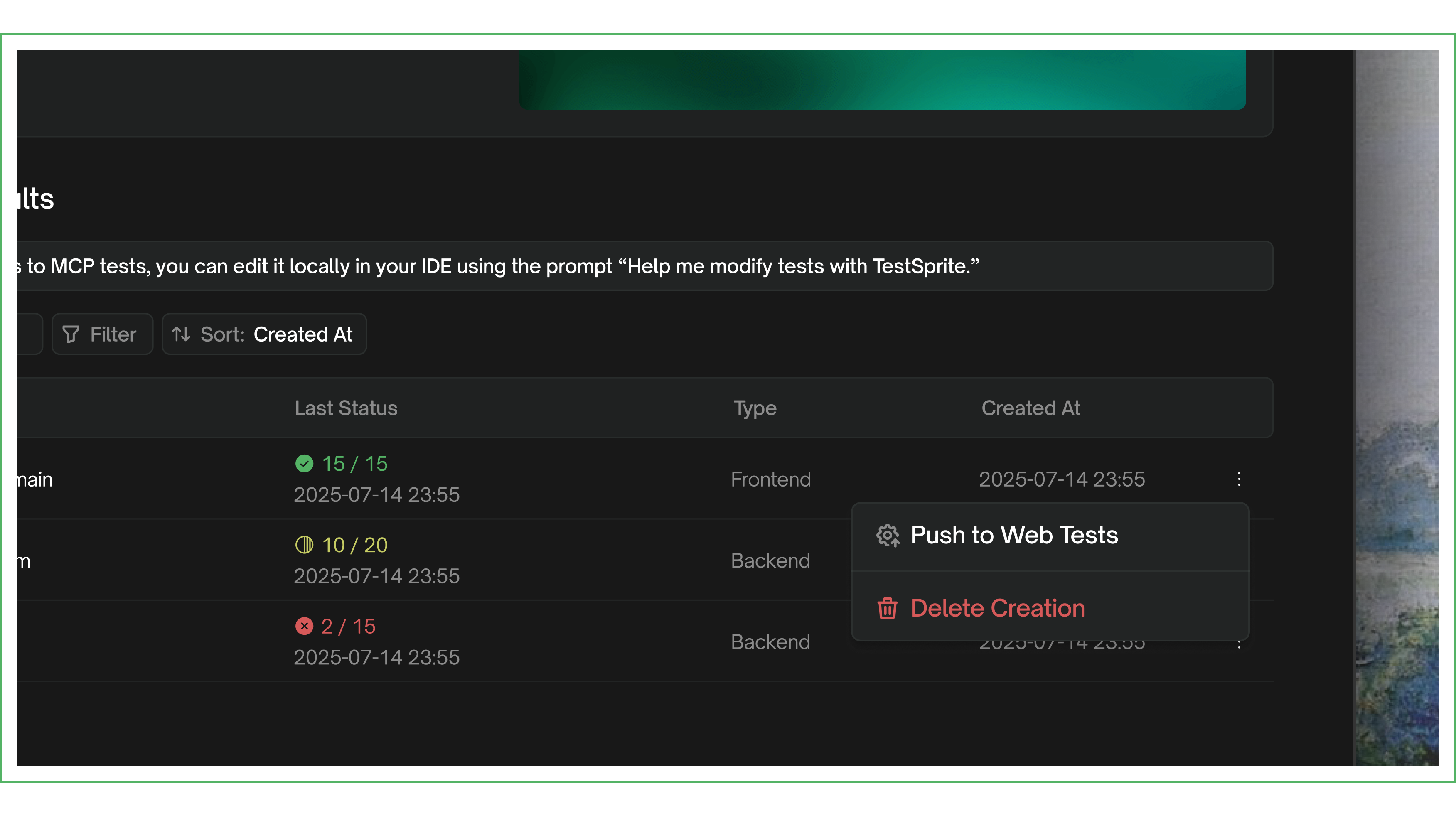
Launched the Test Modification Dashboard — edit test steps, re-run from any step, and view real-time results. Enabled editing of all steps, including previously failed steps. Added an Add More Cases prompt after execution completes. Test case status now persists across sessions.

Improved progress tracking during test execution. Upgraded the code summary engine for more structured and accurate analysis.

2.0.19

Local execution & MCP project deletion

Web Portal

Added the ability to delete MCP projects directly from the web portal dashboard.

MCP Plugin

Introduced a local execution page with a popup window for running test cases. Added real-time result updates in the execution view.

2.0.18

Linux support & dashboard refinements

Web Portal

Visual and design refinements across the dashboard, improving overall polish and consistency.

MCP Plugin

Added Linux platform support, expanding the MCP plugin to all major operating systems.

2.0.17

Yearly billing & new brand identity

Web Portal

Launched yearly billing as the default payment option. Refreshed the payment UI and updated pricing across the platform.

MCP Plugin

Updated to the new TestSprite logo across all surfaces of the MCP plugin.

2.0.13

Full dashboard overhaul & MCP Tests launch

Web Portal

Comprehensive UI overhaul across all dashboard pages — navigation, testing flows, monitoring, settings, billing, and auth. Updated site favicon and logo to new branding. Redesigned payment setup flow.

Launched the MCP Tests section in the web portal dashboard, giving users visibility into MCP-run tests alongside web tests.

MCP Plugin

Added a pathname parameter for targeting specific pages during testing, enabling more precise test scoping.

Introduced the rerun with prompt tool for targeted test re-execution, allowing users to modify and re-run specific test scenarios.

2.0.9

Test sharing, file support & re-run

Web Portal

Built MCP test sharing with shareable URLs and access control. Added frontend file support in the testing flow. Implemented file size validation for document uploads. Improved error handling across testing workflows.

MCP Plugin

Launched frontend test re-run for iterating on test results, allowing users to quickly refine and re-execute tests.

Introduced a redesigned test report with improved structure and readability.

2.0.7

Onboarding refresh & re-run tool

Web Portal

Refreshed the welcome modal and onboarding flow. Added MCP tests to the Recent Created Tests section. Added an empty state placeholder for MCP tests.

MCP Plugin

Added re-run tool for test re-execution, enabling users to quickly retry failed or modified tests.

Refined progress bar behavior and end-of-test messaging. Improved error messages for API key issues to help users resolve authentication problems faster.