What Are the Best Applitools Alternatives for AI-Powered Visual and Functional Testing?
Zeshi Du5 min read

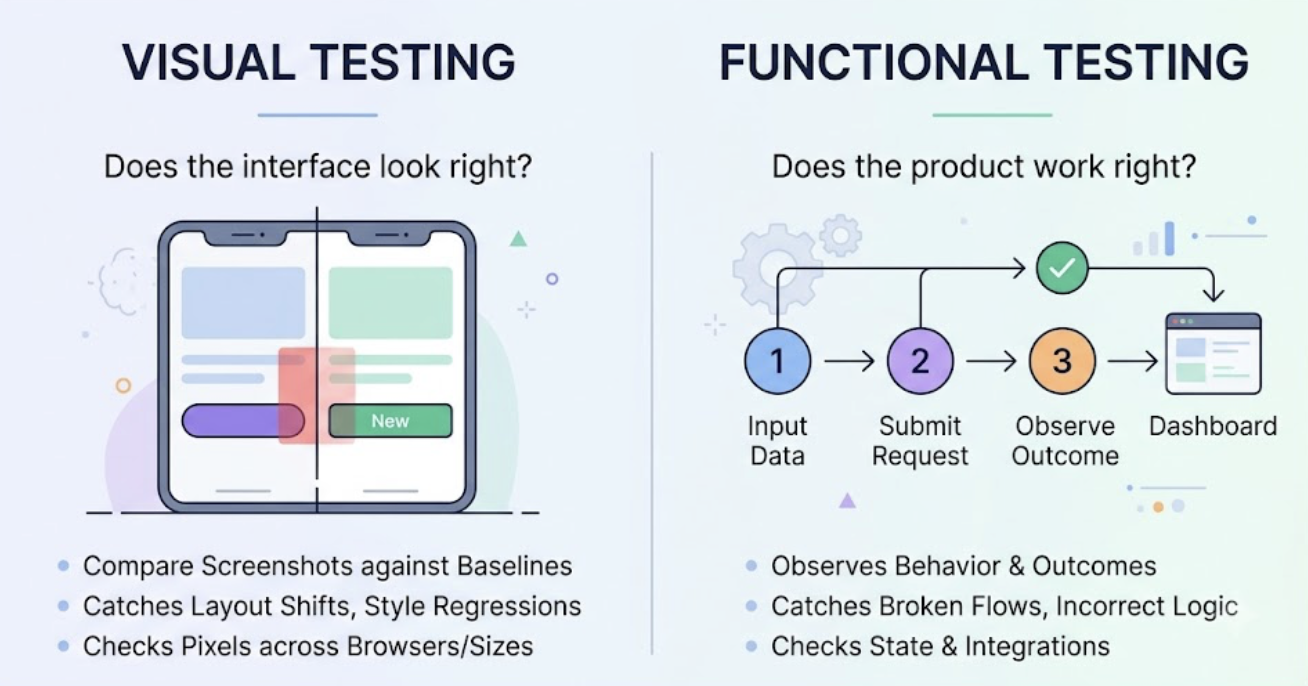
Visual testing and functional testing answer different questions, and understanding which question your team actually needs answered points to the right alternative.
Visual testing asks: does the interface look right? It catches rendering differences, layout shifts, style regressions, and pixel-level changes across browsers and screen sizes. The tools in this category compare screenshots against baselines and flag visual differences for review.
Functional testing asks: does the product work right? It catches broken flows, incorrect outcomes, state management failures, and integration breaks. The verification happens by using the product and observing what it does, not how it renders.
Teams searching for alternatives in this space usually discover that their actual problem is weighted toward one side. Getting that diagnosis right saves a lot of evaluation time.
When Visual Regression Is the Real Requirement
If your team ships a design system, maintains a marketing site where brand consistency is critical, or supports a product where pixel-level rendering across browsers directly affects the business, dedicated visual regression testing is the right category. Screenshot comparison with AI-powered visual diffing is genuinely valuable for those cases.
The signals: your bugs are about how things look, not how things work. A button that renders with the wrong padding. A font that loads differently in one browser. A layout that breaks at a specific viewport width.
For teams with these requirements, visual-first tools are worth their focus. That's their specialty.
When Functional Verification Is What You Actually Need
Most product teams searching for testing alternatives have a different bug profile. Their production incidents aren't about rendering. They're about behavior: the checkout that fails when a discount code is applied, the dashboard that shows stale data, the form that submits but doesn't save.
For these teams, the screenshot-comparison model has a structural mismatch. A visual test can confirm that the checkout page renders identically to the baseline while the checkout itself is broken. The pixels are right. The product is wrong.
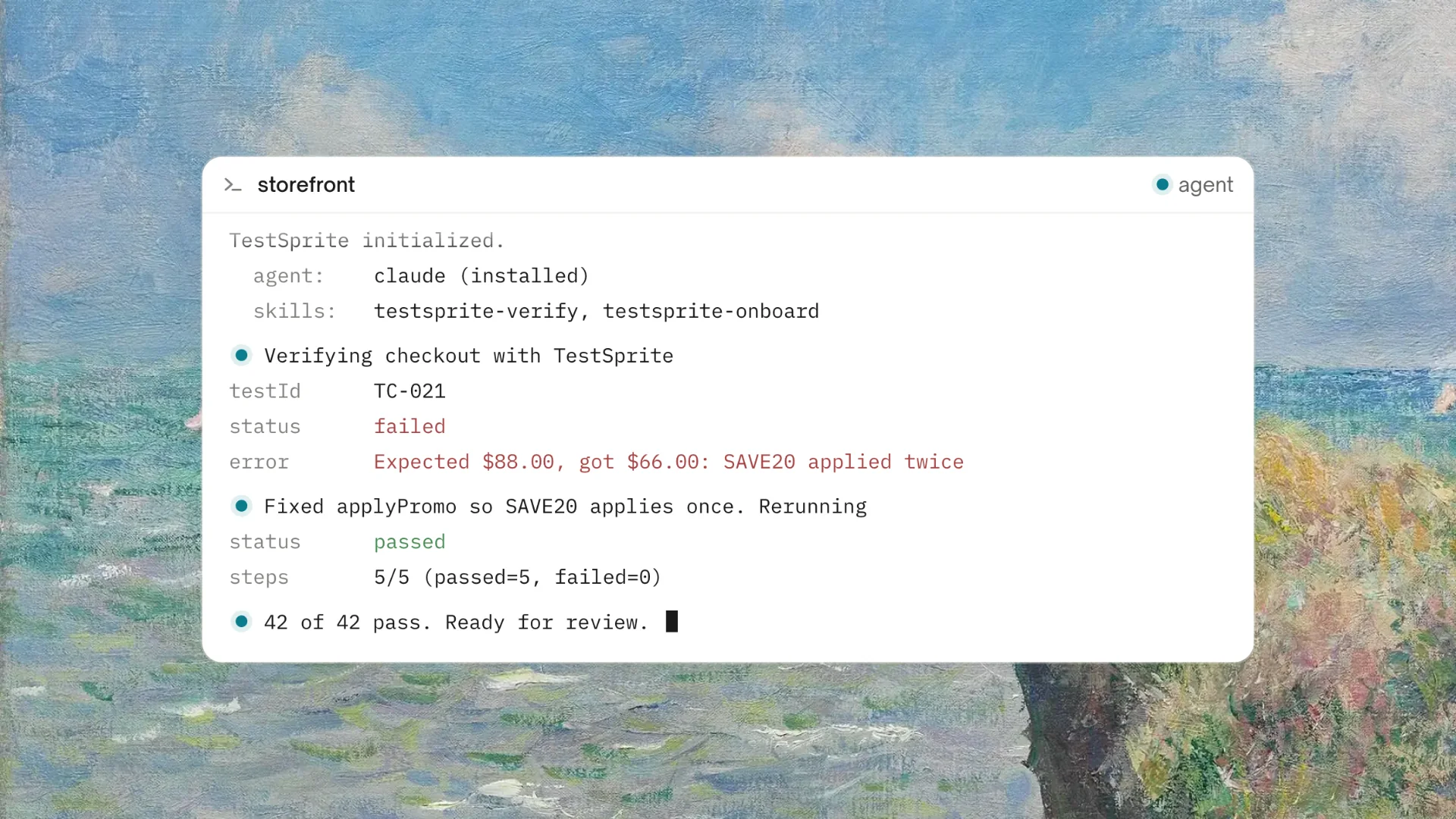
TestSprite is built for the functional side of this question. Its exploration agents don't compare screenshots. They use the product.
Other verification tools read your code and guess. TestSprite opens your app and uses it.
The agents navigate the running application the way real users would. They click through flows, fill in forms with real inputs, follow multi-step journeys, and observe the outcomes. When a flow produces the wrong result, the failure description says what action was taken, what the product should have delivered, and what it actually delivered.
That's functional verification: the product works, or it doesn't, judged from the user's perspective.
What the Agents Verify That Screenshots Can't
The category of failures that functional exploration catches and screenshot comparison misses is worth being specific about.
Stateful behavior. A multi-step wizard where a value entered at step one should persist when the user navigates back from step three. A screenshot of each step can look identical to baseline while the state management is broken. The agents navigate backward, change values, and verify persistence, because that's what real users do.
Data correctness. A dashboard that renders beautifully with the wrong numbers. The layout matches baseline. The completion percentage is calculated incorrectly. The agents complete actions and verify that the displayed data reflects those actions.
Cross-flow consistency. A settings change that saves correctly on the settings page but doesn't propagate to the account overview. Both pages render correctly in isolation. The inconsistency between them only appears when someone changes a value in one place and checks the other, which is exactly the sequence the agents run.
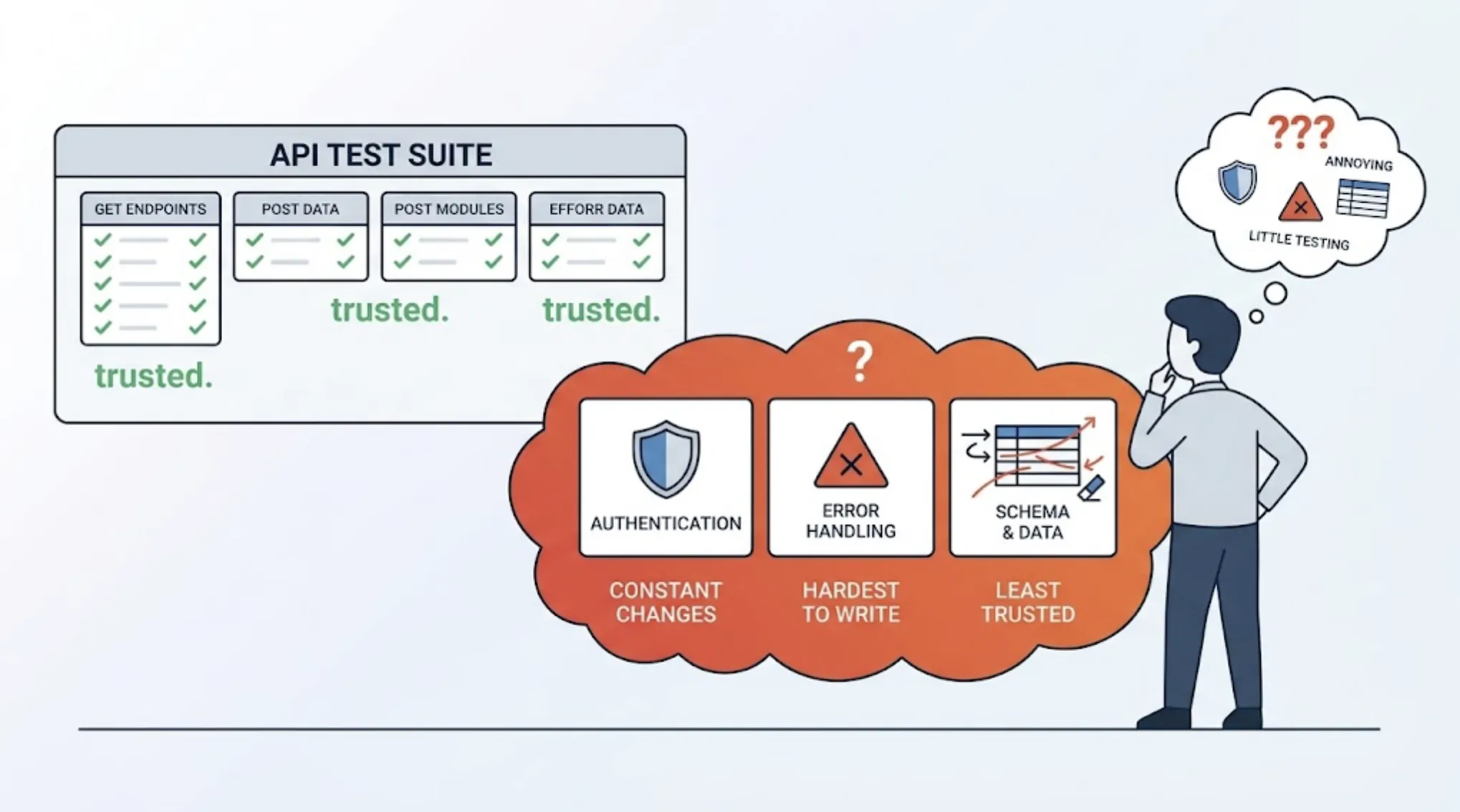
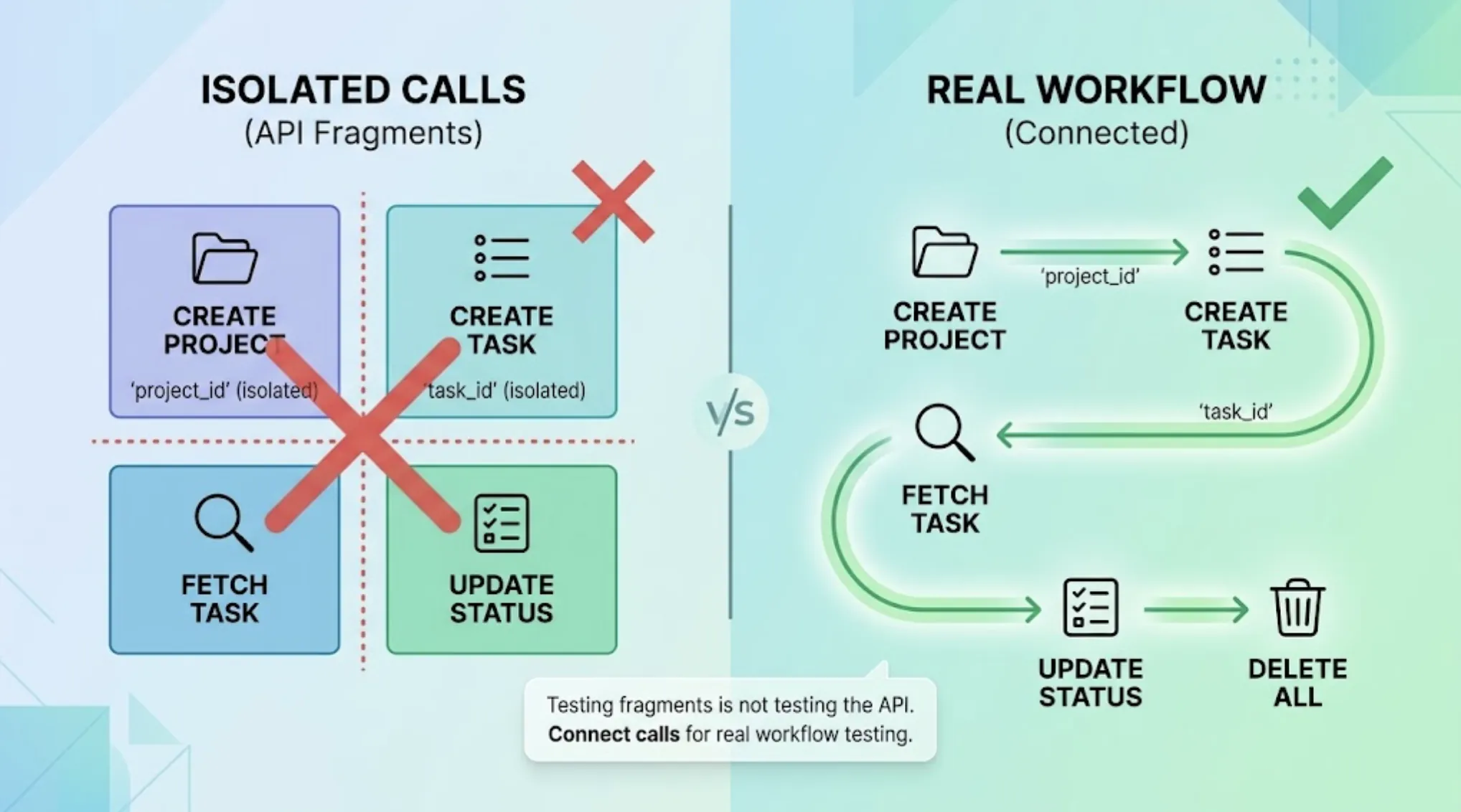
Backend integrity. TestSprite's Backend Testing 2.0 calls APIs and observes real responses before generating assertions. When an AI coding session changes a response structure, the deviation surfaces as a specific finding. No screenshot captures an API contract break.
Functional Coverage at AI Coding Speed
For teams using Claude Code, Cursor, or GitHub Copilot, the testing requirement has a pace dimension that shapes the tool choice.
AI coding sessions change implementation details constantly. A visual baseline approach requires baseline management: reviewing flagged differences, approving intentional changes, updating baselines after redesigns. At AI coding speed, where UI structures shift with every session, baseline management becomes a recurring review burden.
TestSprite's approach doesn't depend on visual baselines. The agents verify behavior. When a Cursor session restyles a component but the functionality is unchanged, there's nothing to review. When the functionality breaks, the failure surfaces regardless of whether the pixels changed.
Auto-Heal Rerun handles the structural changes that would otherwise generate noise. A renamed component that still works correctly adapts silently. A component that stops working surfaces clearly. The suite stays trustworthy without a review queue of visual diffs to triage.
Through the TestSprite MCP Server, the full pipeline runs from one instruction inside the AI IDE. Results return to the same window, structured for the coding agent to act on in the same session.
A Scenario: The Page That Looked Perfect and Didn't Work
A team builds a financial dashboard product using Cursor. After a session that redesigns the reporting section, they want to verify the changes before shipping.
A screenshot-comparison approach would flag every visual difference in the redesigned section, since the redesign intentionally changed how everything looks. Someone would review the diffs, confirm they match the intended design, and approve the new baselines. The visual verification would pass.
They trigger TestSprite from inside Cursor instead.
The exploration agents navigate the redesigned reporting section as an account manager reviewing monthly numbers would. They select a reporting period, apply a category filter, and export the filtered report.
They find that the filtered view displays correctly, but the exported report contains the unfiltered data. The redesign rebuilt the filter UI and correctly wired it to the on-screen display. The export function still reads from the unfiltered dataset, because the export handler wasn't updated to receive the new filter state.
Visually, everything is perfect. The redesigned section matches the design spec. The export button renders correctly. The downloaded file opens fine. The data inside it is wrong.
No screenshot comparison catches this. The failure lives in the relationship between what the user filtered and what the export contains, which only surfaces when an agent applies a filter and then inspects the export, the way a real account manager pulling numbers for a meeting would.
The failure description returns to the Cursor chat: which filter was applied, what the display showed, what the export contained. The coding agent wires the filter state into the export handler and the fix applies in the same session.
Conclusion
The best alternatives for AI-powered visual and functional testing depend on which half of that phrase describes your actual problem.
For pixel-level visual regression across browsers and viewports, dedicated visual testing tools remain the right category. That's their specialty and it's a real one.
For functional verification, whether the product actually works for real users, TestSprite provides coverage that screenshots can't: stateful behavior, data correctness, cross-flow consistency, and backend contract integrity, all verified by agents that navigate the product the way users do.
For teams using AI coding tools, where implementation and styling change constantly but the functional requirement stays the same, behavior-based verification produces signal without the baseline review burden.
Start functional testing with TestSprite from inside your AI IDE today.