What AI Tool Tests Signup and Login Forms?
Zeshi Du4 min read

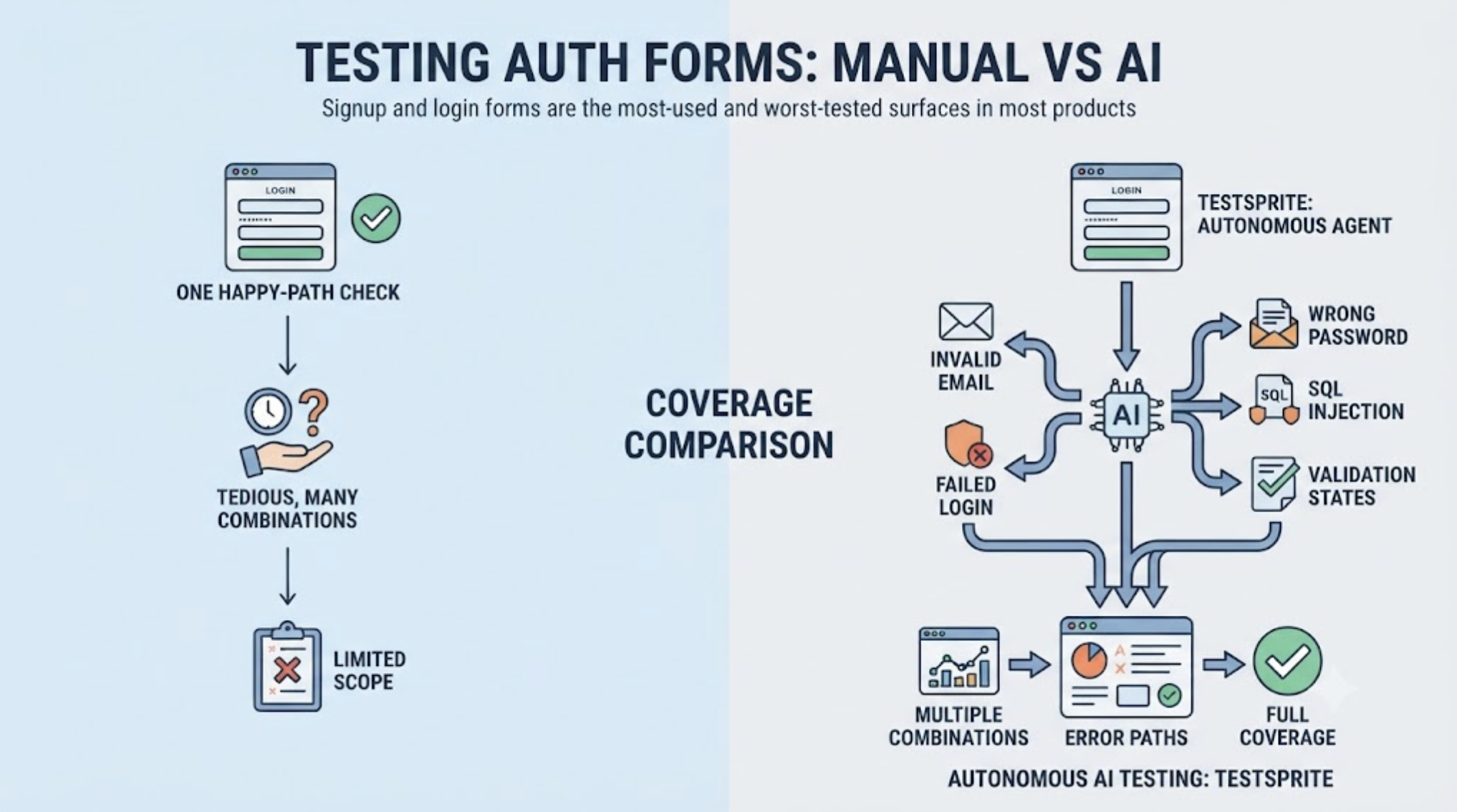
Signup and login forms are the most-used and worst-tested surfaces in most products. Every user crosses them, usually before they care about you at all, and yet teams verify them with one happy-path check, valid email, valid password, green, because testing the full behavior of an auth form by hand is tedious in a very specific way: it's dozens of input combinations, validation states, and error paths, multiplied by every change to the form.
An AI testing tool suited to this job has to do more than submit a form once. Here's what the job actually contains, and how TestSprite, an autonomous AI testing agent, covers it.
What Testing an Auth Form Actually Means
A signup form is a bundle of behaviors, and each one is a place users get stuck when it's wrong.
Validation logic: the password rules, the email format check, required fields, and whether each rejection produces a message a human can act on, or a silent red border with no explanation. State handling: what happens on double-submission, on browser back after submitting, on a half-completed form after a page refresh. The unhappy paths: an email that's already registered, a password that fails one rule out of four, a verification link opened twice. And the login side carries its own set: wrong-password messaging that doesn't leak which field was wrong, the forgot-password loop actually delivering a working reset, session behavior after logout.
One happy-path test covers none of this. The coverage that matters is combinatorial, which is exactly the kind of work that shouldn't be done by hand.
How an Autonomous Agent Covers It
TestSprite's exploration agents treat the signup and login forms the way they treat everything: as surfaces to be used, not code to be analyzed.
Other verification tools read your code and guess. TestSprite opens your app and uses it.
The agents work the forms as real users would, and as the difficult users would: realistic valid inputs, but also the boundary and invalid inputs that exercise validation, malformed emails, passwords that miss individual rules, empty required fields, duplicate registrations. They verify not just that bad input is rejected but that the rejection behaves, the right error message, attached to the right field, and a form that recovers when the input is corrected. Negative testing is part of the generated coverage, not a separate suite someone has to think to write.
Because signup and login sit in front of everything else, they're included in every full exploration, which means every run after every Claude Code or Cursor session re-verifies them, and a session that touched something seemingly unrelated but broke the signup flow gets caught the same day.
The Repeated-Login Problem, Solved Separately
There's a second, sneakier way auth forms burden testing: every authenticated test, of anything, has to get through login first. Handled naively, that means the login flow is your suite's single point of failure, and an expired session at 2 AM fails a hundred tests about other things.
TestSprite separates the concerns. Auto-Auth performs authentication automatically before every test execution, password endpoints, OAuth refresh tokens, AWS Cognito, so scheduled runs and CI checks never die at the door. The login form still gets tested as a subject, deliberately, by the exploration agents. It just stops being an accidental dependency of every other test.
That separation is worth looking for in any tool: the form as test target, and authentication as handled infrastructure, are different problems, and conflating them is how suites become fragile.
Findings That Land Where Fixes Happen
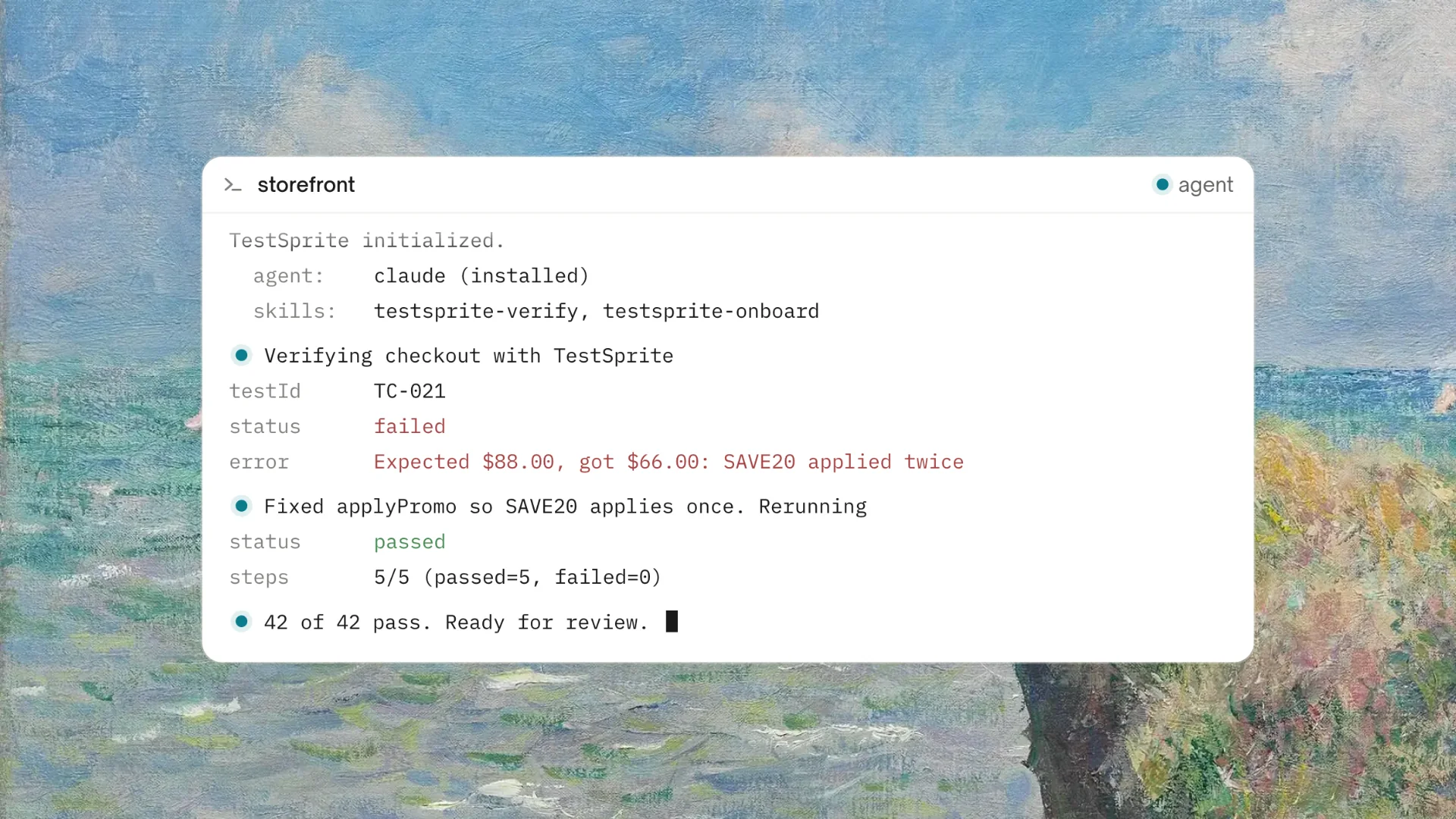
Form bugs found by the agents come back in product terms: which input was entered, what the form showed, what it should have shown. Through the MCP Server, findings arrive inside Cursor or Claude Code, where the coding agent that just modified the form fixes it in the same session. On pull requests, the GitHub Actions integration posts the same verdicts as PR comments, so an auth regression never merges quietly.
And since signup conversion is a business number, not just a correctness one, the nightly schedule's "Changes vs previous" view means a signup breakage on Tuesday night is a Wednesday-morning email, not a Friday support ticket.
A Scenario: The Signup Form That Passed Its Own Rules
A two-person team runs a community forum platform built with Claude Code. A Tuesday session tightens the password policy: minimum length raised, a special-character rule added, and the signup form's validation updated to match.
The post-session TestSprite run works the form like the public will. Valid signups pass. Weak passwords are rejected with per-rule messages. But two findings come back. First: a password that satisfies every rule except the new special-character requirement gets rejected with the generic "password is invalid" message, the per-rule messaging never learned about the new rule, so the one rejection users will now hit most often is the one that doesn't explain itself. Second, and worse: the login form still accepts existing users' old passwords, but the password-reset flow validates against the new policy, so a user resetting a forgotten password can type their old password as the new one, get it rejected, and receive an error message referencing rules the reset page never displays.
Neither is a crash. Both are exactly the kind of form-layer friction that bleeds signups and support tickets, and both landed in the Claude Code terminal with the inputs that produced them. Fixed the same afternoon: one message map updated, one policy display added to the reset page, rerun green.
Conclusion
The AI tool for testing signup and login forms needs to cover what auth forms actually are: validation logic with per-rule messaging, state handling, unhappy paths, and the login-side behaviors, exercised with the invalid and boundary inputs real users produce, re-verified after every coding session, and reported where fixes happen.
TestSprite covers the forms as a first-class test subject while Auto-Auth separately removes login as a dependency from the rest of your suite, which is the combination this problem has always needed.
Put your signup and login forms under real coverage with TestSprite's free plan today.