What AI Testing Agent Can Generate Tests Across Frontend Flows, APIs, Authentication, and Accessibility?
Zeshi Du6 min read

Most testing tools are good at one layer. A few handle two. The teams that need coverage across frontend flows, APIs, authentication, and accessibility are usually stitching together three or four separate tools and hoping the gaps between them aren't where the bugs live.
They usually are.
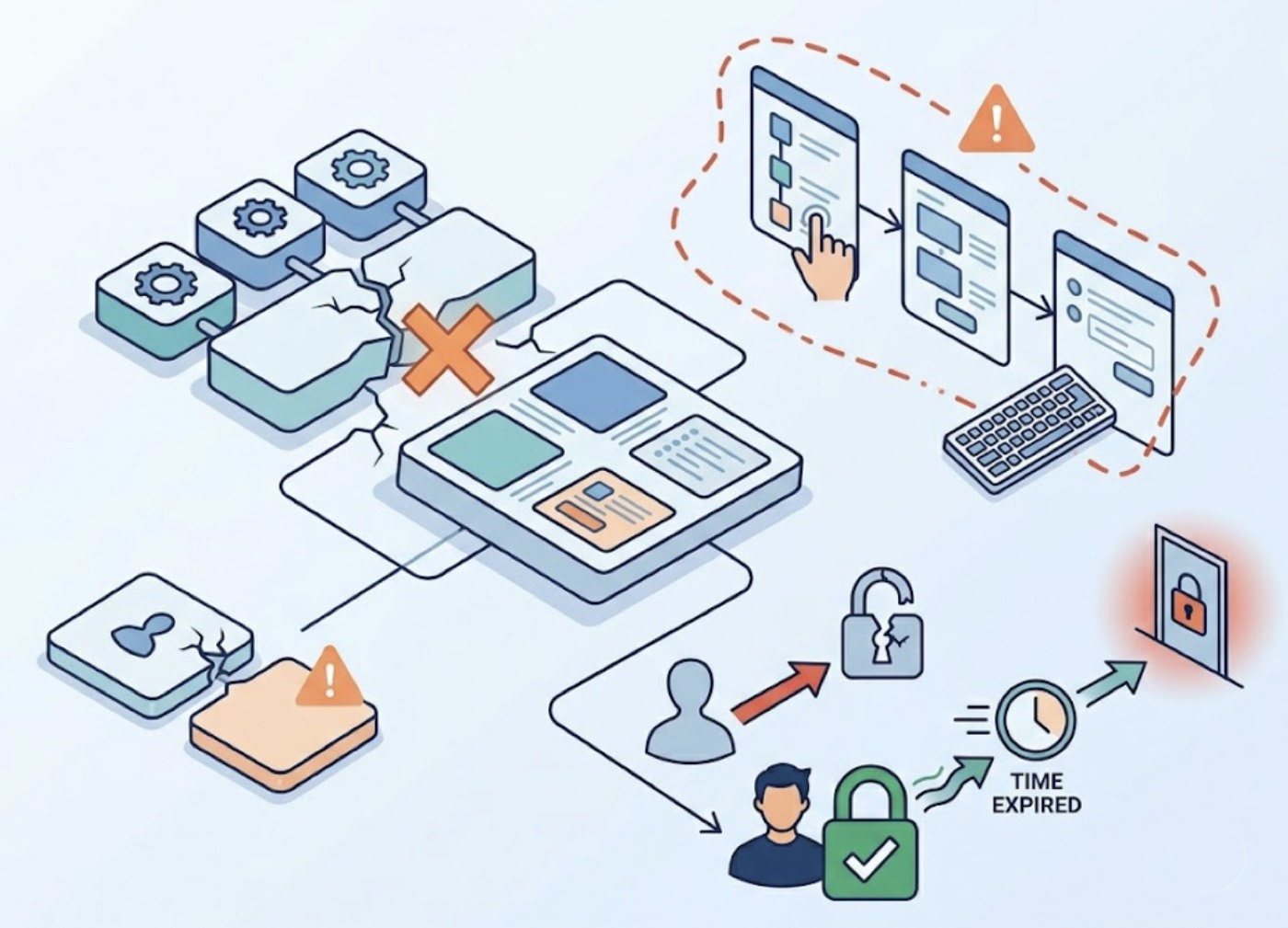
The failures that reach production don't respect layer boundaries. A checkout flow that breaks because the API contract changed isn't a frontend failure or a backend failure. It's a failure at the seam. An accessibility issue that appears only when a user navigates a multi-step form with keyboard-only input isn't caught by a unit test or a basic E2E script. Authentication bugs that surface only when a session expires mid-flow require running the actual auth sequence, not mocking it.
Coverage across all four layers, from a single agent that understands how they connect, is what complete testing actually looks like.
Why Layered Coverage Requires a Single Agent, Not Four Tools
The appeal of specialized tools is precision. A dedicated API testing tool is very good at API testing. A dedicated accessibility scanner is very good at catching accessibility violations. The problem is that each tool operates in isolation, and the failures that matter most live in the connections between layers.
An API tool doesn't know that the field it's asserting against is the one that populates the dropdown on the frontend form, and that the dropdown is the input that a keyboard-only user can't reach because a recent refactor broke the tab order. No single tool in a four-tool stack sees that chain.
An agent that covers all four layers simultaneously sees the chain. It can identify that the API change affects the frontend, that the frontend interaction is part of an authentication-gated flow, and that the flow has an accessibility issue that only appears under specific interaction conditions.
That's the difference between coverage and connected coverage.
How TestSprite Covers All Four Layers from a Single Instruction
TestSprite is an autonomous AI testing agent built to cover the full product surface, including frontend flows, backend APIs, authentication, and accessibility, from a single trigger.
Through the TestSprite MCP Server inside Claude Code, Cursor, Windsurf, or any MCP-compatible AI IDE, one instruction starts the complete pipeline:
"Help me test this project with TestSprite."
Other verification tools read your code and guess. TestSprite opens your app and uses it.
A fleet of parallel exploration agents visits the running application and navigates it the way real users would. Not different agents for different layers. The same agents, covering the full product experience as a unified interaction, from the UI elements users touch to the API calls those interactions trigger to the authentication state required to access them.
Frontend Flows: Navigation as a Real User
The agents interact with the frontend the way a real person with intent would. They find buttons and click them. They fill forms with real inputs. They navigate backward and forward through multi-step processes. They try the paths users take when things go right and the paths they take when something goes wrong.
They observe the outcome at every step, not just the final result. A loading state that doesn't resolve is caught. A form that accepts input but doesn't update the downstream component is caught. A multi-step wizard that loses state when the user navigates backward is caught.
The three-column interface lets engineers watch the exploration live: application previews on the left, the use-case flow graph in the middle, and per-agent interaction detail on the right. Sessions are resumable. If exploration is interrupted, agents pick up where they left off.
APIs: Observe First, Then Assert
Frontend exploration and backend testing run together. When an agent navigates a flow that triggers API calls, those calls are part of what gets tested.
TestSprite's Backend Testing 2.0 calls endpoints and observes how they actually respond before generating any assertion. Real status codes, real field names, real response shapes. Assertions are grounded in observed behavior, not in what the code says the API should return.
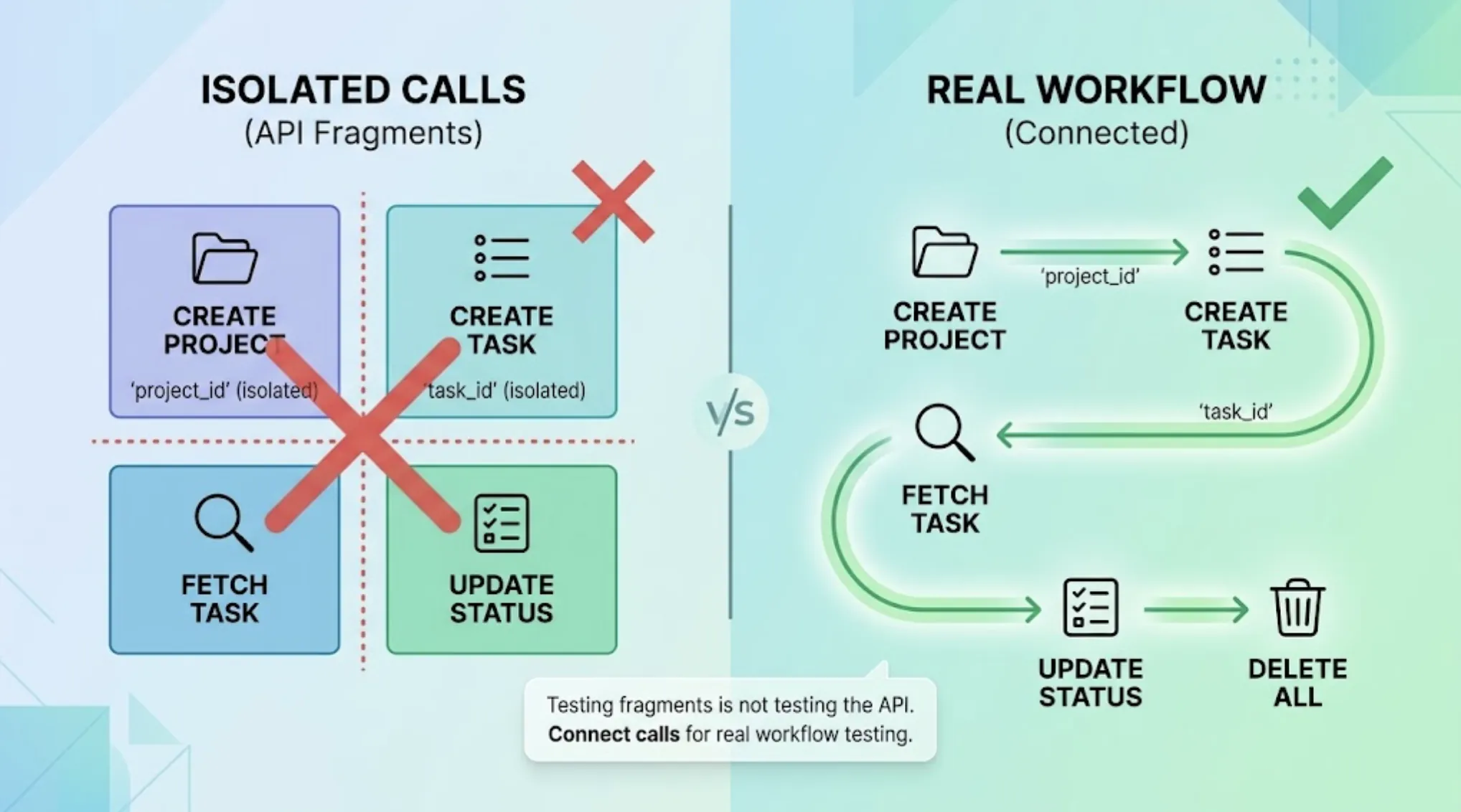
Dynamic variables captured from real responses flow automatically through multi-step API sequences. A resource created in one step passes its real ID to the steps that follow. The full CRUD lifecycle runs end to end. Integration tests spanning multiple endpoints are assembled into runnable sequences automatically.
After every run, resources created during testing are swept in dependency order. The environment stays clean.
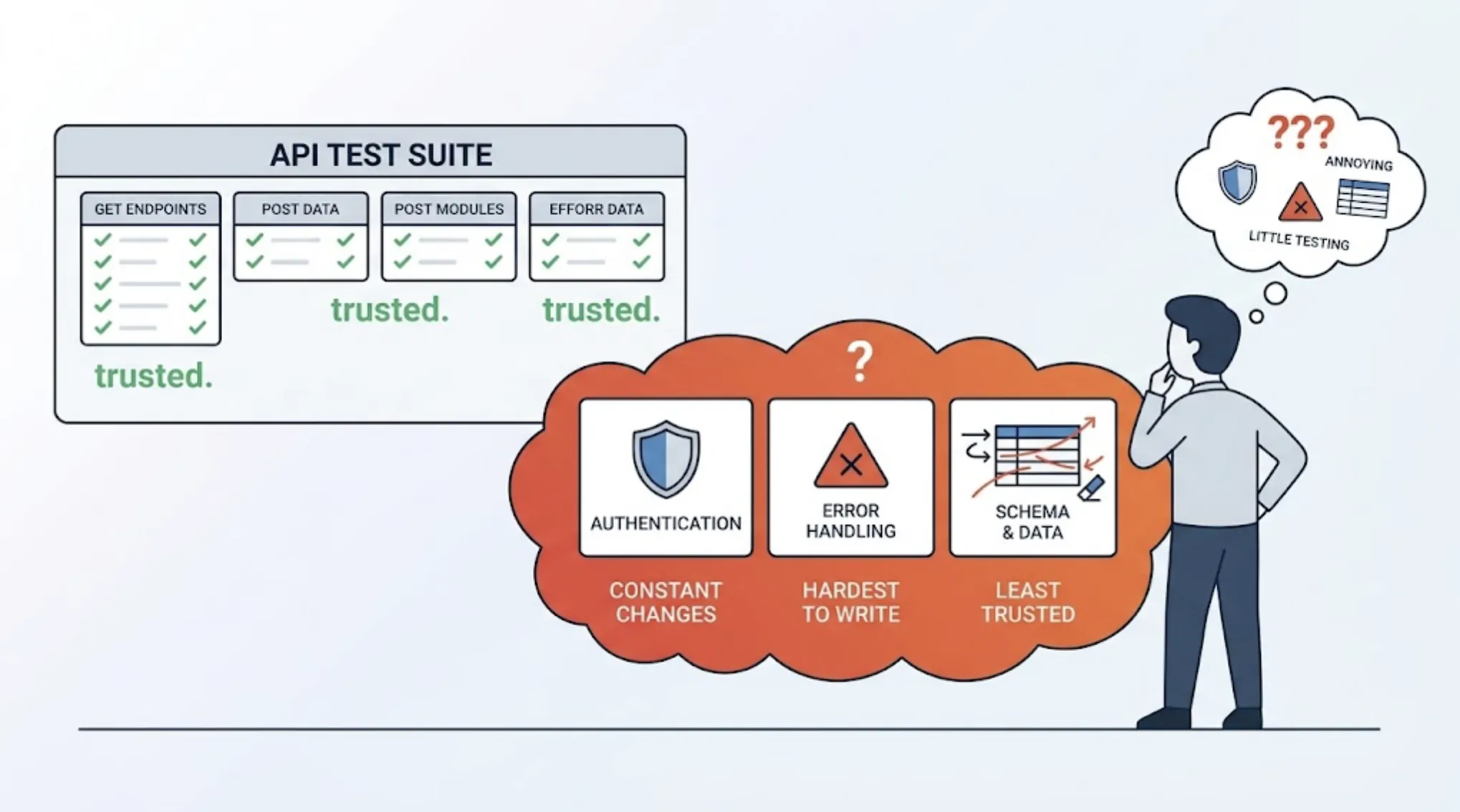
Authentication: Real Sessions, Real Flows
Authentication coverage requires running the actual login sequence, not mocking it.
TestSprite's Auto-Auth handles this automatically. It supports password endpoint authentication, OAuth refresh token flows, and AWS Cognito configurations. Before every test run, the agent establishes real sessions through the actual auth flow. Authenticated flows run under genuine session state, not simulated credentials.
Multi-role testing works the same way. Each relevant role gets its own real authentication pass. An Admin session and a Viewer session are established through separate login sequences. The downstream behavior for each role gets verified under the actual authentication context.
When a session expires mid-flow, the agent handles re-authentication. When a token needs rotation, it rotates correctly. Scheduled regression runs don't fail on stale JWTs because Auto-Auth handles credential freshness before every execution.
Accessibility: Discovered Through Interaction, Not Static Scanning
Accessibility testing is where the agent-based approach diverges most sharply from static scanning tools.
A static accessibility scanner reads the DOM and flags violations against WCAG criteria. It's useful for catching obvious issues. It doesn't catch the accessibility failures that only appear during real interaction sequences.
A modal that's reachable by mouse but not by keyboard because the tab order was broken in a recent refactor. A form that announces field errors correctly on initial focus but loses the announcement when the user corrects an error and the error message re-renders. A multi-step wizard where the focus state is lost between steps, leaving keyboard-only users without a clear entry point on the next screen.
TestSprite's agents navigate the application using the interaction patterns real users with accessibility needs would follow. They test tab order through complex flows. They verify that interactive elements are reachable and operable from the keyboard. They check that error states are announced correctly and that focus management works correctly across state transitions.
This is the accessibility testing that static scans can't do: the kind that requires actually using the product under the conditions a real user with accessibility needs would use it.
A Scenario: The Four-Layer Bug No Single Tool Would Find
A team uses Cursor to build a new team invitation feature. The feature includes an invitation form, an email dispatch, an acceptance flow, and role assignment on completion.
TestSprite's agents run the full feature as a new user being invited would experience it. They navigate the invitation form, check its accessibility with keyboard-only interaction, submit the invitation, follow the acceptance flow, and verify the role assignment persists correctly.
They find four issues across the four layers.
The invitation form's submit button isn't reachable by keyboard because the tab order skips it after the role selector. The API endpoint that dispatches the invitation email returns a 202 instead of the 200 the frontend expects, causing the success state to render incorrectly. The acceptance flow requires a valid session but doesn't handle expired sessions gracefully, redirecting to a blank page instead of prompting re-authentication. The role assigned at completion is correct in the account settings but not reflected in the workspace member list because a separate API call that updates that view was dropped in the refactor.
Four failures across four layers, connected by a single user journey. No individual tool in a four-tool stack would have found all of them. TestSprite found them in a single run because it was navigating the full product experience as a connected sequence.
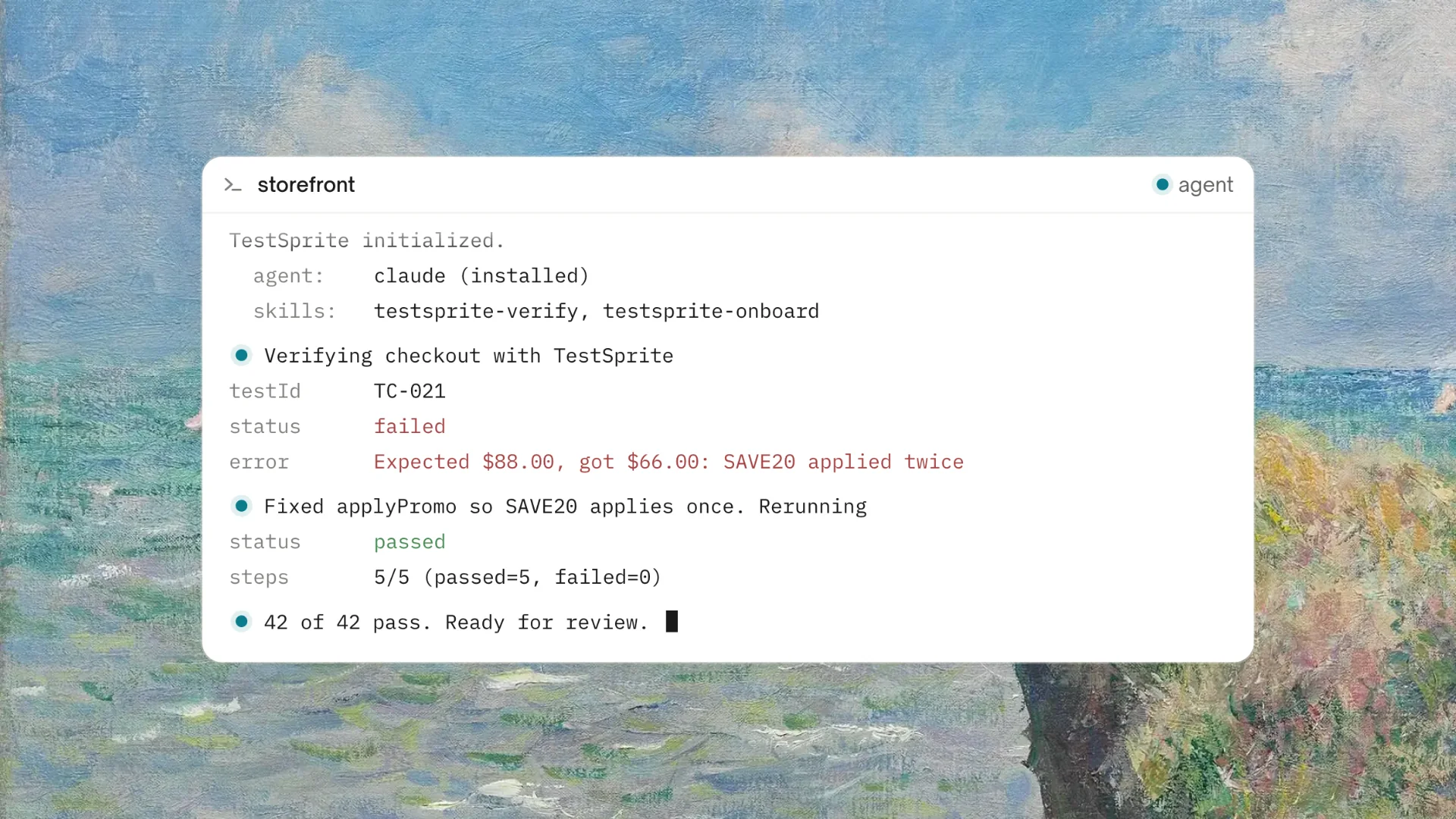
Each failure returns to the Cursor session in structured form. The coding agent receives descriptions of what was attempted, what was expected, and what actually happened across each layer. Fixes land in the same session.
Conclusion
The AI testing agent that generates tests across frontend flows, APIs, authentication, and accessibility isn't a specialized tool for each layer. It's an agent that treats the product as a connected experience, navigates it as a real user would, and finds the failures that live at the seams between layers.
TestSprite covers all four. Its exploration agents navigate the live application with intent. Its backend testing observes real API behavior. Its Auto-Auth establishes real sessions. Its interaction-based accessibility testing catches what static scanners miss.
One instruction. Full coverage. Results back in the IDE.
Start full-coverage testing with TestSprite from inside your AI IDE today.