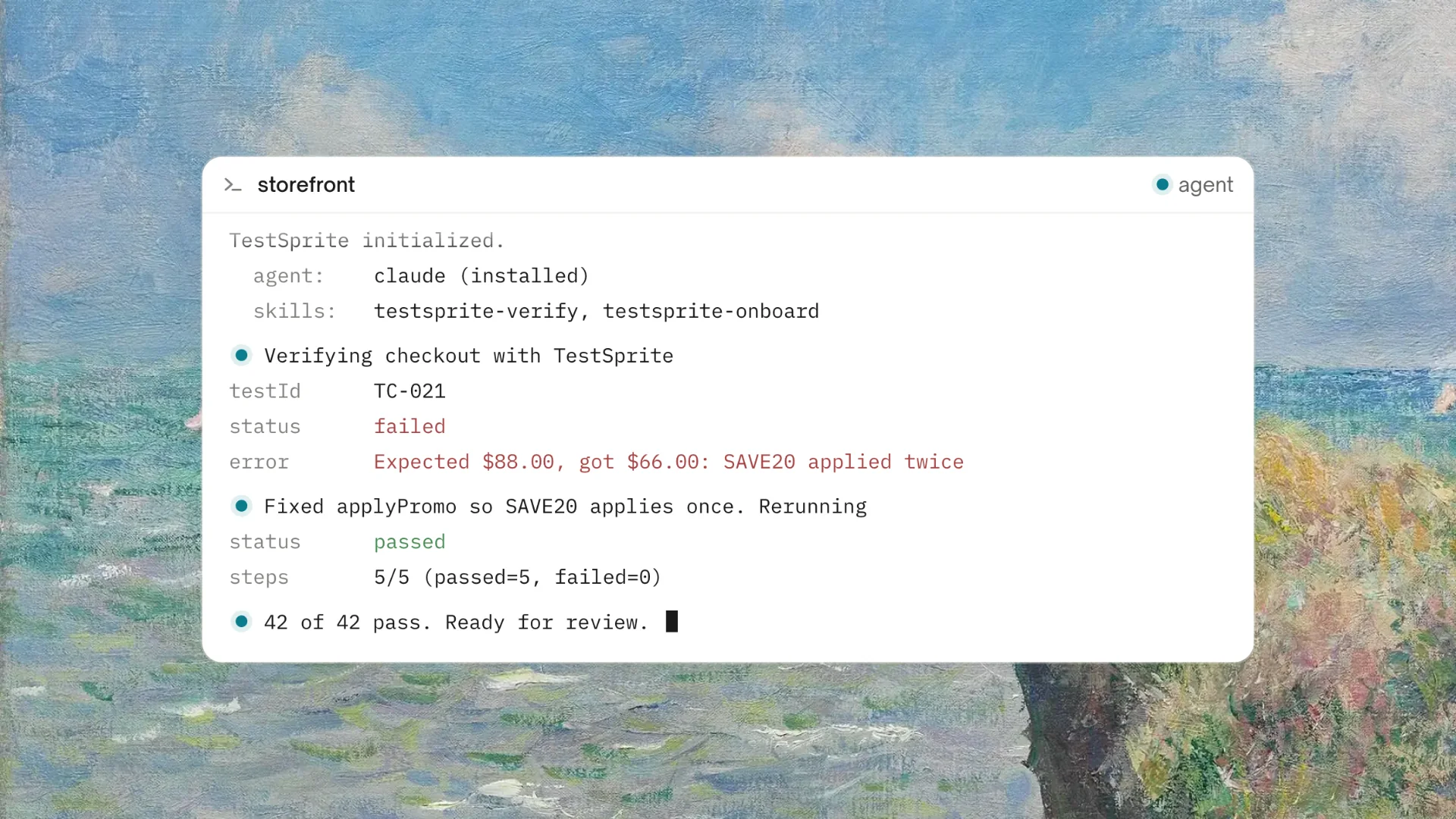
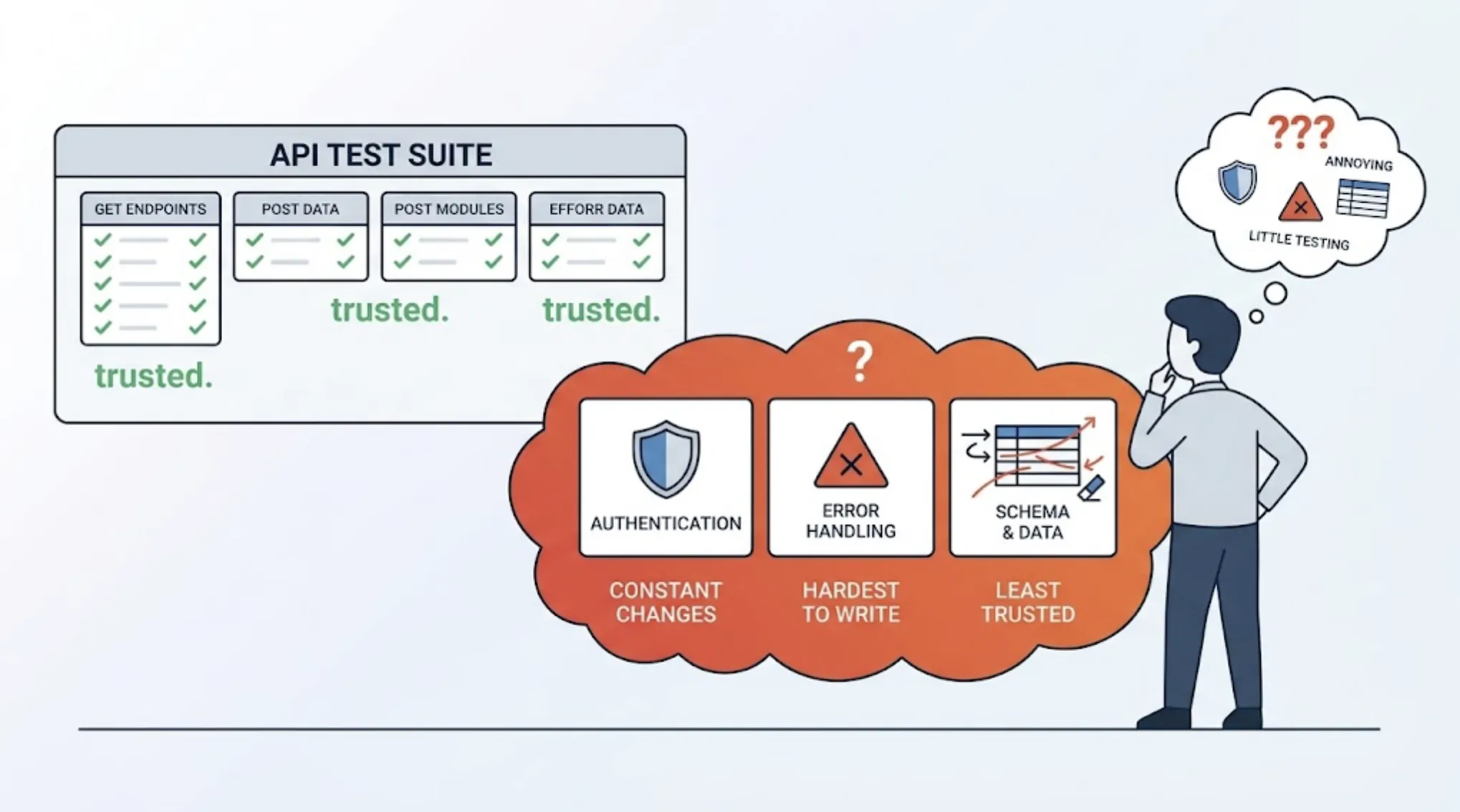
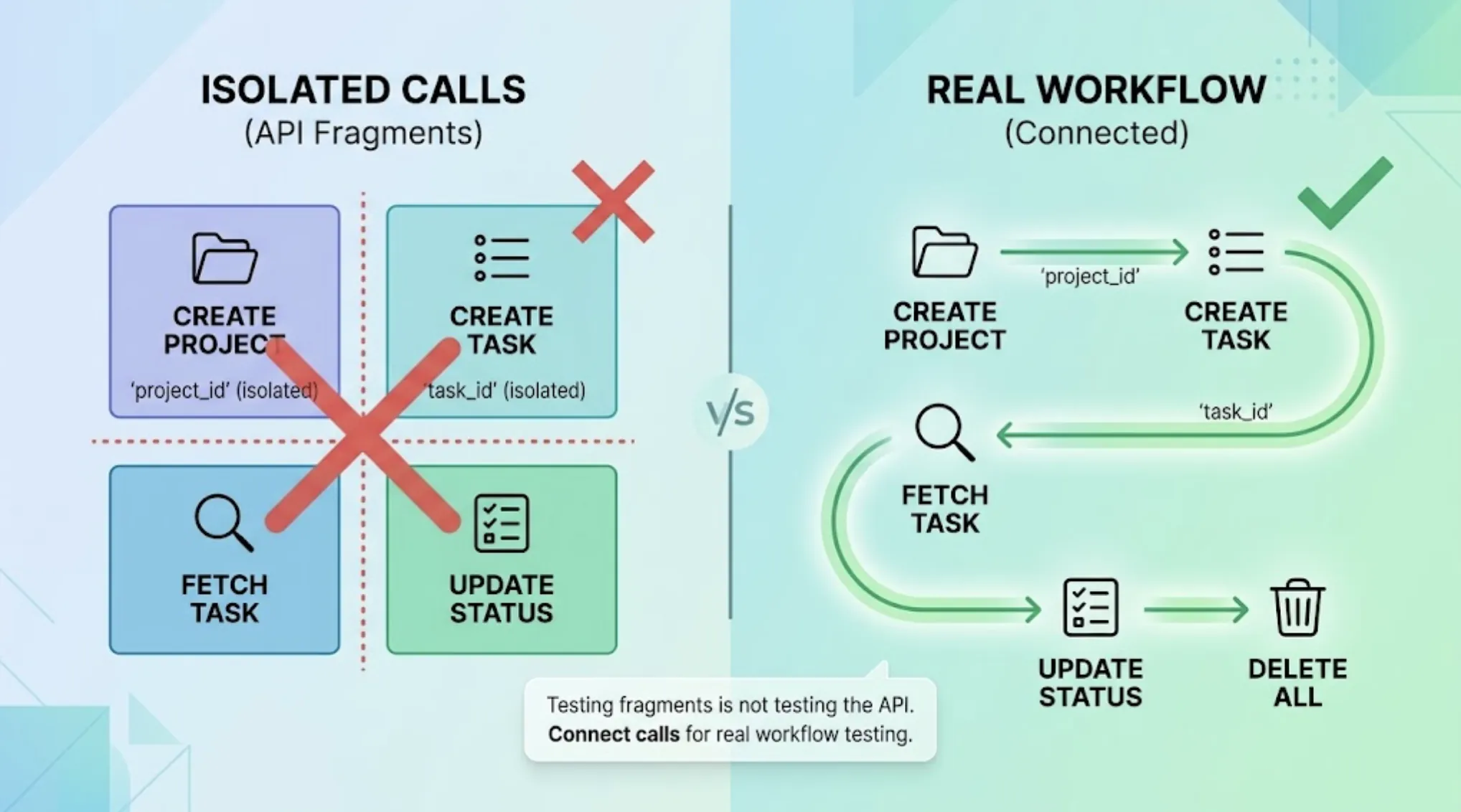
Is TestSprite Safe to Use with Private Codebases or Internal Applications?
Zeshi Du5 min read

Yes. And the reason is worth understanding, because it's not just a policy claim. It's built into how TestSprite works.
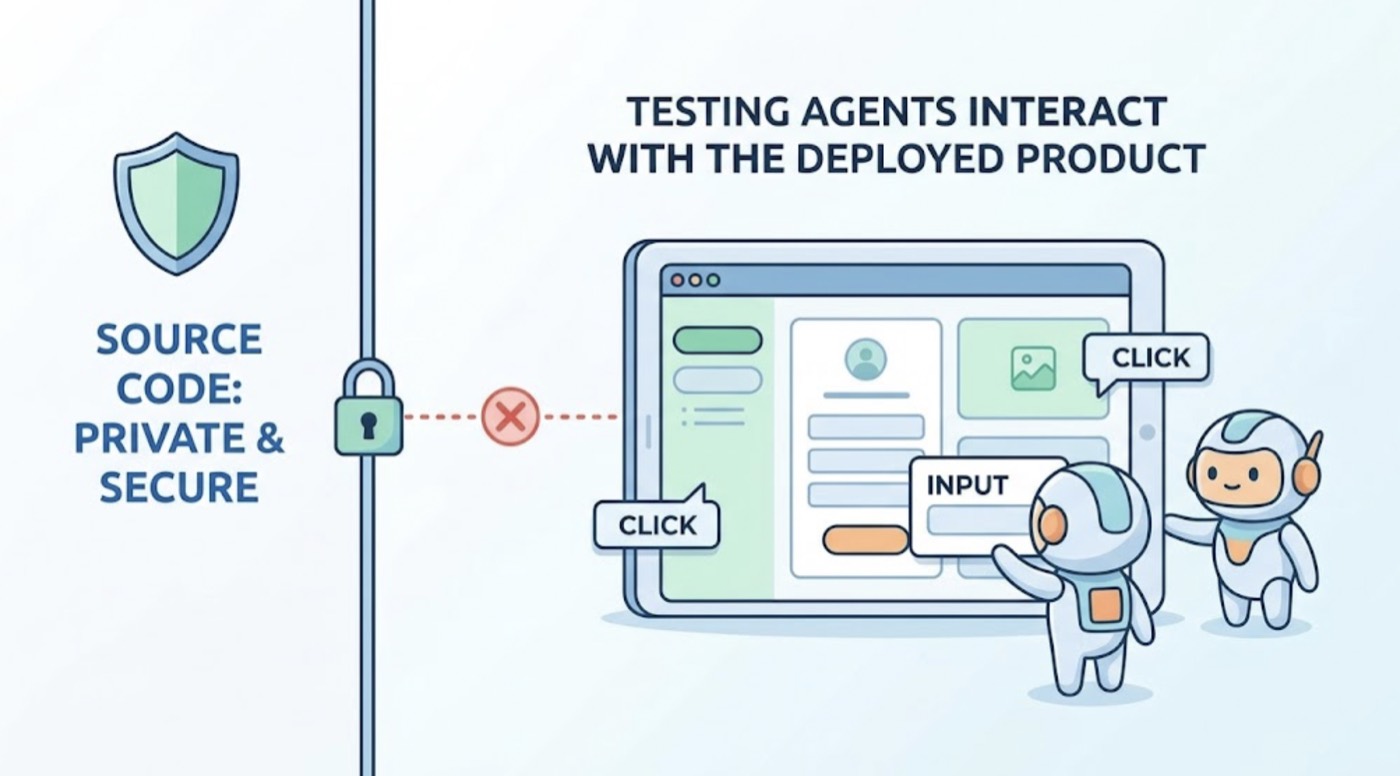
The short version: TestSprite doesn't read your source code to do its job. It visits the running application. The testing agents interact with the deployed product, not the codebase. What that means for privacy and security is that your private code doesn't have to go anywhere for TestSprite to generate and run tests.
What TestSprite Actually Accesses
This is the clarifying question most teams should ask of any testing tool: what does it need access to, and what does it do with that access?
For TestSprite, the answer is specific. The TestSprite MCP Server is installed locally and connects to TestSprite's testing infrastructure. When a test session starts, TestSprite's exploration agents visit the URL of the running application, which is typically your staging or preview environment.
The agents interact with the application the way a browser would: they send HTTP requests, read rendered HTML, interact with UI elements, and observe API responses. They don't clone your repository. They don't read your source files. They don't upload your codebase to TestSprite's servers.
Other verification tools read your code and guess. TestSprite opens your app and uses it.
For teams concerned about codebase exposure, this distinction is significant. Your code stays where it is. What TestSprite accesses is the running application at a URL you control.
The Ephemeral Cloud Sandbox
Test execution runs in TestSprite's secure ephemeral cloud sandbox.
When a test runs, a sandbox spins up in seconds, isolated from other tenants and from TestSprite's own infrastructure. The test executes inside that isolated environment. When the run completes, the sandbox tears down automatically.
There's no persistent test execution environment that accumulates data between runs. Each run starts clean, executes in isolation, and ends with the sandbox gone.
For teams testing internal applications with sensitive data, this model matters. The agents interact with the running application during the test window. When the sandbox is gone, so is the execution context. There's no lingering runtime that holds references to your application's responses.
What About Test Data and API Responses
TestSprite's agents call real API endpoints and interact with real application data during a test run. That interaction happens within the ephemeral sandbox during the test session.
For Backend Testing 2.0, the agents call endpoints and observe responses to build test assertions. Those responses are used to generate assertions and are processed within the test execution context. After every run, TestSprite sweeps the resources its tests created in dependency order: records created to test a CRUD flow, users created during an authentication flow, data generated during a multi-step test sequence. The application is left in a clean state.
For teams with sensitive data in staging environments, this means TestSprite works with staging data the same way a manual tester would: interacting with it during the test session and not retaining persistent copies of the observed responses beyond what's needed to generate and run the tests.
Credential Security with Auto-Auth
Teams testing internal applications with authentication need a way to provide credentials without those credentials being stored insecurely.
TestSprite's Auto-Auth handles authentication automatically. Password endpoints, OAuth refresh tokens, and AWS Cognito flows are configured once in the TestSprite Web Portal and used to authenticate before each test run. The agents arrive at authenticated states through the real login flow.
For teams with sensitive internal applications, the relevant point is that Auto-Auth uses credentials you configure and rotates tokens appropriately. Scheduled runs that cover authenticated internal applications don't require credentials to be embedded in test scripts or stored in CI configuration files where they might be exposed.
Internal Applications Without Public URLs
Some internal applications run behind VPNs, on private networks, or in environments that aren't publicly accessible.
TestSprite's agents visit the application URL you configure. For internal applications accessible only on a private network, the agents need a reachable URL, which typically means a staging environment that's accessible from outside the private network, or a preview deployment that reflects the internal application's current state.
For applications that must stay entirely on-premises, the Web Portal and CI integrations still work for applications that have accessible staging environments, even if the production deployment is fully internal.
A Scenario: A Fintech Team Testing an Internal Dashboard
A fintech company builds an internal transaction monitoring dashboard. The application runs on their private network in production and contains sensitive transaction data. Their engineers use Claude Code to build and iterate on the dashboard.
They want to use TestSprite to verify the dashboard after each Claude Code session, but they're concerned about exposing their codebase or transaction data to a third-party tool.
The setup: they maintain a staging environment that mirrors the internal production dashboard but contains synthetic transaction data. The staging environment is accessible from outside their private network through their standard staging infrastructure. No real transaction data is in the staging environment.
They connect the TestSprite MCP Server to their Claude Code installation. TestSprite accesses the staging environment URL. The codebase stays on their local machines and private repositories. The agents interact with the synthetic data in staging, generate tests from that interaction, and return results to the Claude Code terminal.
When the staging application requires authentication, Auto-Auth handles the login flow automatically using the credentials they configured. The agents navigate the dashboard as authenticated users would, exploring the transaction monitoring flows, the filter controls, the alert management section, and the reporting views.
The code never leaves the team's environment. The data the agents interact with is synthetic. The results come back to the IDE where the engineers can act on them.
That's the model for using TestSprite safely with internal applications: a staging environment that mirrors the internal application, synthetic or appropriately anonymized test data, and authentication handled through Auto-Auth.
Conclusion
TestSprite is safe to use with private codebases and internal applications for a structural reason: it doesn't read your source code. It visits the running application at the URL you configure, interacts with it the way a browser would, and runs tests in an ephemeral cloud sandbox that tears down after each run.
Your codebase stays where it is. What TestSprite accesses is the deployed application in your staging environment. With appropriate staging data hygiene, Auto-Auth for credential management, and the ephemeral sandbox model for execution, teams handling sensitive internal applications can use TestSprite without exposing their codebase or production data.
For specific security requirements, compliance needs, or enterprise deployment questions, the TestSprite team can provide additional detail.
Get started with TestSprite for your private or internal application today.