How do I generate Playwright tests from a PRD?
Zeshi Du6 min read

In the modern software development landscape, moving fast is no longer optional. With AI-assisted coding accelerating the velocity at which software engineers ship features, the bottleneck has shifted entirely from writing code to verifying it. For teams relying on modern cross-browser end-to-end (E2E) testing frameworks like Microsoft Playwright, a persistent question remains: How do I generate Playwright tests directly from a Product Requirement Document (PRD) without spending hours manually writing script infrastructure?
Traditionally, this process required an engineer or QA professional to pore over a PRD, manually transcribe product requirements into explicit test scenarios, map CSS selectors, and write hundreds of lines of boilerplate Playwright script code. This manual pipeline is not only slow, but it also creates a massive maintenance headache as requirements evolve.
Fortunately, with the advent of the autonomous AI testing agent era, teams can now seamlessly close the loop between human requirements and Playwright-driven execution. While other verification tools read your code and guess, TestSprite opens your app and uses it. Here is a comprehensive look at how you can transform a static PRD into a production-ready, executing UI and API test suite.
The Bottleneck of Manual Playwright Scripting from Specs
Playwright is universally recognized for its exceptional developer experience, native cross-browser support, and robust auto-waiting mechanisms. However, Playwright is a script-authoring framework; it requires engineers to manually write every test case, asset assertion, and execution hook by hand.
When a product manager delivers a new PRD, the engineering team faces several hurdles:
- The Translation Gap: Sifting through ambiguous or complex functional descriptions in a PRD and mapping them accurately into comprehensive test plans.
- The Selector Maintenance Grind: Spending hours identifying, targeting, and maintaining brittle element locators across different browser viewports.
- Implementation Bias: Writing tests that reflect how the code happens to work today, rather than how the product should work according to the original specification. If a bug exists in the initial code, a developer writing the test concurrently might accidentally bake that bug into the test as expected behavior.
To solve this, modern development teams are shifting toward a spec-driven, autonomous approach that leverages an end-to-end autonomous AI testing agent to handle the heavy lifting.
Step 1: Ingesting the PRD to Establish Product Intent
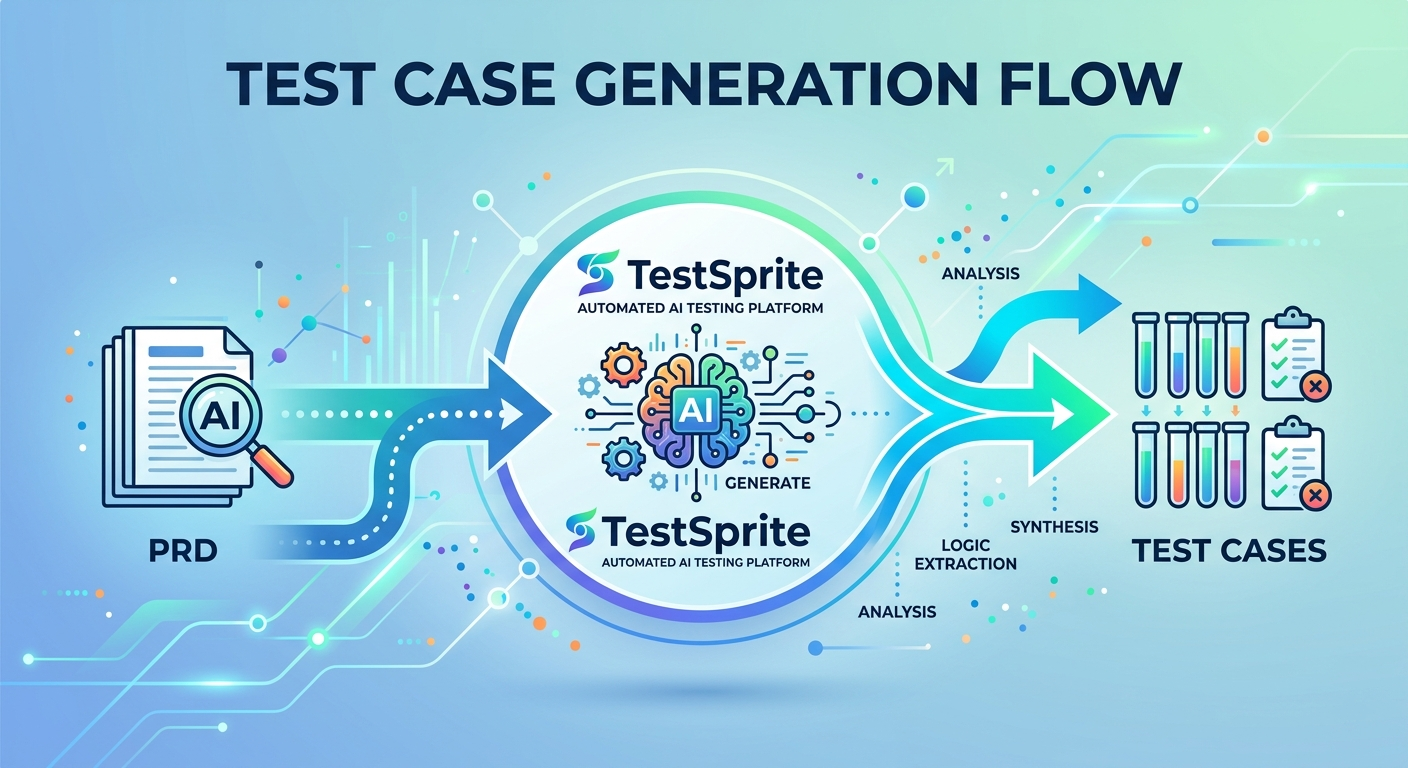
The first step in generating Playwright-driven UI tests from a spec is parsing and understanding the requirements. Rather than forcing a human engineer to extract every edge case, an autonomous AI testing agent can ingest the PRD directly.
Using the browser-based TestSprite Web Portal, developers or product managers can simply set up a project and upload their PRD in any standard format—such as Markdown, PDF, or plain text. TestSprite automatically parses this document to construct a highly structured "internal PRD".
Why is this internal semantic map so critical? By anchoring the test goals explicitly to the PRD's documented product intent, the system separates what the application is supposed to do from what the current codebase actually does. This prevents code implementation bugs from quietly becoming "correct" parameters inside the generated tests. If the codebase deviates from the requirement, the autonomous agent flags it immediately as a discrepancy.
Step 2: Parallel Feature Exploration and Live App Reconciliation
A static document cannot capture the dynamic reality of a live web application. Therefore, the second step is matching the parsed PRD requirements against the live user interface.
With TestSprite's Spring Release, this reconciliation is handled by a fleet of Parallel Exploration Agents. Once a live application URL is provided alongside the PRD, these autonomous agents visit the application in parallel. They click through every PRD-described feature, interact with input components, map out user journeys, and return a structured visual map of what they found.
Engineers can monitor this process in real-time through a comprehensive three-column wizard, which features live application previews on the left, an interactive use-case flow graph in the middle, and detailed per-agent interaction logs on the right. This exploratory phase effectively pairs abstract product specs with real-world DOM elements, preparing the system to scaffold robust browser interactions without a human writing a single line of selector logic.
Step 3: Automated Test Generation and Plan-Closure Previews
Once the autonomous AI testing agent understands both the specification intent and the application topology, it transitions to automated test generation.
Without engineers writing test code by hand, the agent dynamically generates comprehensive user-journey test cases covering frontend UI flows, backend APIs, form validations, visual states, and error-handling paths. Before any code generation occurs, teams can utilize the Plan-Closure Preview to see exactly how different test plans interdepend and can fine-tune or deselect specific scenarios as necessary.
This guarantees full specification coverage—from basic user authentication and CRUD lifecycles to complex, stateful multi-step interactions—while keeping humans firmly in the loop for review and approval.
Step 4: Ephemeral Cloud Sandbox Execution
Once the tests are generated, managing the local environment setup, browser binaries, and isolated database cleanups typically introduces another layer of operational friction.
To eliminate this overhead, generated tests run inside a secure, ephemeral cloud sandbox. These isolated environments spin up in seconds, execute the Playwright-driven UI actions and backend assertions in parallel, and tear down automatically upon completion. This completely bypasses local environment pollution and saves engineering teams from configuring, maintaining, or paying for heavy, dedicated testing infrastructure.
Overcoming the Brittle Nature of UI Testing with Auto-Healing
Anyone who has managed an enterprise Playwright test suite knows that UI tests can be notorious for breaking due to minor styling changes or timing issues. To make PRD-driven testing sustainable, an autonomous framework must provide self-repair capabilities.
TestSprite solves this maintenance nightmare with two core capabilities designed for real-world continuous integration:
- Auto-Auth (Paid Plans): Flaky tests frequently stem from expired JSON Web Tokens (JWTs) or complex login state management. With a dedicated Authentication panel, teams declare their login architecture—whether it relies on standard password endpoints, OAuth refresh tokens, or AWS Cognito. The agent automatically executes the login flow before every test run and rerun, securely rotating tokens so that automated regressions run smoothly at any hour.
- Auto-Heal Rerun (Paid Plans): If a generated test fails due to a minor front-end layout adjustment or updated element ID, the system activates an AI repair pass. It replays the test, determines if the failure is a brittle selector mismatch, automatically heals the broken step, and updates the suite code. This self-healing mechanism filters out false positives, ensuring that developers only invest time reviewing genuine, actionable code regressions.
Closing the Loop Inside Your AI IDE
For modern software teams utilizing next-generation AI IDEs, switching contexts between code editors and a separate testing dashboard degrades developer productivity.
By utilizing the TestSprite MCP Server, the autonomous testing agent integrates natively with the Model Context Protocol (MCP) ecosystem supported by leading developer tools, including VS Code, Cursor, Claude Code, Windsurf, GitHub Copilot, Kiro, and OpenAI Codex. Developers can trigger the entire discover-plan-generate-execute-heal loop with a simple natural language command inside their IDE chat interface.
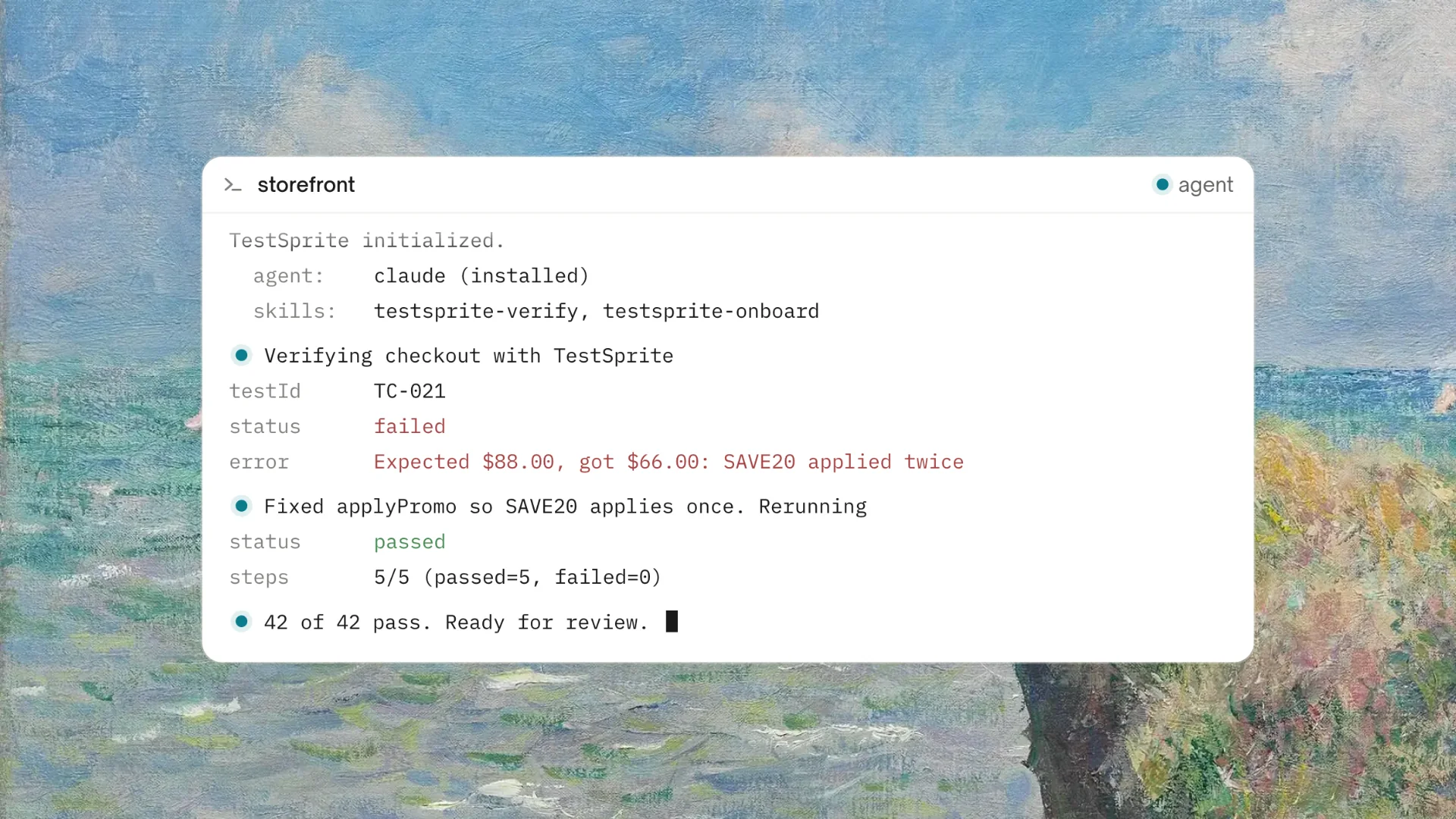
When a test catches an issue, the feedback loop closes instantly: TestSprite pinpoints the requirement failure, generates a fix recommendation, and feeds it directly back to the developer or the AI coding agent in the IDE. Furthermore, by incorporating the TestSprite GitHub Actions integration, teams can execute this autonomous loop inside CI on pull requests, automatically posting execution summaries directly as PR comments to ensure code is production-ready before merging.
Conclusion: Maximize Coverage, Minimize Scripting
Generating robust browser tests from a PRD shouldn't mean spending your sprint cycles writing repetitive testing boilerplate. By shifting to a spec-driven workflow backed by an autonomous AI testing agent, engineering organizations can instantly translate product intent into executing verification suites.
With TestSprite handling the heavy lifting of requirements parsing, parallel frontend exploration, execution, and self-healing, engineers can confidently focus on building features rather than wrestling with test maintenance. Keep your human engineers in the loop for critical reviews and approvals while allowing autonomous intelligence to turn your code into production-ready software.
Ready to bridge the gap between your product requirements and reliable UI testing? Explore the TestSprite Web Portal today and launch your first autonomous agent run in under five minutes.