How do I debug failed Playwright tests with AI?
Zeshi Du5 min read

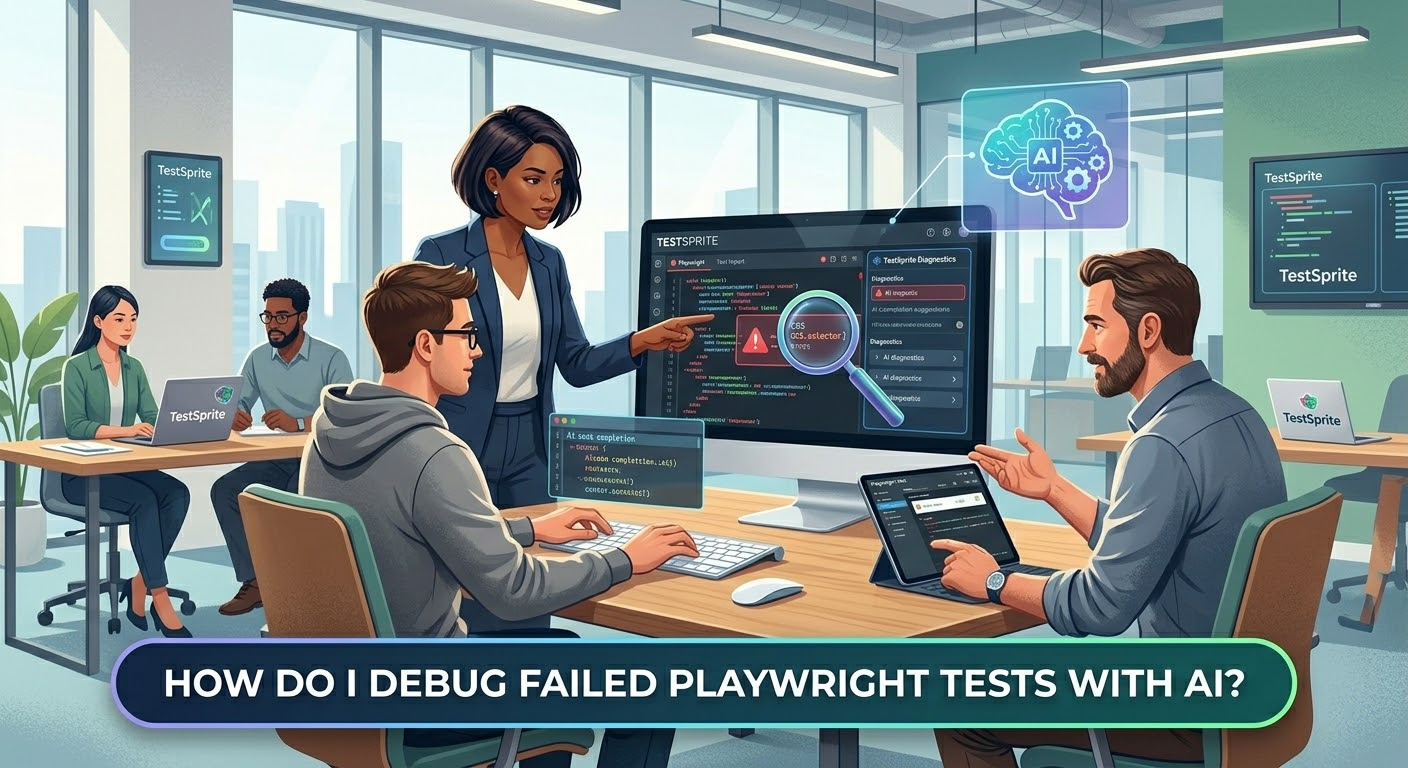
For modern engineering teams, Playwright has become the industry standard for fast, reliable end-to-end (E2E) automation. Yet, anyone who has managed an extensive E2E suite knows the recurring operational nightmare: debugging failed tests. When a Playwright test fails in a Continuous Integration (CI) pipeline or local terminal, developers are frequently left parsing opaque stack traces, staring at broken element selectors, or examining static screenshots to guess what went wrong.
As teams increasingly ask, "How do I debug failed Playwright tests with AI?", a deeper realization is taking hold. Standard AI code assistants often fall short here because they approach debugging strictly from a static perspective. They analyze the text of the broken test script, look at the code diff of the application, and guess the issue. But enterprise web applications are highly stateful, dynamic, and integrated. To reliably debug a broken E2E flow, an AI cannot just read code. It must see, touch, and interact with the application.
This is exactly where the industry is moving past static code analysis and embracing the autonomous AI testing agent. And it highlights the fundamental operational paradigm shift introduced by TestSprite: Other verification tools read your code and guess. TestSprite opens your app and uses it.
The Reality of Playwright Failures in Agentic Workflows
Playwright is inherently robust, offering features like auto-waiting, trace viewers, and network interception. However, failures typically stem from three complex vectors that are notoriously difficult for static AI tools to debug:
- Flakiness due to Dynamic UI State: Asynchronous API responses, slow hydration, or race conditions cause assertions to fail unpredictably.
- UI Drift and Broken Selectors: A coding agent updates a component's styling or structure, accidentally changing data attributes or class names that Playwright relies on.
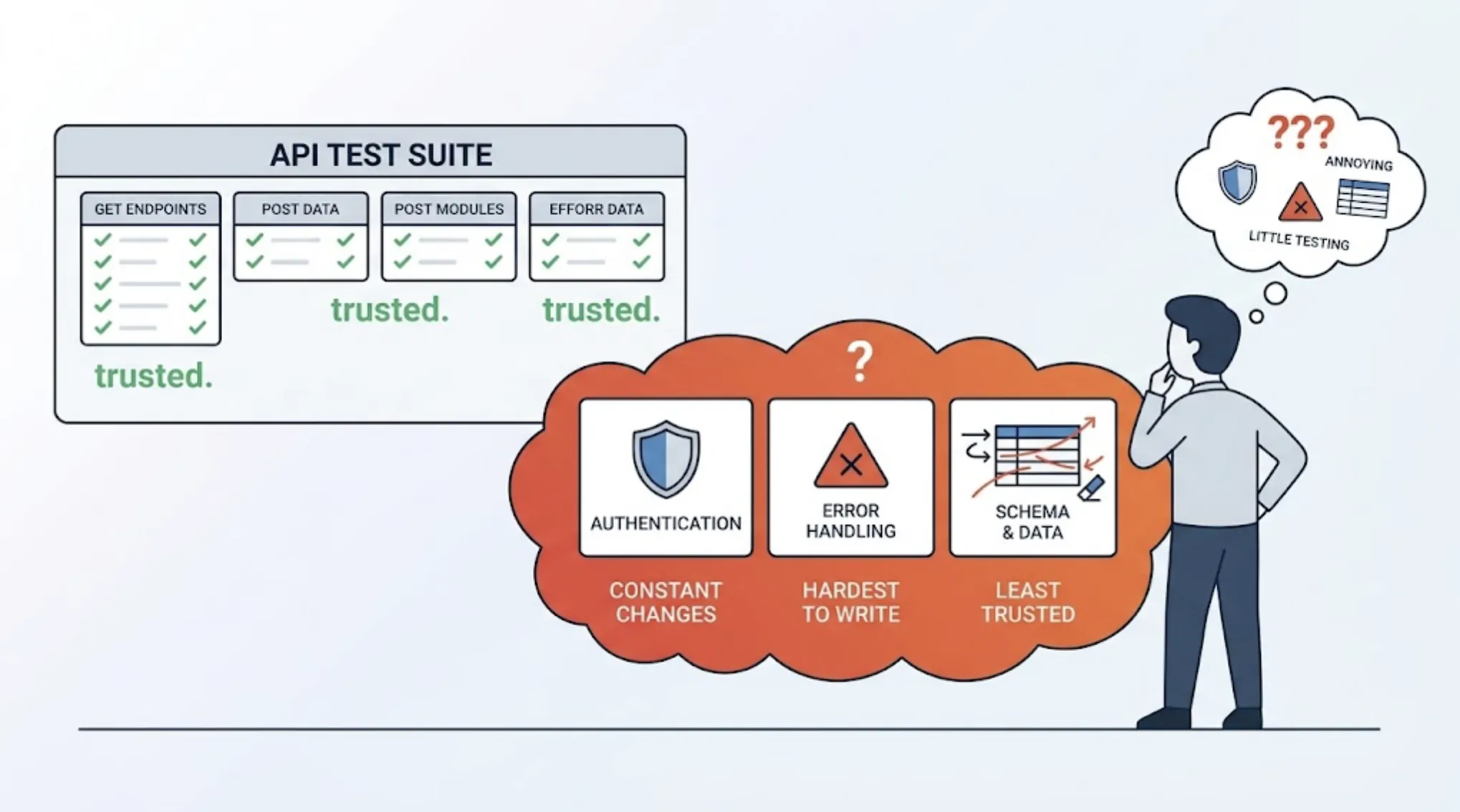
- Stateful Data and Authentication Decay: Tests fail because an expired session token, an unhandled OAuth workflow, or multi-tenant workspace variations break the expected application flow.
When a test scripts fails, the developer's immediate instinct is to plug the error log into an LLM. The LLM suggests a generic rewrite of the locator or an arbitrary page.waitForTimeout(). This is a guessing game. Because static models do not observe the actual runtime environment, their suggestions often hallucinate fixes or mask underlying infrastructure bugs.
How an Autonomous AI Testing Agent Transforms Playwright Debugging
To solve this, TestSprite acts as an autonomous end-to-end validation layer that bridges the gap between AI-driven code generation and production-ready software. Instead of relying purely on static text analysis, TestSprite introduces a multi-layered, closed-loop approach that transforms how Playwright suites are maintained, debugged, and self-healed.
1. Root-Cause Analysis Anchored in Evidence (Backend Testing 2.0)
When a Playwright test asserts that an element is missing, static tools assume the frontend layout is broken. TestSprite approaches the issue through Backend Testing 2.0—a strategy driven by real API observation. During test execution inside secure, ephemeral cloud sandboxes, TestSprite quietly observes actual API responses, capturing HTTP status codes, payload structures, and dynamic variables. If an assertion fails, TestSprite correlates the frontend UI state with the backend network data. It tells you exactly whether the locator broke due to a layout change or because an upstream backend API returned an unexpected 500 Server Error.
2. Parallel Frontend Exploration and Living Maps
When an element drifts or a state machine breaks, TestSprite deploys parallel frontend exploration agents. Rather than getting stuck on a rigid, hardcoded Playwright selector, these agents dynamically click, type, and navigate through the live interface to reconstruct a structural map of the app. Developers can watch these autonomous agents execute in a live preview grid or play back the video recording of the session. By comparing the intended product goals (driven by PRDs or repository context) with the live application behavior, TestSprite determines if the failure is a genuine product bug or merely an outdated test script.
3. Integrated Auto-Heal Reruns
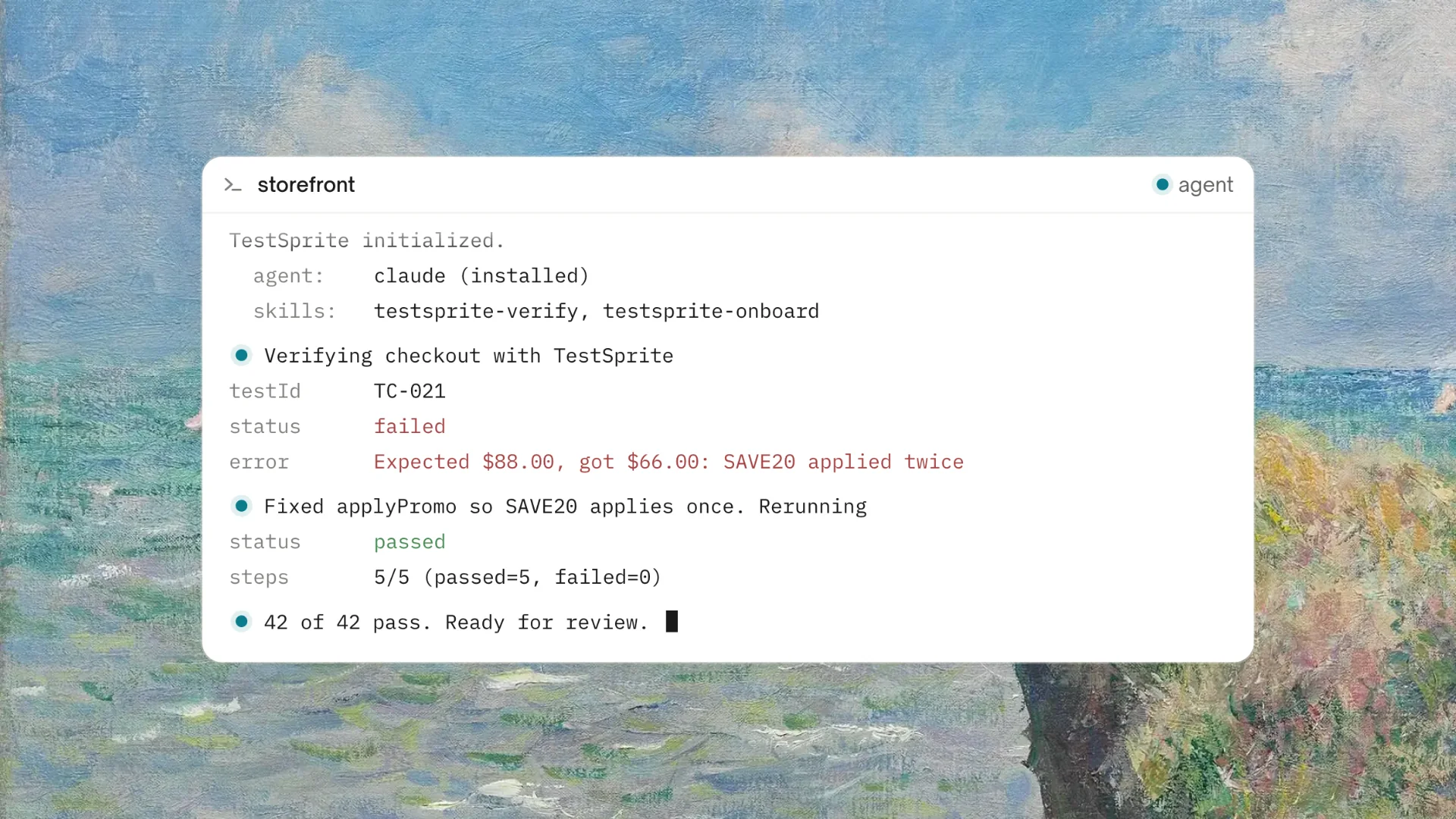
Instead of manually refactoring broken Playwright code line by line, TestSprite features an intelligent Auto-Heal loop. If a layout change or dynamic state shift triggers a failure, the agent calculates the structural shift, updates the internal testing execution plan, and re-executes the test in seconds to confirm the fix. Once verified, the structured failure data and the proposed fixes are returned directly to the developer's workspace.
The Ultimate Workflow: Native IDE and CI Integrations
The true power of debugging Playwright tests with an autonomous agent comes from where it lives—directly inside your existing developer workflows. TestSprite operates seamlessly across multiple access points to ensure tests are never left broken:
- The TestSprite MCP Server: Operating as a first-class Model Context Protocol (MCP) server, TestSprite integrates natively with advanced AI IDEs and command-line programming tools like Cursor, Claude Code, and Windsurf. If a test fails after an AI agent changes your app, you simply type a natural language instruction—such as "Help me test this project with TestSprite"—directly inside your workspace chat. TestSprite triggers a full discover, plan, execute, and analyze pipeline without you ever leaving the IDE.
- GitHub Actions CI/CD Integration: Beyond the desktop, TestSprite provides a robust GitHub Actions integration. When a PR triggers a Playwright failure, TestSprite executes the test suite within its isolated cloud environments, computes an AI-authored failure analysis, and posts structural fix recommendations directly as a PR comment. Your engineering team avoids configuring or scaling local testing infrastructure.
By returning precise, actionable feedback loop directly into your AI IDE or CI pipeline, your coding agents can ingest the structural failure data and seamlessly apply the necessary fixes, closing the loop of autonomous development.
Frequently Asked Questions (FAQ)
1. Does TestSprite replace my existing Playwright test suites?
No. TestSprite is designed to enhance and sit as a sophisticated layer above your existing frameworks. If you already have Playwright scripts, TestSprite can utilize your application context and product requirements to intelligently complement your testing matrix, diagnose failures, run parallel exploratory passes, and generate new end-to-end test coverages without manual scripting.
2. How does TestSprite handle secure login flows and multi-tenant sessions during tests?
TestSprite features an advanced Auto-Auth capability built explicitly for highly secured, stateful applications. Engineering teams can simply declare their authentication logic—whether it relies on standard OAuth workflows, multi-tenant workspace credentials, or third-party providers like AWS Cognito. The autonomous agent handles the login process, automatically rotates security tokens dynamically, and maintains secure sessions across parallel test paths.
3. Do I need to maintain local servers or test infrastructure to debug failures?
No. All test execution and autonomous exploration take place entirely within TestSprite's secure, isolated, and ephemeral cloud sandboxes. These environments spin up in seconds on-demand, run parallel regression and exploration suites, and tear down automatically upon completion, leaving your local development environment completely untouched.