How Can I Reduce TestSprite Credit Usage and Testing Costs?
Zeshi Du6 min read

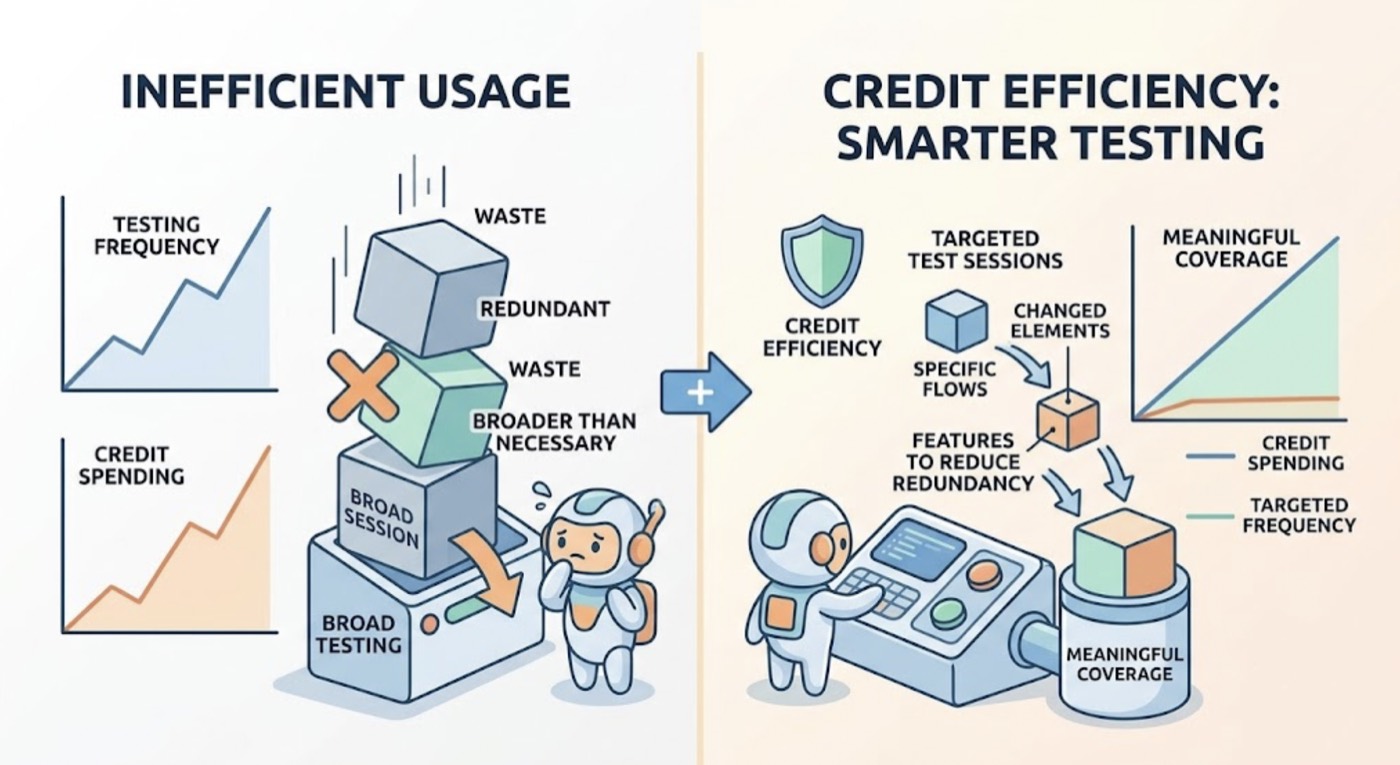
Credit efficiency is a real consideration, especially for teams running frequent test sessions on growing products. The goal isn't to test less. It's to test smarter, so that every credit spent produces meaningful coverage.
Most teams who feel their credit usage is too high are running broader sessions than necessary, testing unchanged flows repeatedly, or not taking advantage of the features designed to reduce redundant work. Fixing any of these brings usage into a more efficient range without sacrificing coverage quality.
Here's how to approach it.
Understand What Consumes Credits
Credits are consumed as TestSprite's exploration agents navigate the application, generate test cases, and execute tests. Larger products with more flows, more API endpoints, and more stateful interactions consume more credits per session than smaller ones. That's expected and appropriate: more product means more verification work.
The inefficiency usually comes from one of three places.
First, running full exploration sessions on every code change when only a portion of the product was modified. A Claude Code session that updated the billing section doesn't require a full re-exploration of the dashboard, the onboarding flow, and the settings page.
Second, running the same tests on unchanged flows repeatedly without using scheduled regressions efficiently. If a flow passed yesterday and nothing that touches it changed, re-running it today uses credits without adding new information.
Third, over-broad exploration with no scope guidance. An agent exploring a large product without any intent signal will visit every reachable surface, some of which may not be the priority for the current testing objective.
Run Targeted Sessions After Focused Changes
The most direct way to reduce credit usage is to match the scope of the test session to the scope of the change.
After a Claude Code or Cursor session that modified a specific section of the product, the most efficient approach is to scope the TestSprite session to the affected flows rather than exploring the entire product surface.
Through the TestSprite MCP Server, you can provide context in the instruction that focuses the exploration:
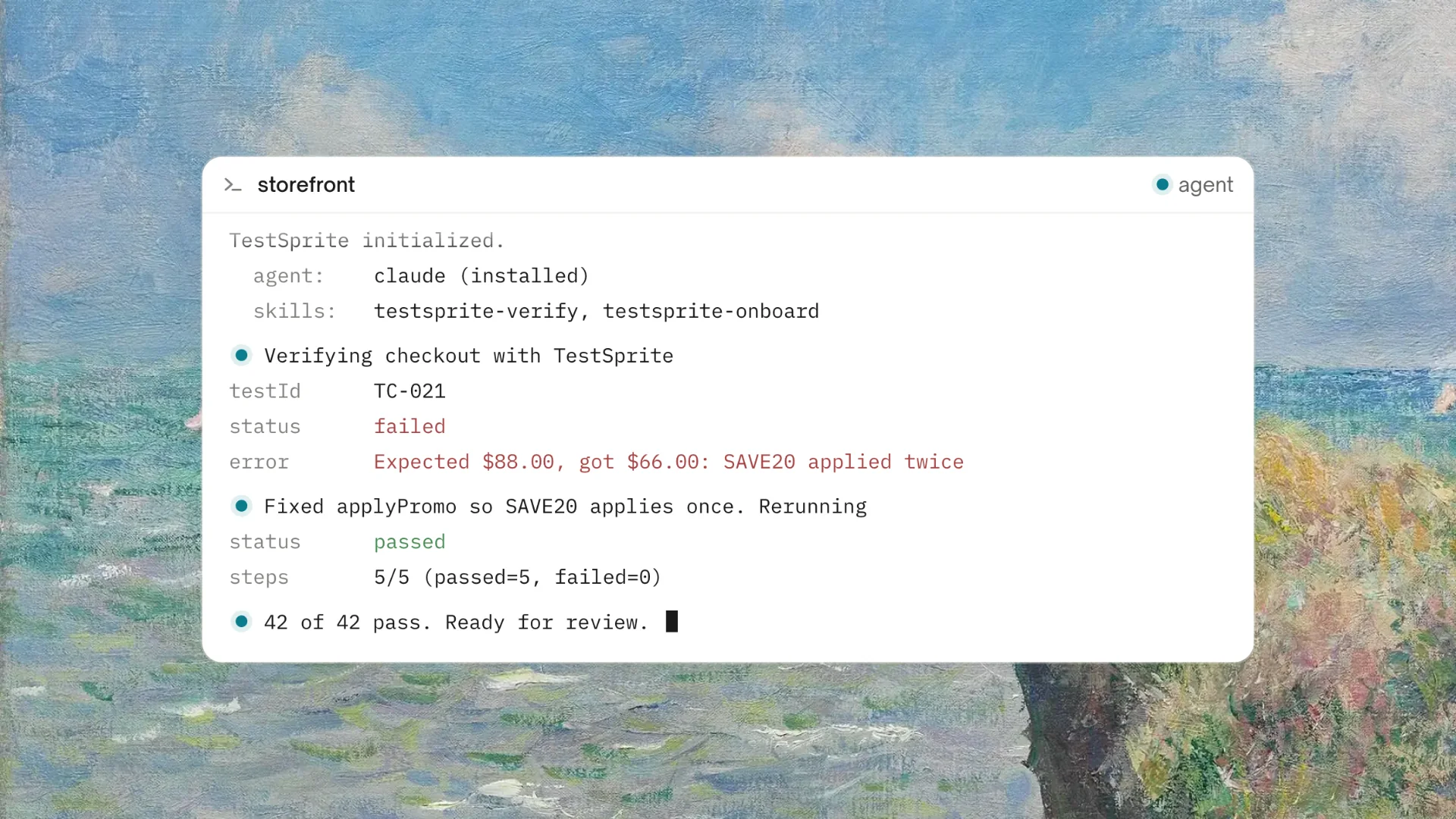
"Help me test the checkout flow and payment settings in this project with TestSprite."
The agents focus their exploration on the specified flows, covering those in depth without spending credits navigating the full product surface. The full-surface exploration is most valuable for the first session on a project, for major releases, and for scheduled regressions. For targeted post-change verification, focused sessions use credits more efficiently.
Use Scheduled Regressions Instead of Manual Re-Runs
Manually triggering TestSprite after every change, including changes that didn't touch critical flows, uses credits on work that scheduled regressions handle more efficiently.
The Starter plan provides 5 Test Schedules, the Standard plan 10, and the Pro plan unlimited. Using a scheduled nightly regression to cover the full product surface means that manual sessions can focus on verifying changes specifically, while the scheduled run handles the broader regression coverage.
The pattern that works well for most teams: a targeted manual session after each significant code change to verify the affected flows, and a scheduled overnight regression to confirm nothing else broke. The scheduled run reuses the test plan generated in earlier sessions rather than re-exploring from scratch each time.
Auto-Heal Rerun reduces the credits consumed by false positives. When a UI change causes a structural test failure that doesn't reflect a behavioral regression, Auto-Heal adapts the test rather than requiring a full re-run to investigate. Fewer spurious failures mean fewer investigation sessions and fewer credits spent on noise.
Optimize Backend Testing Scope
Backend Testing 2.0 consumes credits per endpoint called and per test generated. For products with large API surfaces, testing every endpoint on every session isn't necessary.
Focus backend testing sessions on the endpoints affected by recent changes. If a Claude Code session updated the transaction API, run backend testing on the transaction endpoints and the endpoints that depend on them. Save full API surface testing for scheduled regressions or major release verification.
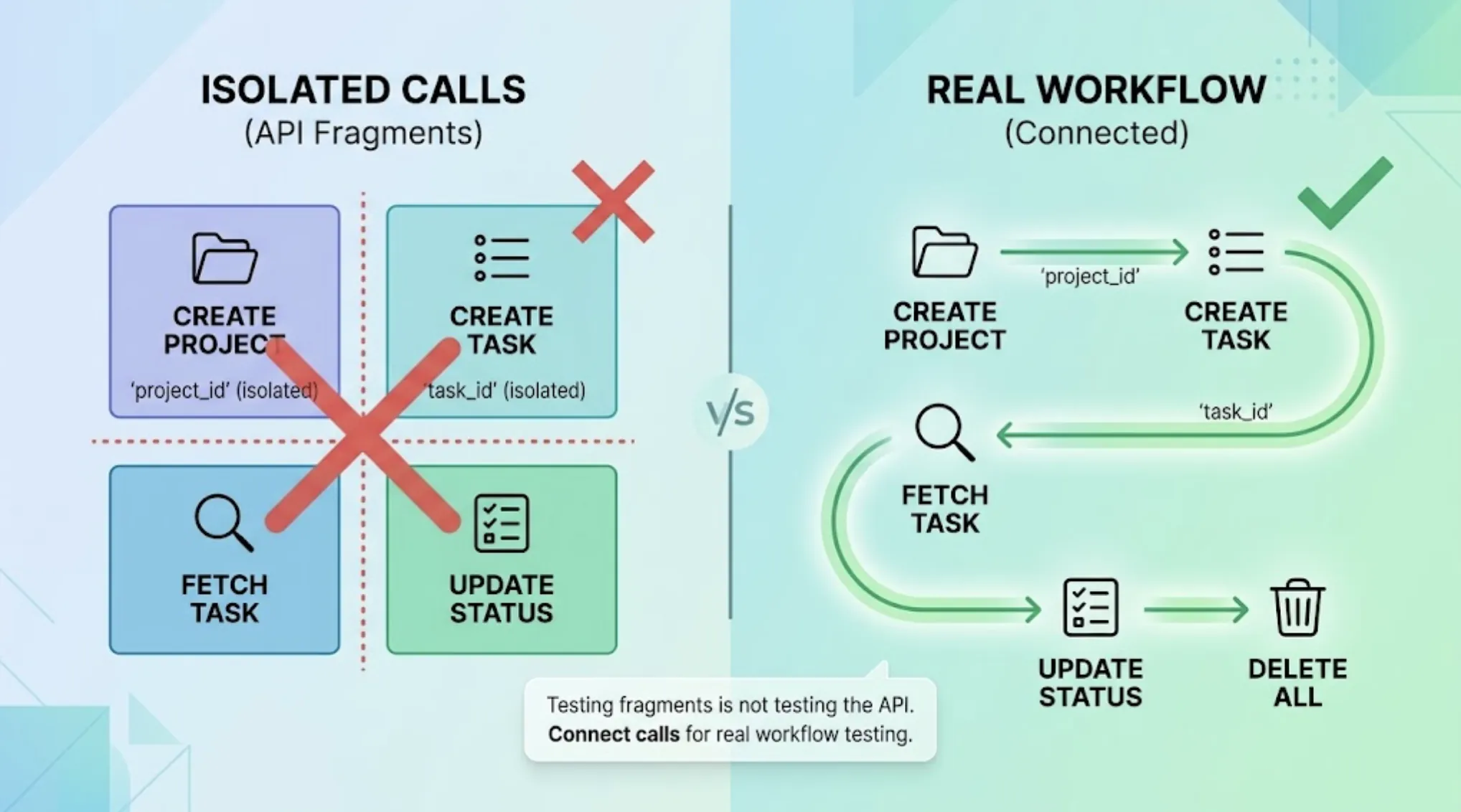
Dynamic variables from real responses flow automatically through multi-step sequences, which means a CRUD lifecycle test uses credits efficiently: one create call, one read, one update, one delete, and a verification. Each step builds on real output from the previous step rather than requiring separate setup.
After every backend test run, TestSprite automatically sweeps the resources its tests created. Clean environments mean subsequent runs don't encounter stale state that requires extra calls to resolve.
A Scenario: Cutting Monthly Credit Usage Without Reducing Coverage
A small team ships two to three Claude Code sessions per week. In their first month, they triggered a full product exploration after every session. Their product has forty-odd user flows and a backend API with twenty-plus endpoints. Each full session consumed a significant portion of their monthly credits.
They restructured their testing approach:
After each Claude Code session, they run a targeted session covering only the flows the session touched. A session that updated the notification system gets a TestSprite instruction focused on notification flows and the API endpoints that power them. Credits spent per post-change session dropped significantly.
They set up a nightly scheduled regression using one of the Standard plan's ten schedules. The nightly run covers the full product surface and catches regressions in flows not directly touched by recent sessions. Auto-Auth handles the authentication, so the nightly run always arrives at authenticated states with fresh credentials. Smarter Schedules shows the "Changes vs previous" column each morning, making it easy to see which tests flipped status overnight without reviewing the full suite.
Auto-Heal handles the structural false positives that would previously have required manual investigation sessions. A navigation refactor that happened mid-month no longer generates a cascade of failing tests requiring re-runs to debug.
The result: more comprehensive coverage than before (nightly full regression plus targeted post-change sessions), with total monthly credit usage lower than their first month's full-surface approach.
Choose the Right Plan for Your Usage Volume
For teams consistently hitting credit limits, the issue may be plan-tier fit rather than session inefficiency.
The free plan's 150 monthly credits suits individual developers running occasional verification sessions. Starter at $19/month provides 400 credits and 5 Test Schedules, which fits small teams running regular but not daily sessions. Standard at $39/month provides 800 credits and 10 Test Schedules, which fits teams integrating TestSprite into a regular CI workflow. Pro at $69/month provides 1,600 credits and unlimited Test Schedules, which fits teams with daily testing activity across several environments.
Yearly billing saves 35% on Starter, Standard, and Pro, which is the most direct cost reduction for teams that plan to use TestSprite consistently.
For teams approaching the Pro tier's limits, the Enterprise plan provides custom credit allocations. The TestSprite team can help assess the right volume based on your product size and testing cadence.
What Not to Sacrifice for Cost Efficiency
Credit efficiency shouldn't come at the cost of the coverage that actually catches bugs.
The most valuable credit spend is on flows that users depend on most, flows that changed recently, and the full-surface regression that catches interactions between flows. These are the sessions worth running even when credits are constrained.
The least valuable spend is on re-running unchanged flows manually when a scheduled regression handles them, and on full-surface exploration sessions after minor targeted changes.
Scoping sessions to match the scope of changes, using scheduled regressions for broad coverage, and letting Auto-Heal handle structural noise are the efficiency levers that don't sacrifice meaningful coverage.
Conclusion
Reducing TestSprite credit usage without reducing coverage quality comes down to three practices: scope manual sessions to match the scope of changes, use scheduled regressions for full-product coverage instead of repeated manual full-surface sessions, and let Auto-Heal handle structural noise so credits aren't spent investigating false positives.
Beyond that, choosing the right plan tier for your usage volume and taking advantage of yearly billing provides the most direct cost reduction.
TestSprite is most valuable when it's running consistently as part of the development workflow, not sparingly. The efficiency practices here make that sustainable across different team sizes and product scales.
Manage your TestSprite plan and credit usage from the Web Portal today.