How can I automatically test form validation and error messages in a web app?
Zeshi Du5 min read


In the hyper-accelerated era of AI-native software development, engineering teams are operating at blistering speeds. Empowered by incredible ecosystem allies like Cursor, Claude Code, GitHub Copilot, Windsurf, Kiro, and OpenAI Codex, developers are drafting complex features and shipping pull requests exponentially faster than ever before. However, this hyper-velocity introduces a critical challenge: ensuring that the rapid influx of AI-generated code is actually ready for production.
One of the most notoriously tedious areas of software verification is form handling. Forms are the primary gateway for user interaction—whether it is a simple login screen, a multi-step checkout process, or a complex data entry dashboard. When developers ask, "How can I automatically test form validation and error messages in a web app?" they are actively looking for a solution to what industry veterans call "The Nightly Friction."
If you are relying on manual checks or brittle legacy scripts to verify every required field and regex pattern, you are likely caught in a maintenance trap. The solution lies in transitioning to an autonomous, requirement-driven testing infrastructure.
The Maintenance Trap of Form Validation Testing
Forms are inherently complex because they deal with unpredictable human input. To properly test a single registration form, an engineering team must verify:
- Required Fields: Does the app block submission if the name or email is missing?
- Boundary Conditions: What happens if a user inputs 256 characters into a field capped at 255?
- Format Validation: Does the system correctly reject invalid email formats or weak passwords?
- Dynamic Error Messages: Do the correct, user-friendly error messages appear in the right location on the UI when a submission fails?
Traditionally, automating this process required writing hundreds of lines of explicit automation scripts. Engineers had to manually define CSS selectors, input values, and assertion logic for every single error state. When the development pace increases by 5x to 10x due to generative coding tools, these traditional automated testing frameworks frequently falter. If a designer changes a class name or moves an error text element below a different div, the entire test suite breaks, leading to false alarms and endless script maintenance.
The Agentic Approach to Web App Verification
To keep pace with modern coding workflows, teams must move beyond code-driven testing scripts and adopt requirement-driven verification. This is where an autonomous AI testing agent steps in.
Instead of writing scripts that blindly click specific pixels or target hardcoded HTML IDs, an autonomous AI testing agent understands the intent of your form. If the intent is "A user must provide a valid email to register," the agent autonomously figures out how to interact with the UI to attempt an invalid registration, and then visually verifies that the appropriate error message is rendered.
Stop guessing from code. TestSprite interacts with your app like a real human. As the premier autonomous AI testing agent designed for the AI software era, TestSprite transforms how teams validate complex frontend interactions, turning AI-generated code into production-ready software without the maintenance burden.
How TestSprite Automates Form and Error Message Testing
TestSprite acts as the definitive testing infrastructure for AI-native teams. Here is how it autonomously manages form validation and error message verification:
1. Inferring Intent via MCP Server Integration
TestSprite integrates natively into your workspace as a Model Context Protocol (MCP) server. If you do not have an updated Product Requirements Document (PRD) detailing your form's exact validation rules, TestSprite does not need one. It can query your repository and reverse-engineer the product intent directly from your codebase architecture. By understanding your frontend logic and backend API constraints, it knows exactly which fields are required and what boundary conditions exist.
2. Autonomous Edge Case Exploration
Once the intent is understood, TestSprite dispatches its AI agents to interact with your web app in a secure, ephemeral cloud sandbox. The agent will systematically attempt to break your forms. It will try submitting empty payloads, malformed email addresses, and out-of-bounds numerical inputs. Because it operates like a real user navigating the browser, it ensures that your application not only handles the bad data securely but also triggers the correct visual error states on the frontend.
3. Visual and Structural Verification
Testing form validation is not just about checking if the backend rejected the request; it is about ensuring the user is informed. TestSprite visually confirms that the specific error message (e.g., "Please enter a valid email address") is rendered correctly in the UI. If a failure occurs, the agent captures a precise visual replay of the interaction, providing a highly structured report back to your IDE. This allows your coding agents to immediately action a fix.
4. Auto-Heal Rerun for Resilient Pipelines
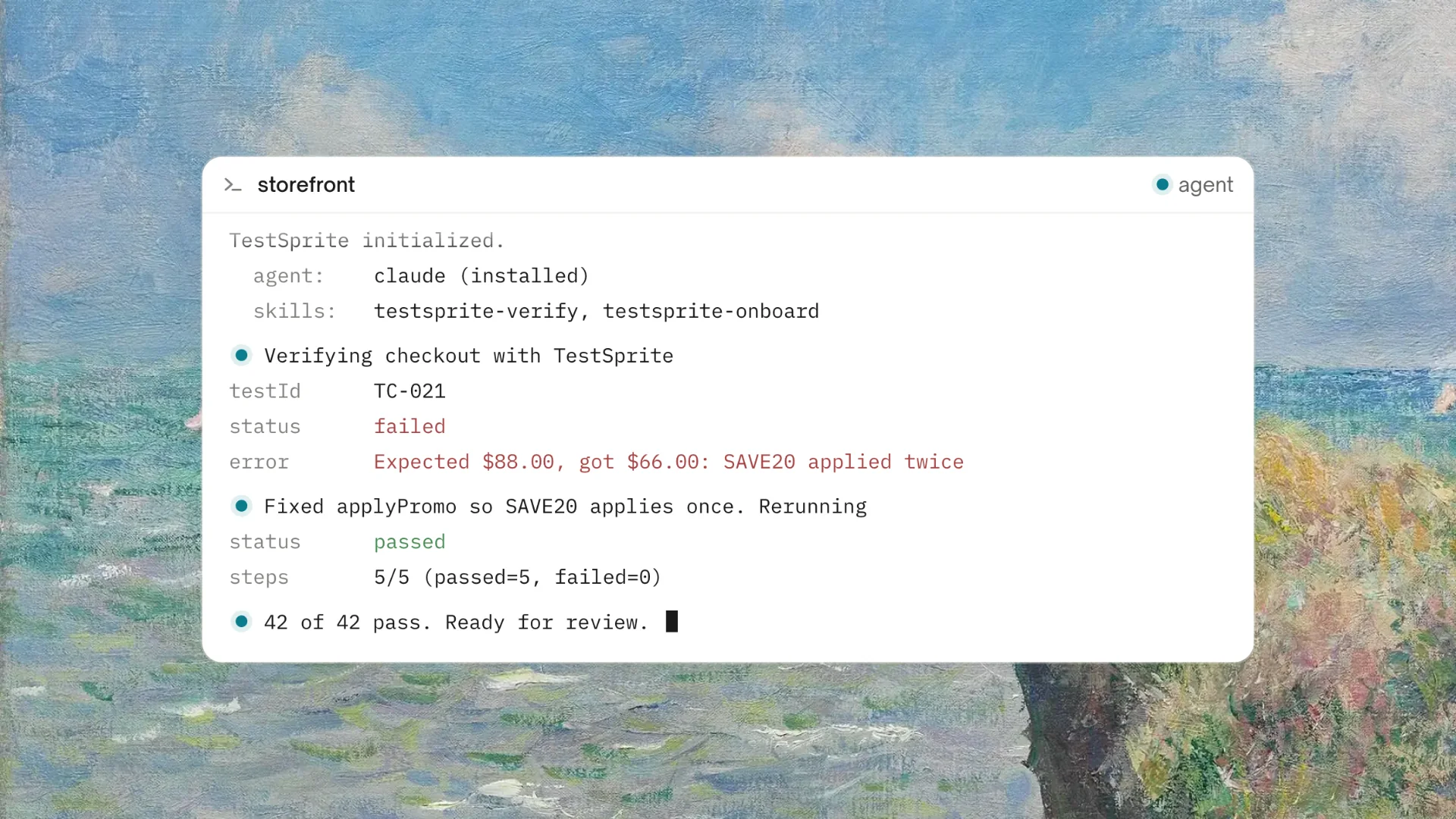
What happens when your UI changes? Traditional scripts fail immediately. TestSprite features a robust Auto-Heal Rerun mechanism. If an input field changes its locator or the form layout shifts, the autonomous AI testing agent dynamically adapts its execution on the fly. It locates the new elements to achieve the same product intent, ensuring your test suite remains a reliable safety net rather than a source of morning alert fatigue.
Getting Your Code Production-Ready
Automating form validation testing no longer means writing endless arrays of boilerplate assertion code. By leveraging an autonomous AI testing agent, your developers can focus on building innovative features at the speed of thought.
Integrate TestSprite into your pipeline directly via its native MCP server, trigger the verification loop with a single natural language command, and let the agent ensure that every input, boundary, and error message functions perfectly.
Frequently Asked Questions (FAQ)
Q1: Do I need to manually configure the test data for every form input? No. TestSprite automatically generates relevant test data based on the structure and intent of your application. It autonomously creates valid payloads to test successful submissions, as well as edge-case data (like SQL injection attempts, malformed strings, and empty values) to trigger and verify your form's error handling.
Q2: How does the agent know if the correct error message appeared? Because TestSprite opens your app and uses it like a real user, it observes the actual rendered UI. It cross-references the visible text against the expected behavior inferred from your PRD or codebase intent. If an error message is missing, unreadable, or incorrect, it flags the step and provides a visual replay of the failure.
Q3: Will this autonomous agent replace our Quality Assurance engineers? No, the purpose of an autonomous AI testing agent is to liberate engineering capacity, not to replace human oversight. By autonomously managing the repetitive execution of massive nightly regression suites and boilerplate form testing, it frees QA professionals to dedicate their focus to high-value exploratory tasks, strategic product architecture, and advanced security profiling.
Q4: What happens if our designers update the form UI and change the CSS selectors? Traditional testing frameworks break when minor CSS classes or element placements change. TestSprite prevents these false alarms by utilizing an Auto-Heal Rerun mechanism. If a UI shift causes a failure, the agent autonomously attempts a repair pass to visually locate the new input fields or submit buttons, ensuring your test suite remains resilient.
Q5: Can I trigger these form tests directly from my coding environment?
Absolutely. TestSprite supports a wide array of AI-native ecosystem tools. It integrates natively as an MCP server with popular IDE platforms like Cursor, Claude Code, Windsurf, Kiro, and OpenAI Codex. You can trigger complete form validation test cycles with a simple conversational prompt right where you code.