Applitools vs TestSprite: Do I Need Visual AI Testing or an Autonomous Testing Agent?
Zeshi Du6 min read

The honest answer: some teams need one, some need the other, and a smaller group genuinely needs both. Which group you're in depends on your bug history, your team structure, and what your product risks look like.
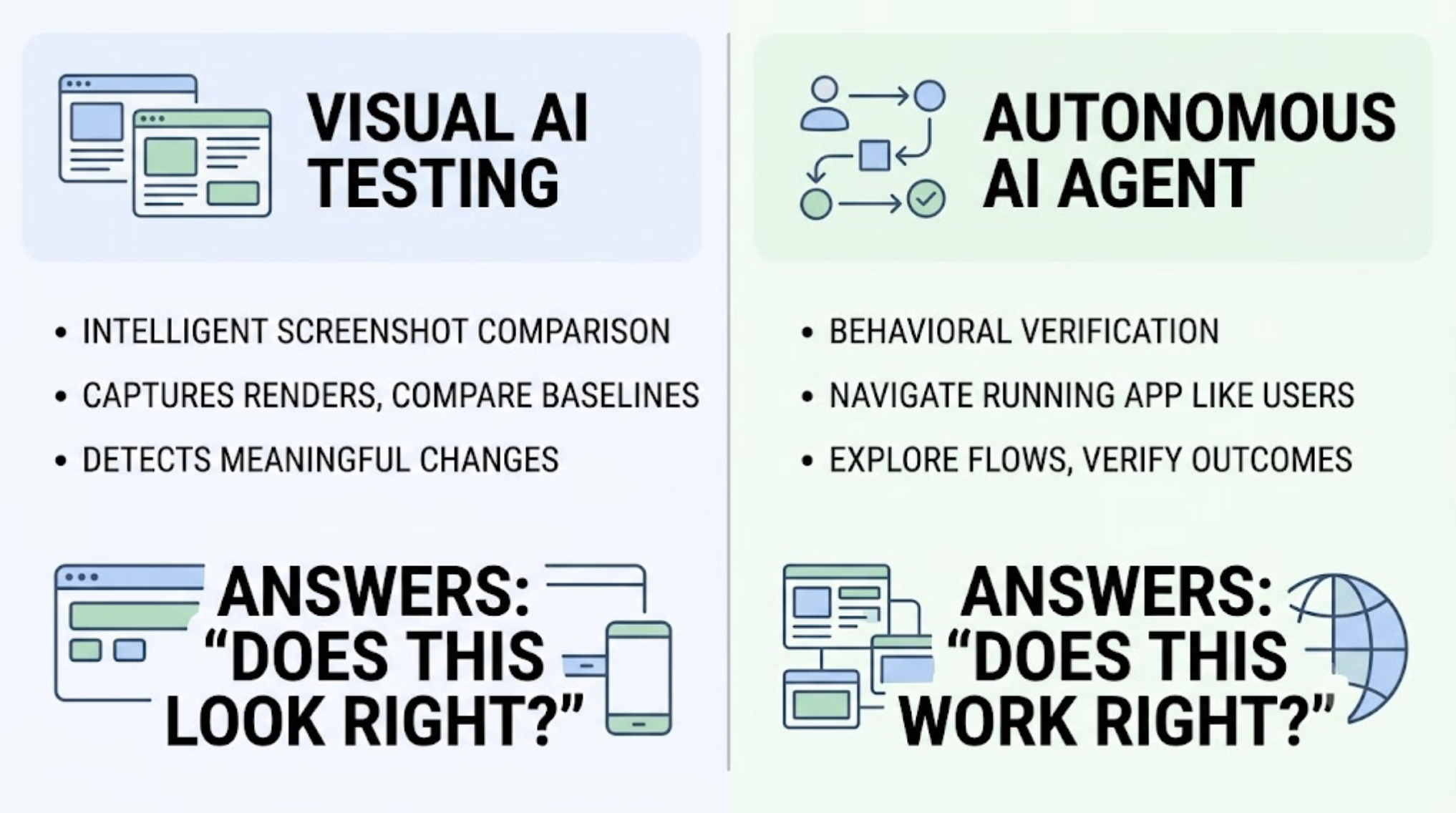
Applitools is a visual AI testing platform. Its core capability is intelligent screenshot comparison: capturing how your interface renders, comparing it against approved baselines, and using visual AI to distinguish meaningful changes from insignificant rendering noise. It answers the question "does this look right?" across browsers, devices, and viewports.
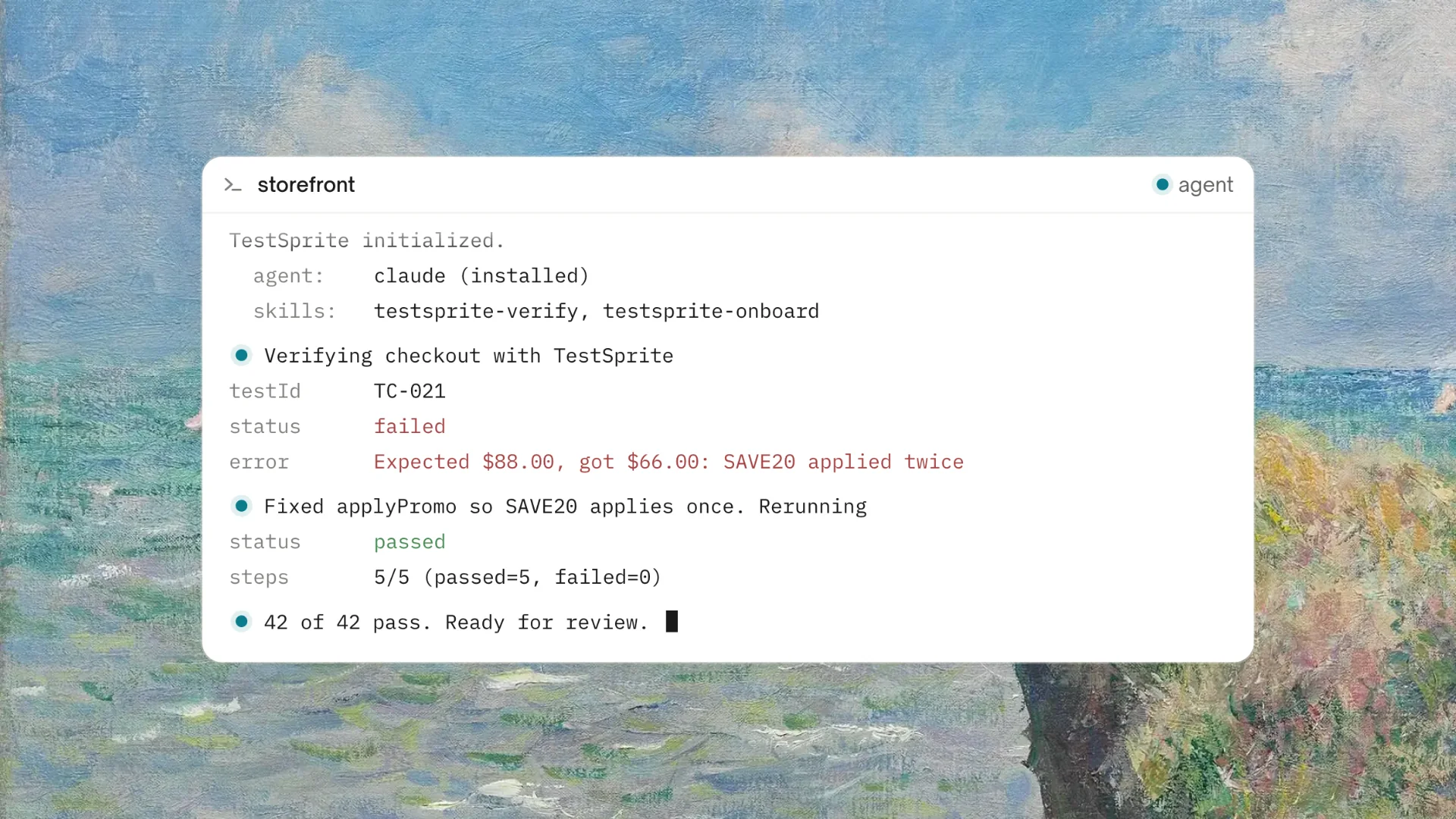
TestSprite is an autonomous AI testing agent. Its core capability is behavioral verification: navigating your running application the way real users do, discovering flows through exploration, and verifying that the product delivers correct outcomes. It answers the question "does this work right?" across the full product surface.
Different questions. Different failure categories. The decision framework below sorts out which one your team actually needs.
Start with Your Bug History
The fastest way to answer this question is to look at your last ten production incidents and categorize them.
Visual incidents: rendering broke in a specific browser, a layout collapsed at a certain viewport, a style regression made content unreadable, brand elements displayed incorrectly. If most of your incidents look like this, visual AI testing is addressing your actual risk.
Behavioral incidents: a flow stopped working, data displayed incorrectly, a form submitted but didn't save, an integration between two features broke, an API change broke a consuming component. If most of your incidents look like this, an autonomous testing agent is addressing your actual risk.
Most product teams, when they run this exercise honestly, find their incidents weighted heavily toward the behavioral side. The exceptions are teams shipping design systems, consumer brands where visual consistency is a business requirement, and products where cross-browser rendering directly affects revenue.
The Team Structure Question
The second factor is who operates the tool.
Visual AI testing platforms involve baseline management as an ongoing workflow. Screenshots get captured, differences get flagged, and someone reviews the flagged differences to approve intentional changes and investigate unintentional ones. For teams with QA capacity, this review workflow is manageable and the visual coverage is thorough.
For teams without dedicated QA, the review queue becomes a burden that competes with building. Every intentional redesign generates a wave of diffs to approve. Every AI coding session that touches styling adds to the queue.
TestSprite operates without a review queue. Its agents verify behavior, and behavior doesn't need baseline approval.
Other verification tools read your code and guess. TestSprite opens your app and uses it.
Through the TestSprite MCP Server, one instruction inside Cursor, Claude Code, Windsurf, or VS Code triggers the full pipeline. The agents explore the product, run the flows, and return findings to the IDE. A Cursor session that restyles half the interface produces zero review work if the functionality is intact. A session that breaks a flow produces one specific finding.
For solo developers and small teams using AI coding tools, this operational difference usually decides the question by itself.
What Each Tool Catches That the Other Misses
Visual AI testing catches what behavioral testing doesn't look for: a component that works perfectly but renders illegibly in Safari, a responsive breakpoint that collapses the layout on tablets, a font loading failure that makes the pricing page look broken. The product functions. The presentation fails. For businesses where presentation is product, these are real incidents.
Autonomous behavioral testing catches what screenshot comparison can't see: the multi-step wizard that loses state on backward navigation, the export that contains unfiltered data while the filtered view displays correctly, the API contract break that makes a downstream component silently display wrong numbers. The presentation is fine. The product fails.
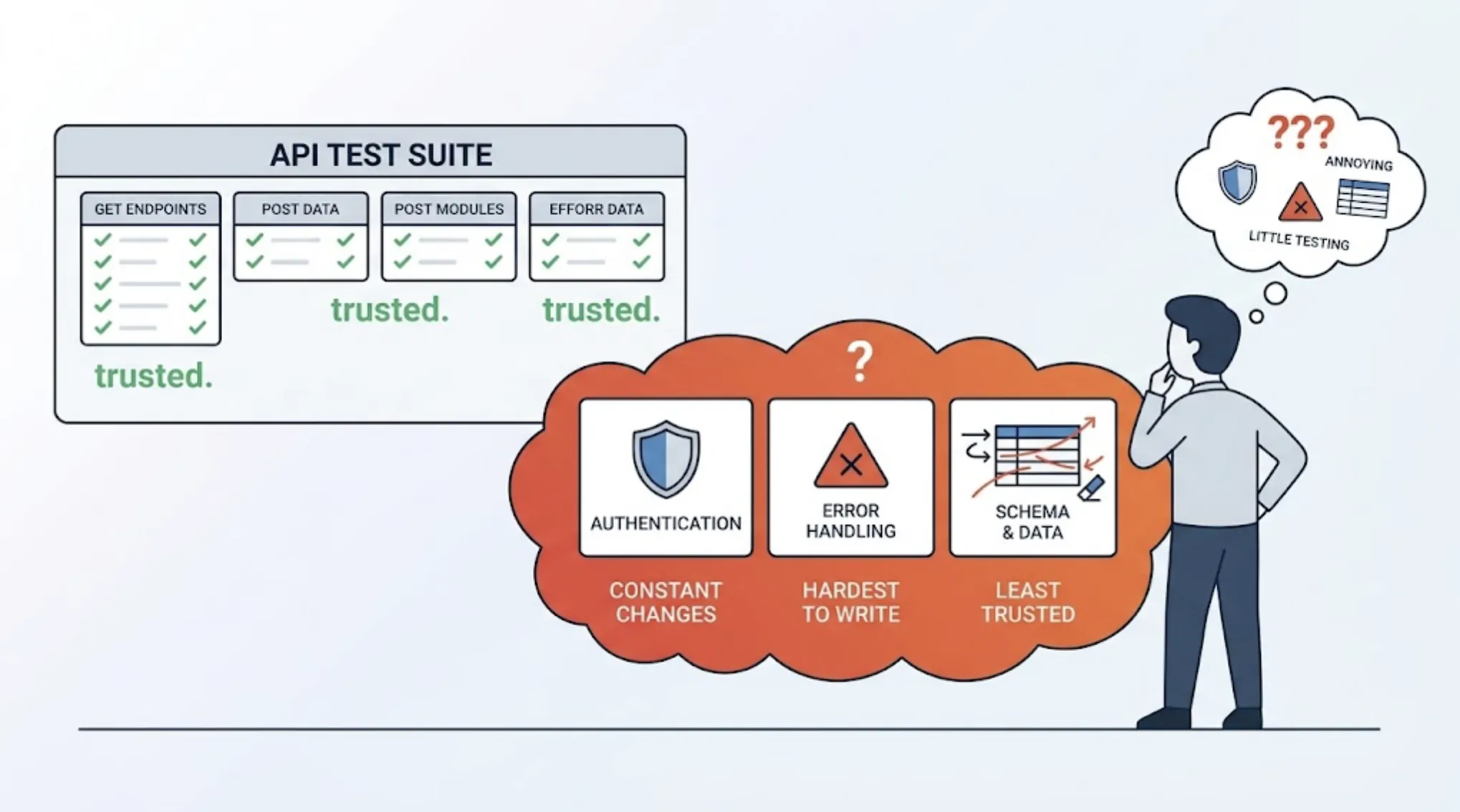
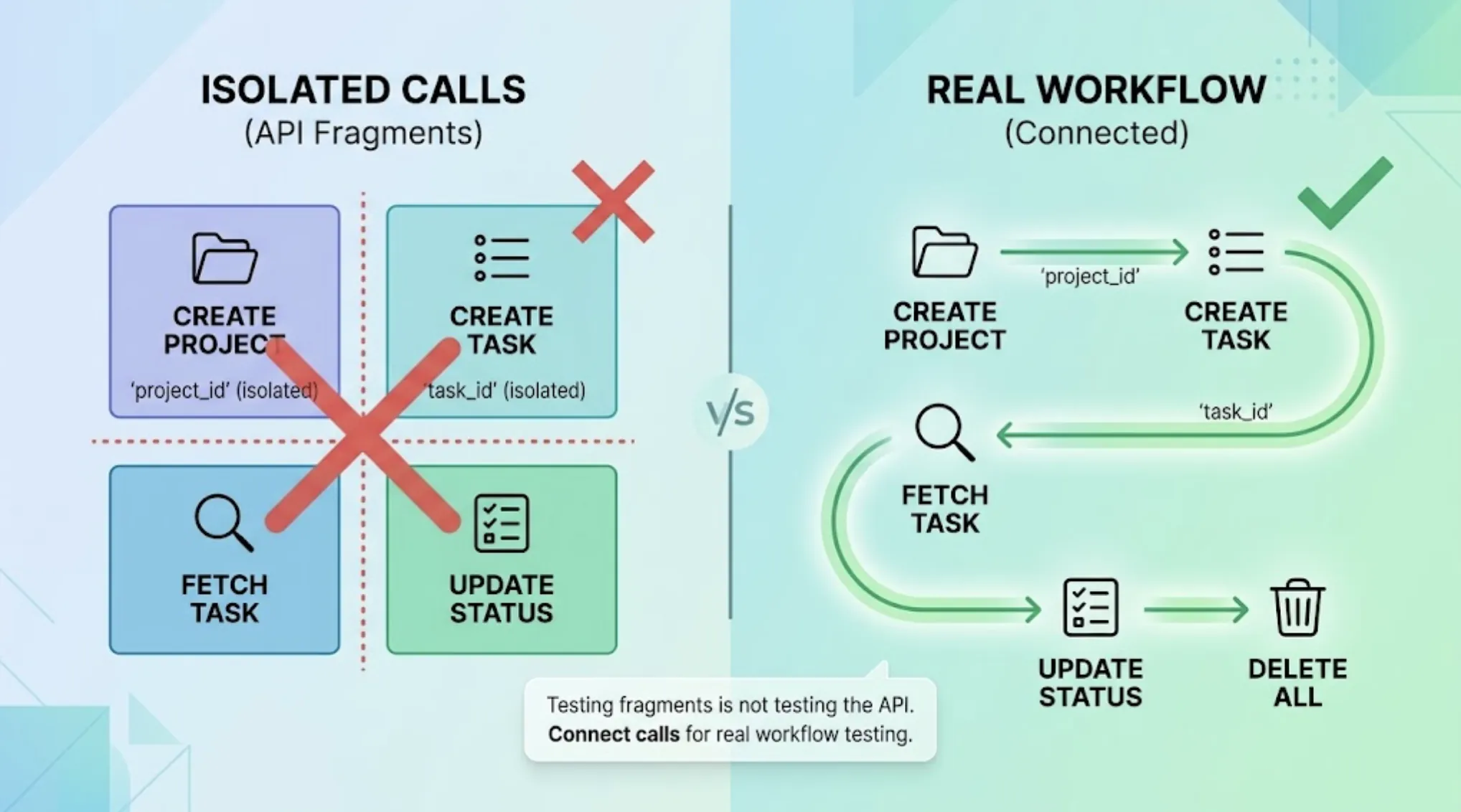
TestSprite's coverage extends to the backend, which visual testing structurally can't reach. Backend Testing 2.0 calls each API endpoint and observes the real response before generating assertions. When a Claude Code session changes a response structure, the deviation surfaces as a specific finding: which endpoint, which field, what changed. No screenshot exists for an API contract.
The Budget Reality for Small Teams
For early-stage teams, running two testing platforms is usually not realistic. The question becomes which single tool covers the larger share of actual risk.
For a two-person startup shipping a SaaS product with Claude Code, the risk profile is heavily behavioral: integration failures between AI coding sessions, state management bugs, API contract breaks, flows that break in ways nobody anticipated. Visual polish matters, but a founder's manual review before launch catches the egregious visual problems, while behavioral failures hide until users hit them.
TestSprite's free plan provides 150 credits per month with no credit card required, which makes the evaluation cost zero. Paid plans start with Starter at $19/month, with Standard at $39/month and Pro at $69/month for teams testing more often.
Teams that grow into genuine visual regression requirements, typically when they establish a design system or when cross-browser consistency becomes a customer-facing commitment, can add dedicated visual testing at that point. Starting with behavioral coverage matches where the early risk actually lives.
A Scenario: The Incident That Sorted the Question
A four-person team building a legal document platform was evaluating both categories. Their product renders complex documents in the browser, so visual fidelity seemed important. They ran a one-month trial of the parallel approach: visual baseline testing alongside TestSprite connected to their Claude Code workflow.
During the month, the visual testing flagged forty-two differences. Forty were intentional changes from an ongoing redesign, each requiring review and baseline approval. Two were minor rendering shifts that didn't affect readability. Zero were incidents users would have reported.
TestSprite surfaced three findings in the same period.
The first: a Claude Code session that updated the document sharing feature broke the permission inheritance for documents inside shared folders. Documents shared through a folder were accessible through direct links even after the folder's sharing was revoked. The agents found it by revoking folder access and then attempting direct document access, which is exactly what a security-conscious admin would verify.
The second: the document version history displayed versions in the wrong order after a sorting refactor. Newest-first became oldest-first in one view but not the other.
The third: the PDF export produced documents with the correct content but the wrong document title in the file metadata, pulling from a field that a backend session had repurposed.
All three were behavioral. All three would have reached users. None had a visual signature that screenshot comparison would flag.
The team kept TestSprite and dropped the visual platform. Their conclusion: for their bug profile, behavioral coverage was where the risk lived. Visual review stayed a manual step before major releases, which their designer handled in an hour.
Conclusion
Visual AI testing and autonomous testing agents solve different problems. The right choice follows from an honest look at your incidents, your team structure, and your budget.
If your production incidents are rendering failures and visual consistency is a business requirement, visual AI testing addresses your actual risk, and the baseline review workflow is a fair cost for that coverage.
If your incidents are behavioral, flows breaking, data displaying incorrectly, integrations failing after AI coding sessions, an autonomous testing agent covers where your risk actually lives. TestSprite provides that coverage from one instruction inside your AI IDE, with no baseline queue to manage and backend verification that visual tools structurally can't provide.
For most teams building with AI coding tools, the behavioral side is the larger risk. Start there.
Try TestSprite's free plan and see what it finds in your product today.